21 · Preview
Presets & settings
Saved parameter sets and both Settings panes.
Presets (toolbar) save and recall complete parameter sets — tools, feeds, depths, heights, origin — useful per material or per machine. Save Current as Preset… names the current values; picking a preset applies it (and puts every drill file on the preset's drilling settings); Delete Preset removes one. Applying a preset is undoable.
Settings (⌘,) has two panes:
General
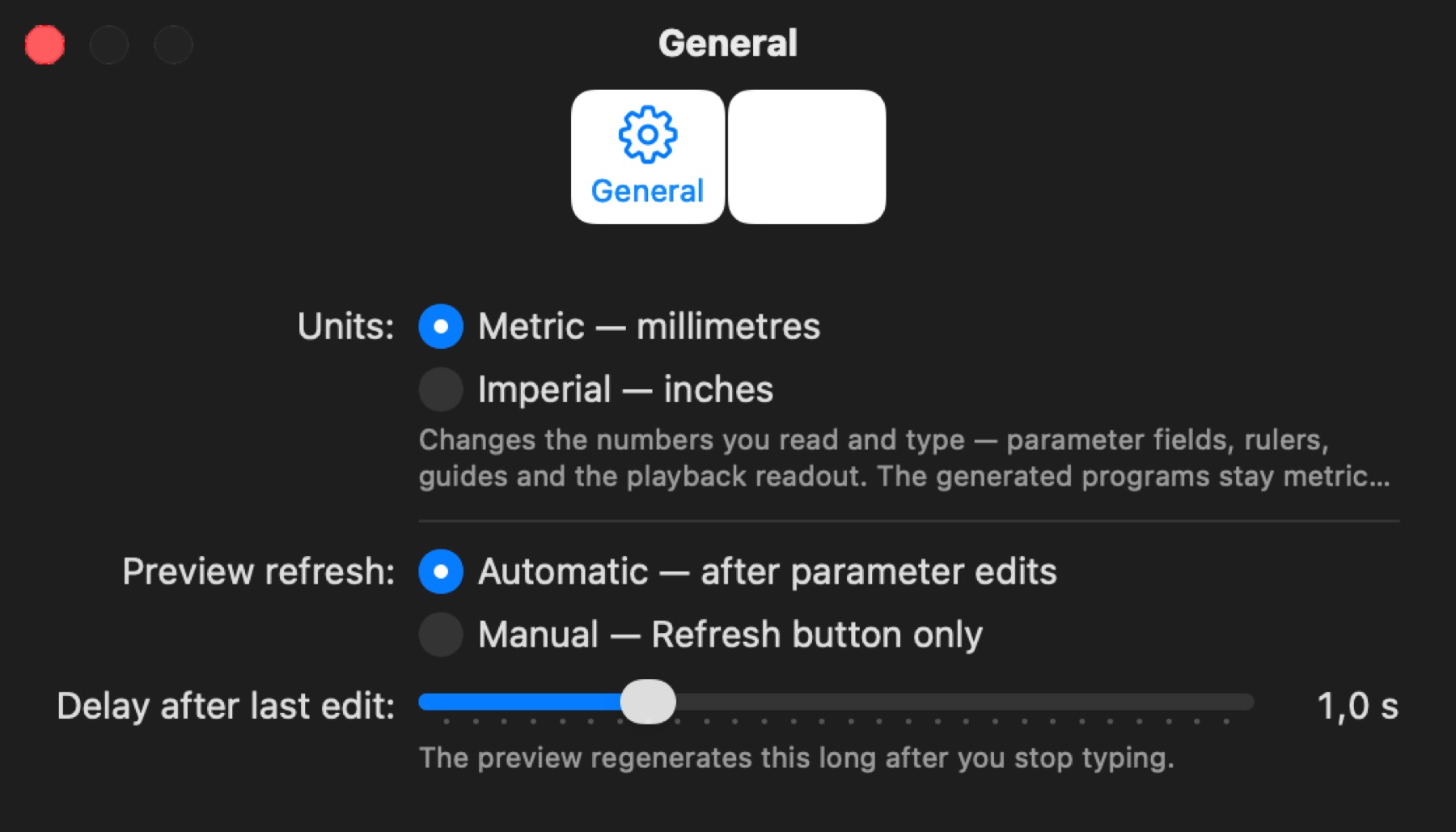
- Language — System (follows macOS) or English, French, Spanish, Turkish, for the interface and the built-in guide. Takes effect at the next launch. The guide window also has its own language menu.
- Units — Metric (millimetres) or Imperial (inches). Changes the numbers you read and type: parameter fields, rulers, guides and the playback readout. The generated programs always stay metric (
G21). - Preview refresh — Automatic regenerates the preview after parameter edits, once you stop typing for the Delay after last edit; Manual only on the Refresh button. The "Out of date" badge marks a stale preview either way.
Machine
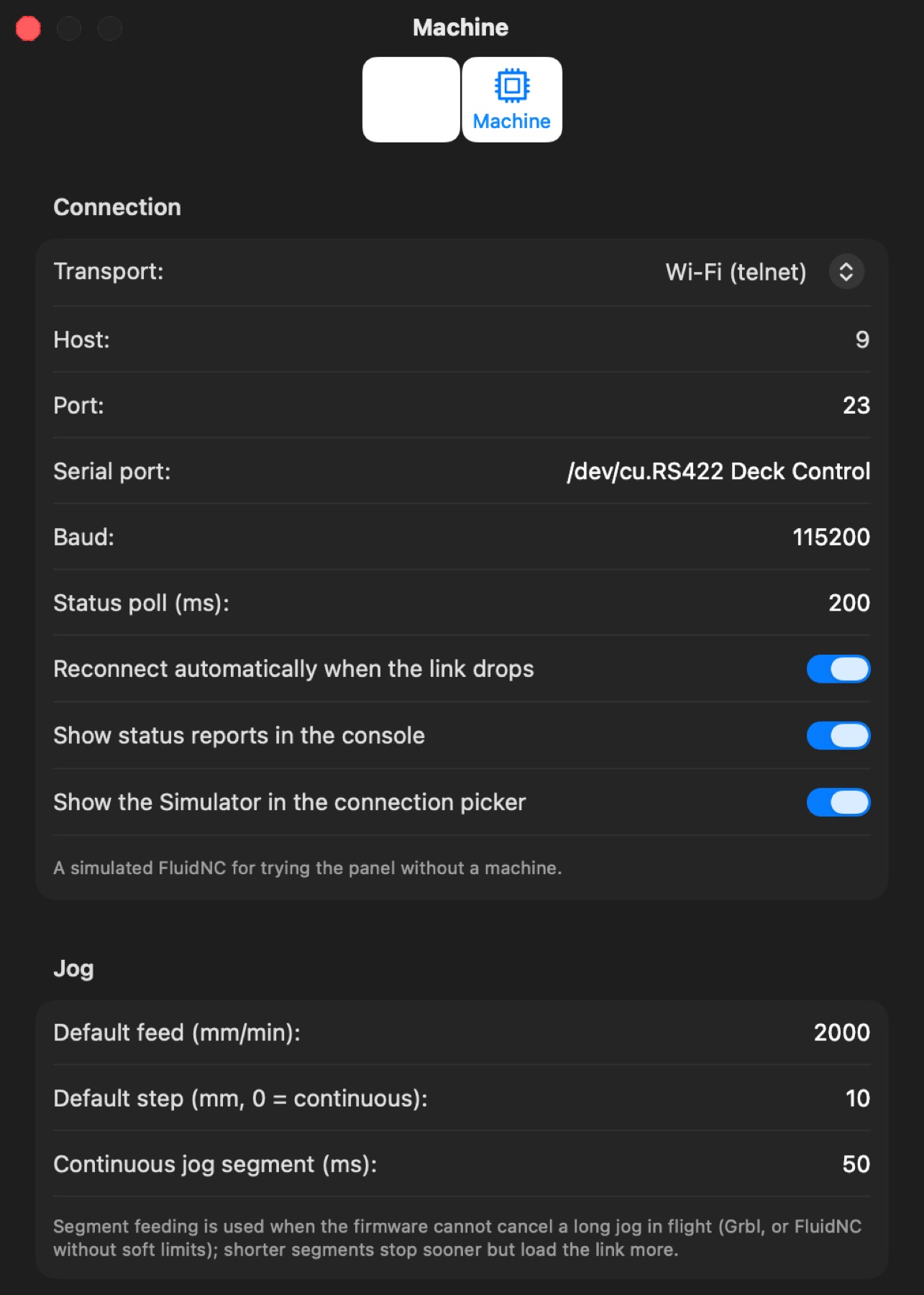
- Connection — Transport (Wi‑Fi telnet for FluidNC, USB serial for any Grbl-type controller, or the built-in Simulator), Host and Port, Serial port and Baud (115200), Status poll interval (200 ms = 5 reports a second), Reconnect automatically when the link drops, Show status reports in the console, Show the Simulator in the connection picker.
- Jog — the feed and step the panel starts with, and the segment length for continuous jogging on firmware that cannot cancel a long jog.
- Z probe — fast and slow feeds, maximum travel, retract, plate thickness (the same values as on the Probe tab).
- Motion — safe work Z for Go to Work Zero, Safe Z below the top of travel (also the parked height for tool changes), spindle minimum and maximum for the panel's Spindle button, spindle warm-up before resuming.
- Programs — Apply backlash compensation when sending, Confirm before continuing after a tool change, Save the work zero when a program is sent (a Work entry in the Positions tab named after the program and the time; the newest 20 automatic entries are kept), the stream window (how many unacknowledged bytes stay in flight; 0 = automatic: 128 on USB serial, 512 over Wi‑Fi, or the receive buffer the controller reports — raise it when arcs and round corners run slower than the feed over Wi‑Fi, keep a Grbl board on USB at 128), Send circles as arcs (G2/G3) (chains of 0.07 mm chords that lie on a circle are sent as one arc each — only the sent copy changes, so the same program can be compared both ways; the Program tab's notes count the arcs), the Z below which the height map applies.
- Axis calibration (steps/mm) — see Axis calibration under Machine panel.