25 · Help
Troubleshooting
What to do when a preview fails or a cut looks wrong.
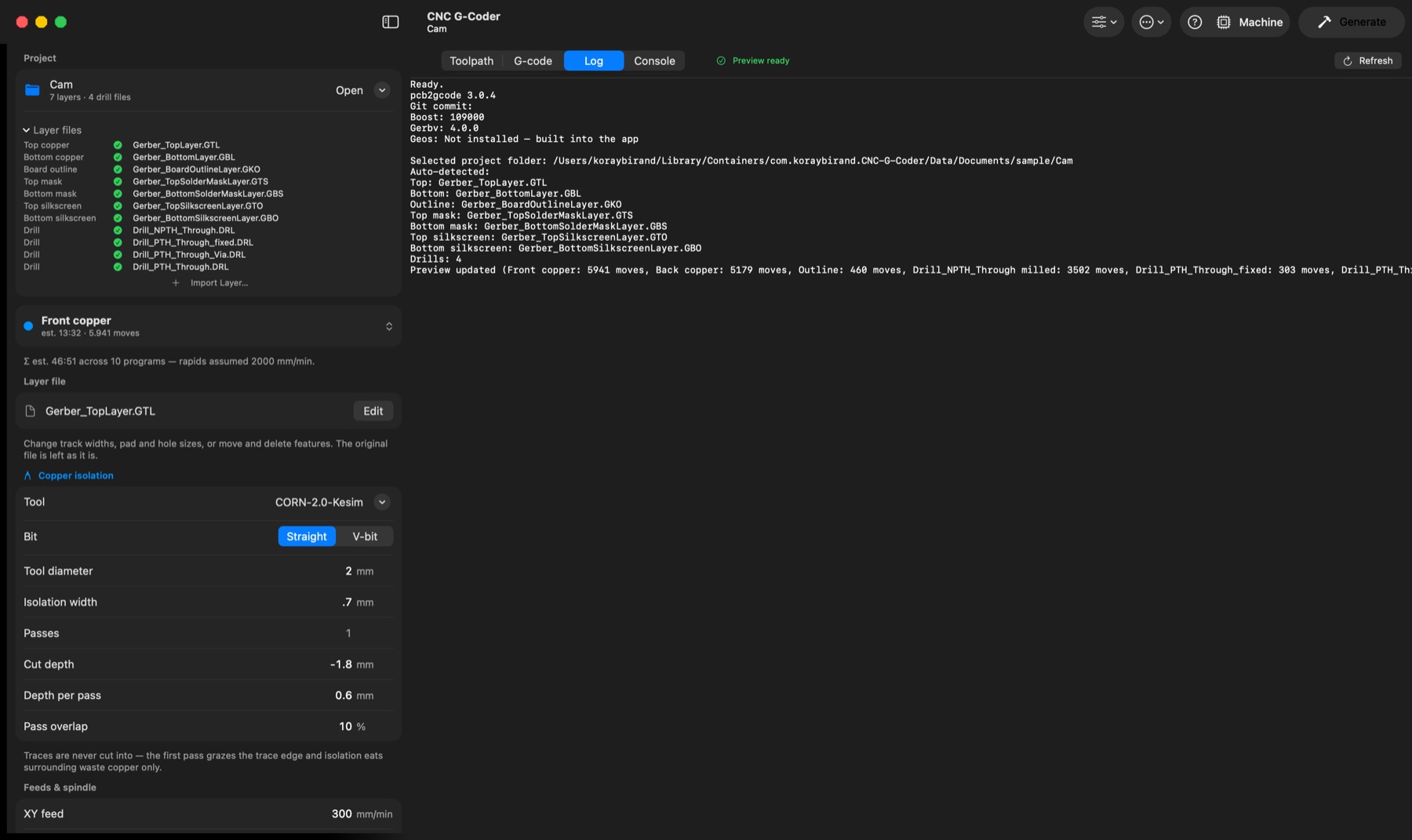
- pcb2gcode missing → only in builds made without it; the native engine takes over (Machine setup → Toolpath engine). Normal builds carry pcb2gcode inside the app — nothing to install.
- Preview failed → the Log tab has the full output with per-step timings; the error is at the bottom.
- Uncut gaps between close traces → tool too wide to fit; pcb2gcode warns in the Log. Reduce effective tool diameter or increase design clearance.
- Mask opening not cleared → opening smaller than the mask tool, or a hand-entered Clear width < half the opening (turn "Clear width from the mask layers" back on).
- Slow generation → mask Clear width too large, or very wide isolation width.