Complete PCB workflow
Isolation on both sides, drilling, cutout with bridges, solder mask and silkscreen — one Generate writes every program.
CNC G-Coder
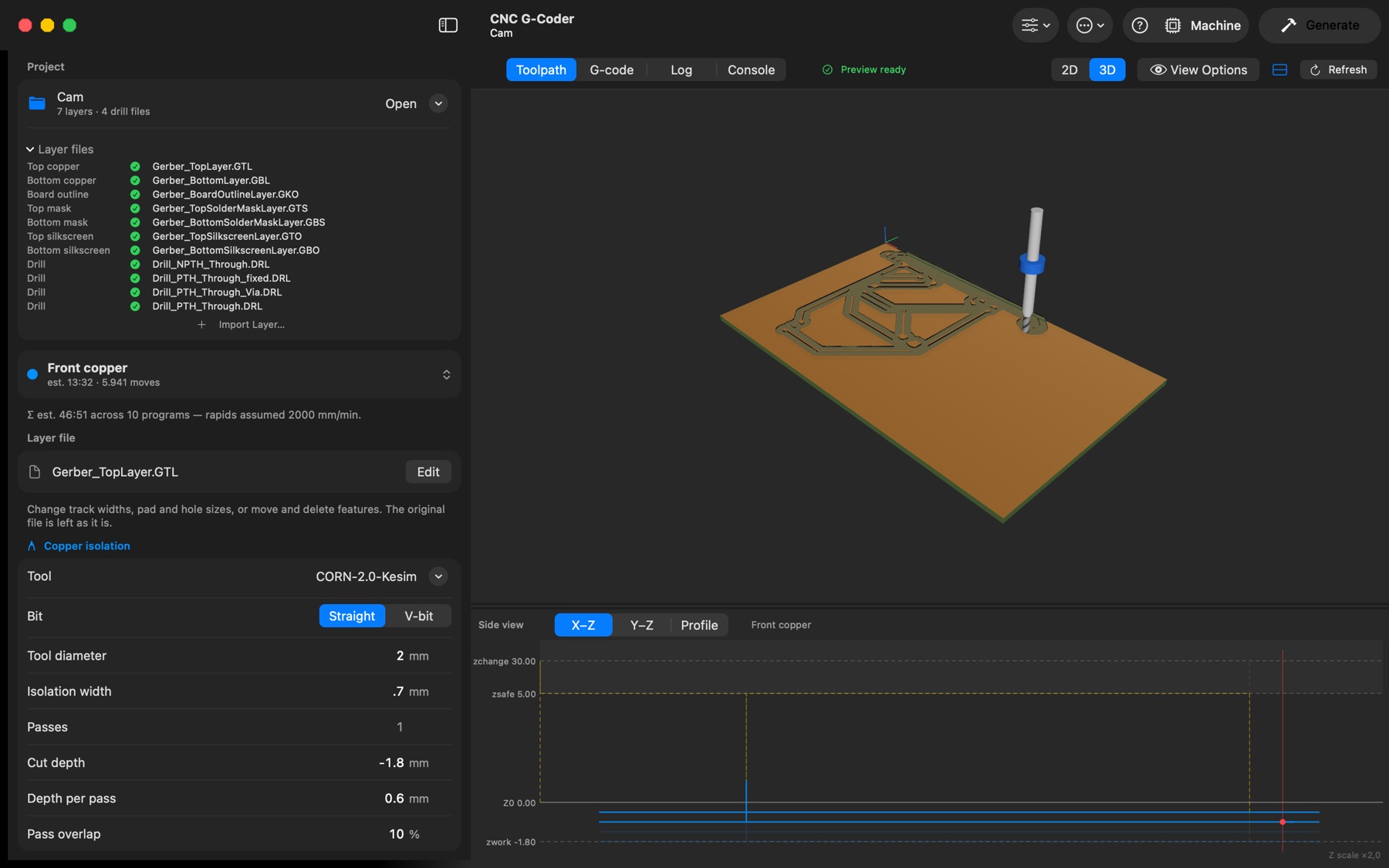
A 3D view of the board, the cut channels and the bit.
Introducing CNC G-Coder
Native macOS app built with SwiftUI. Toolpaths computed on your Mac. No account, no subscription.
Isolation on both sides, drilling, cutout with bridges, solder mask and silkscreen — one Generate writes every program.
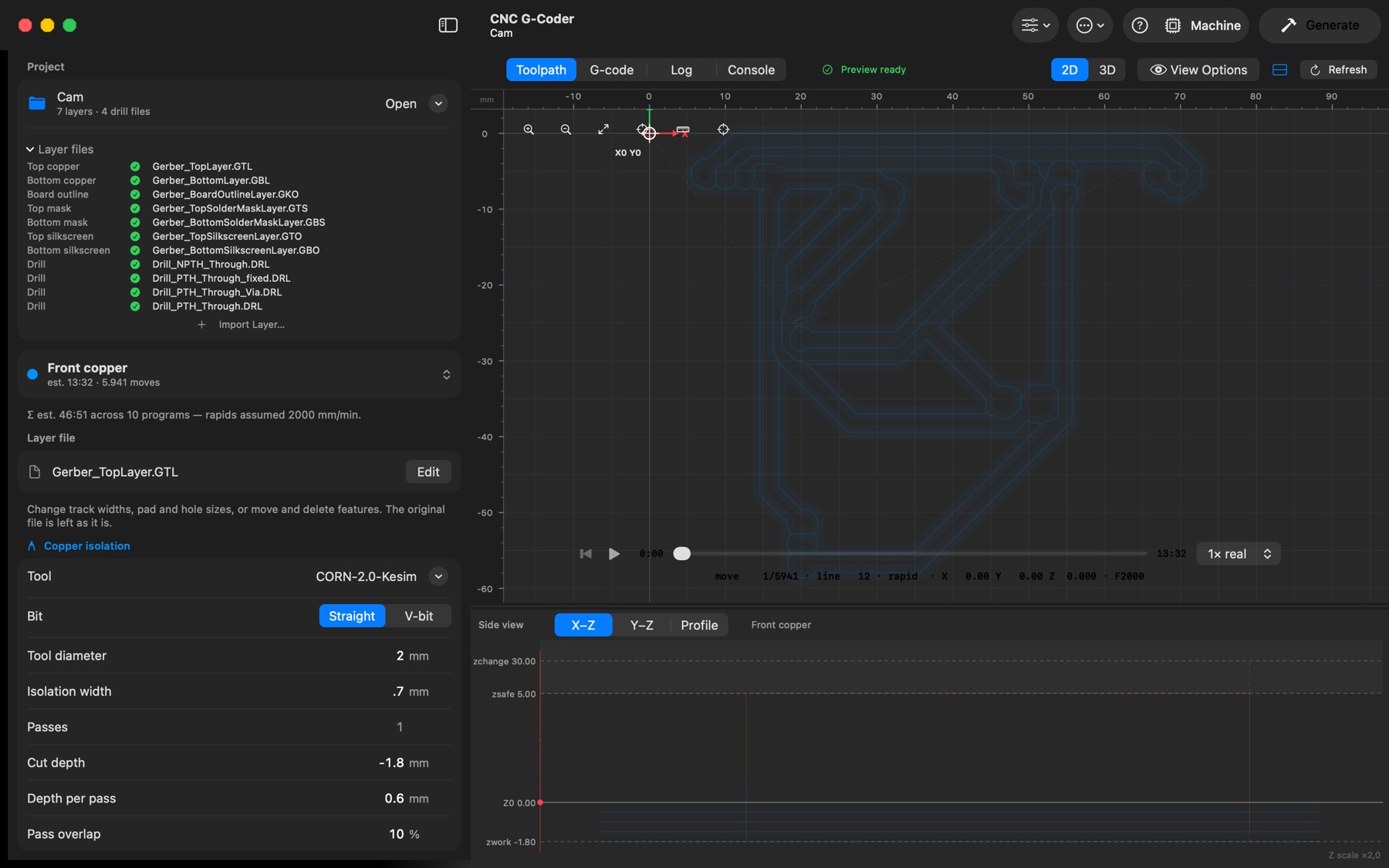
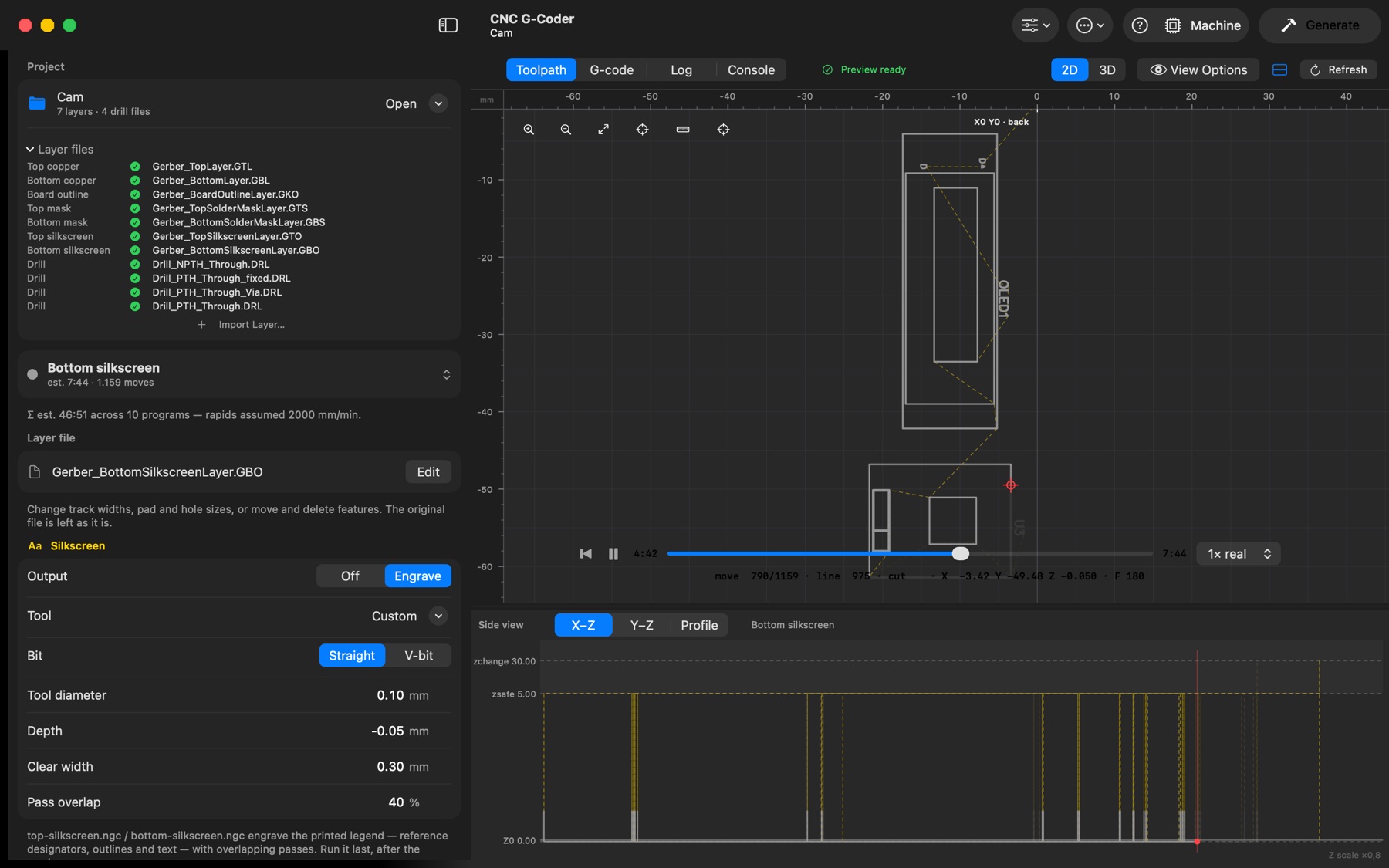
Real cutter width in 2D, a 3D board, playback at feed rate and a side view for every depth.
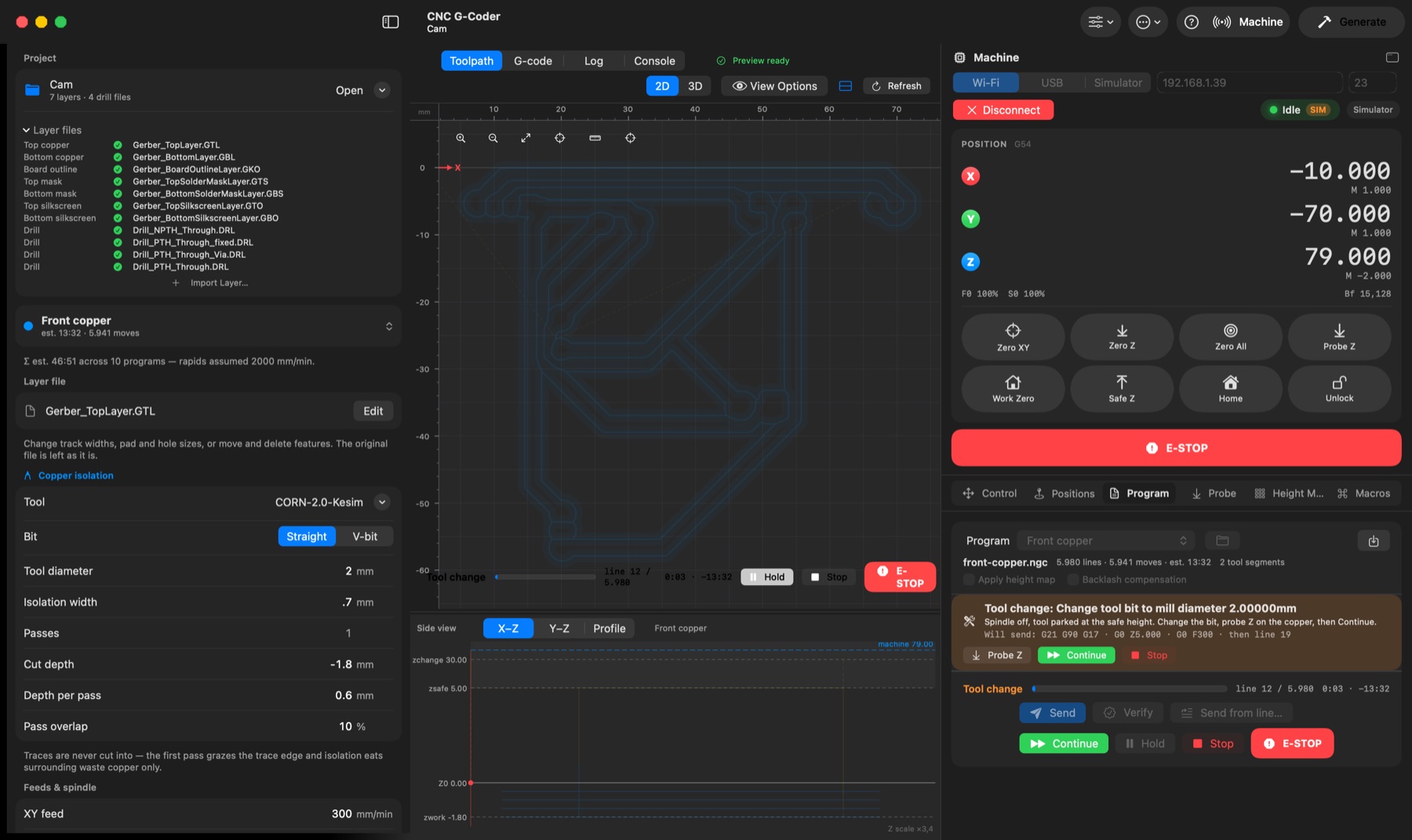
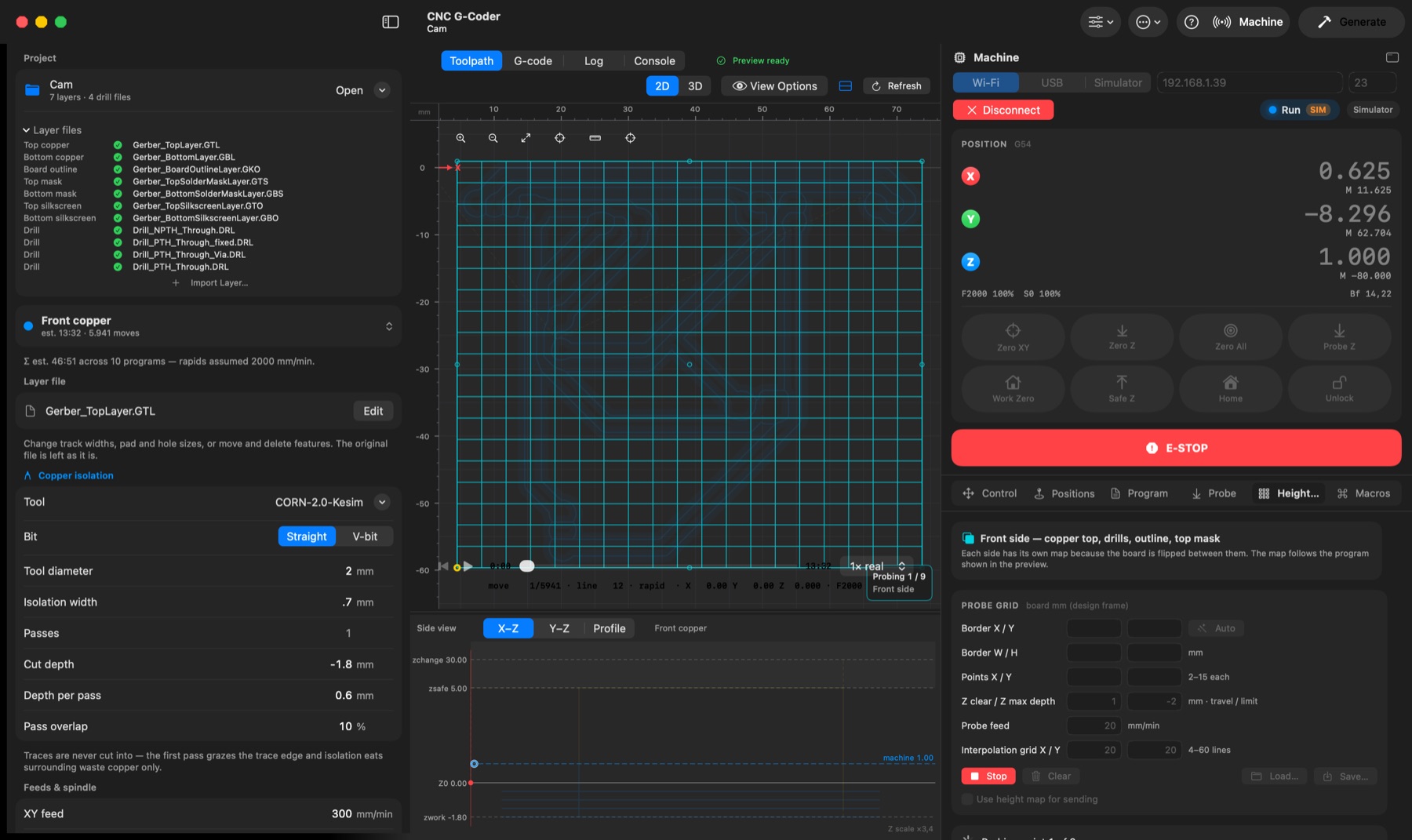
A built-in sender for GRBL, FluidNC and Carvera: jog, zero, probe, height maps, stream.
Most PCB mills fail on the first board because a V-bit cuts wider than its tip. CNC G-Coder treats every diameter as the effective width at depth, mills a test board to measure it, and shows you the result before a single bit touches copper.
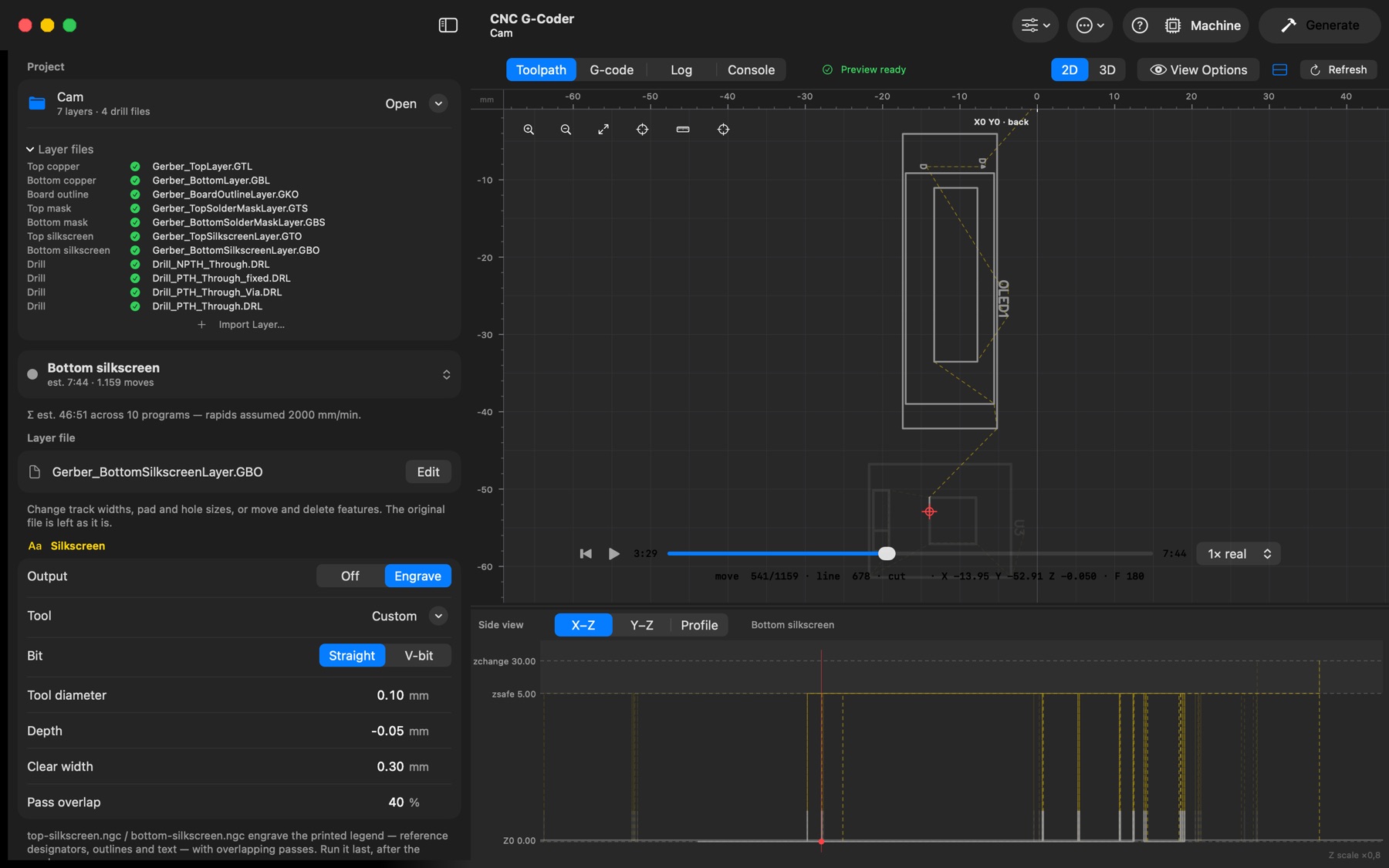
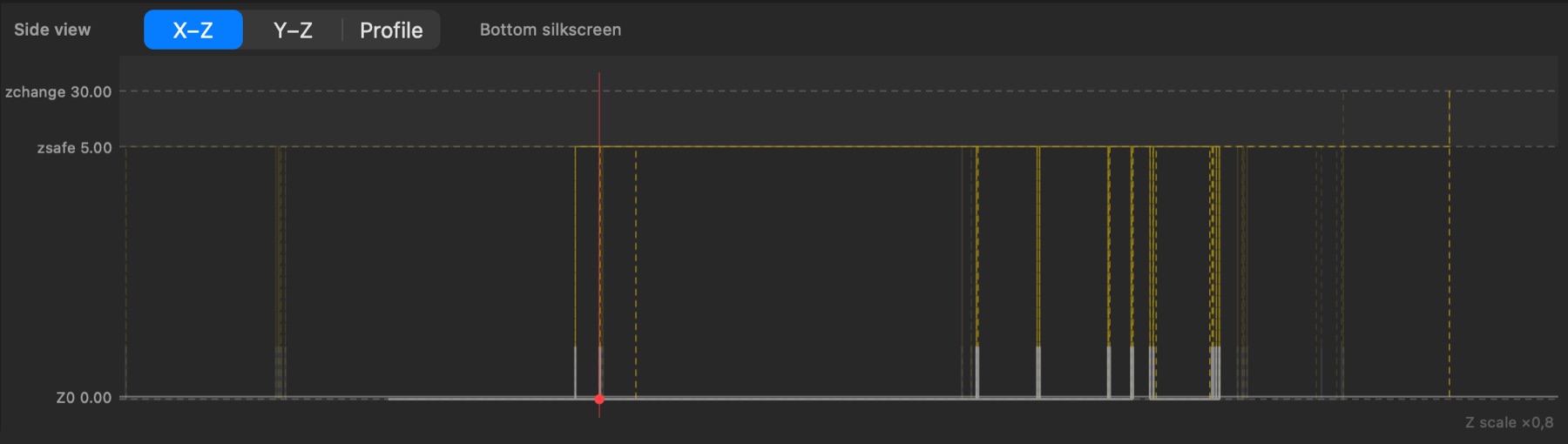
EasyEDA and KiCad exports are recognised by file name; the Log tab shows which file was taken for each layer.
The back is mirrored for the flip. Zero once for the front, once after flipping.
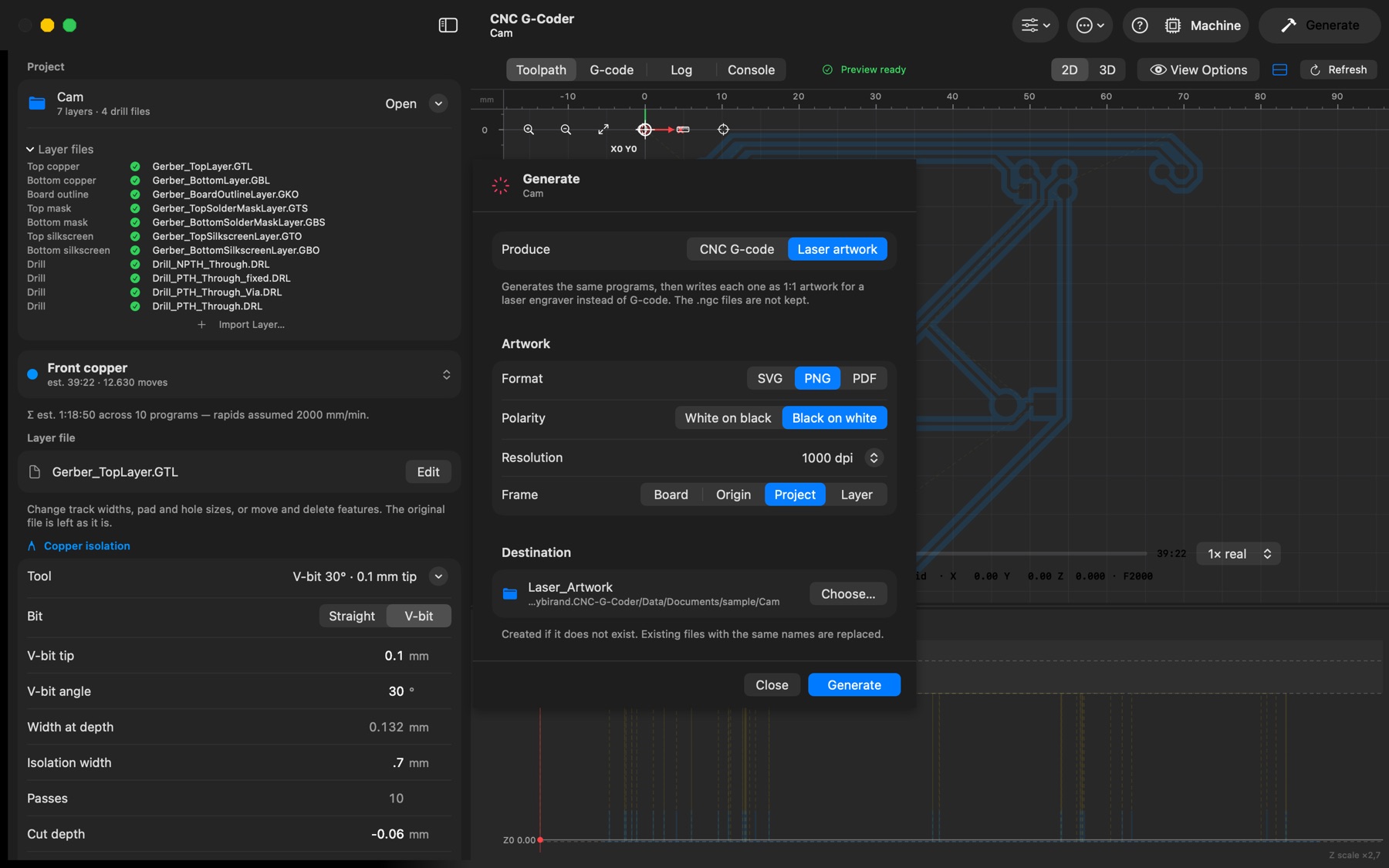
Every program — isolation, drilling, cutout, mask, silkscreen — written to the folder you choose.
Carvera, Carvera Air or Z1: one .cnc file per machine session, in the right order.
Tool changes become T<n> M6, with the rack list at the top of every file.
Makera’s own cutting data for fifteen materials, built in.
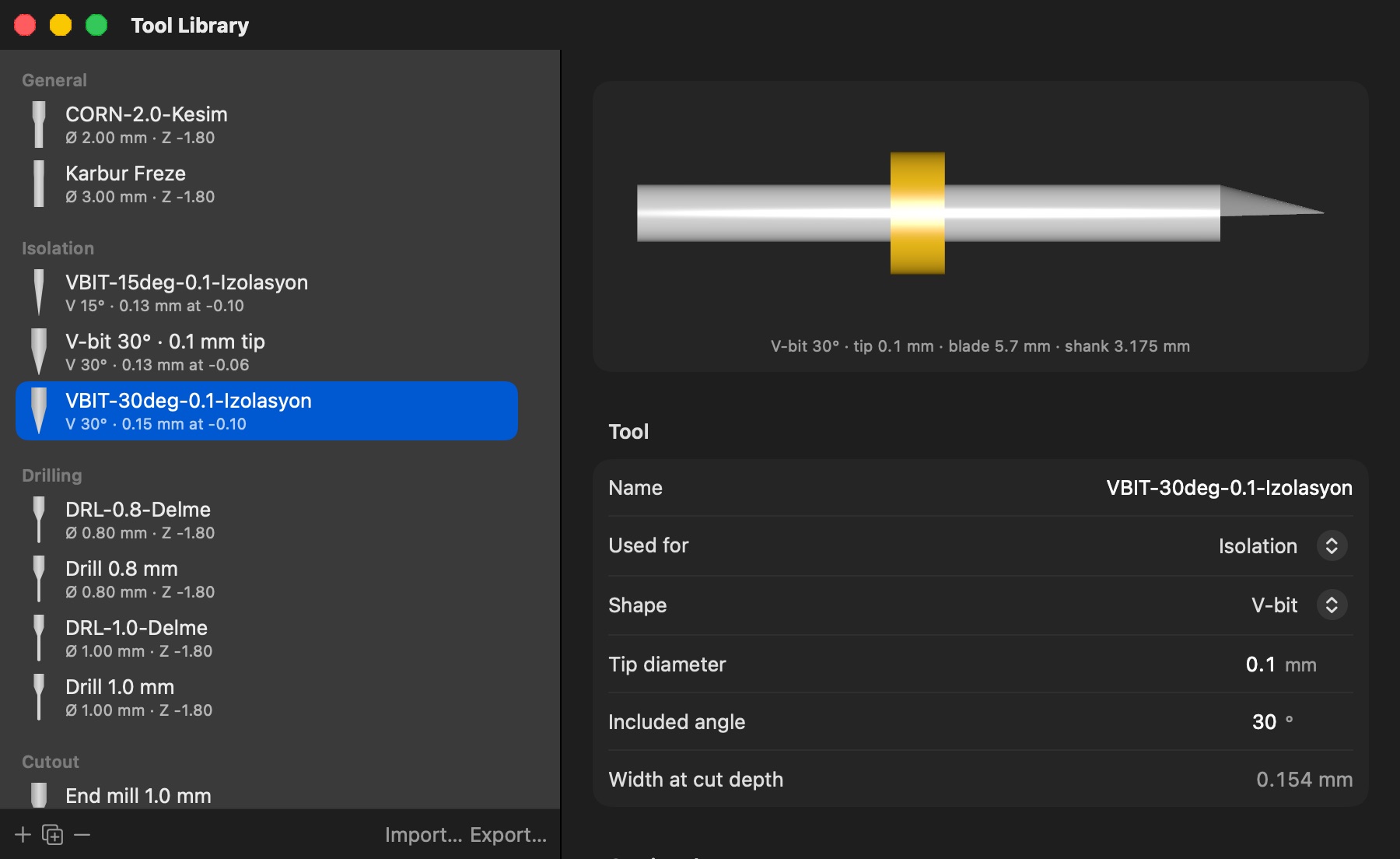
Real cutter width, drill hits and bridge tabs; a 3D board with the bit at the playhead.
Feed-rate accurate, with machining-time estimates per program and per board.
Rapids through the air, feed only near the board — often half the time.
GRBL 1.1, FluidNC and Carvera. Follow the job live in the preview.
Two-pass Z touch-off and height maps that warp the program to the real surface.
Learn the panel without a machine.
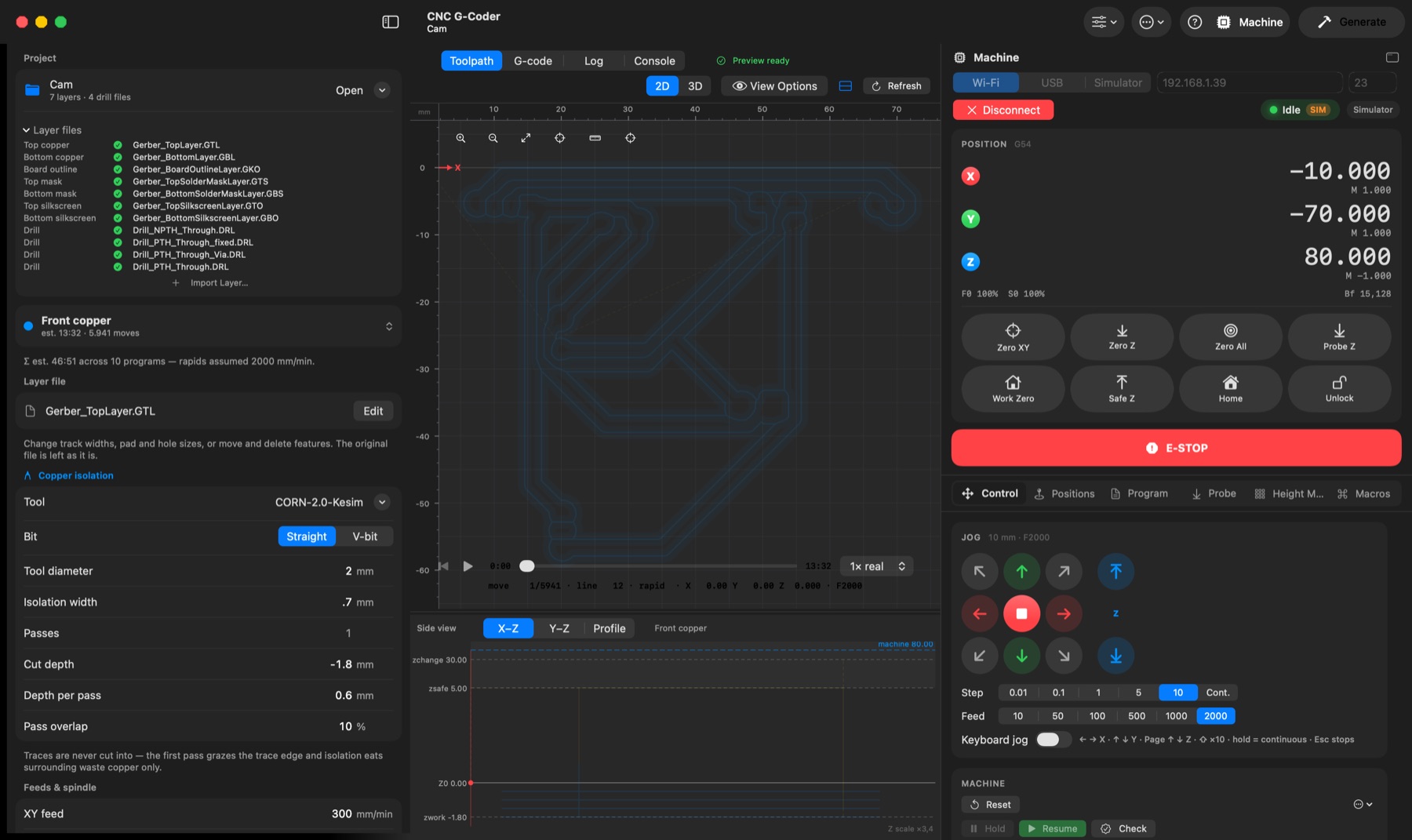
One app, from Gerber to finished board.
Requires macOS 26 on Apple silicon · English, Français, Español, Türkçe