19 · Preview
Measuring & undo
The tape measure and the app-wide undo history.
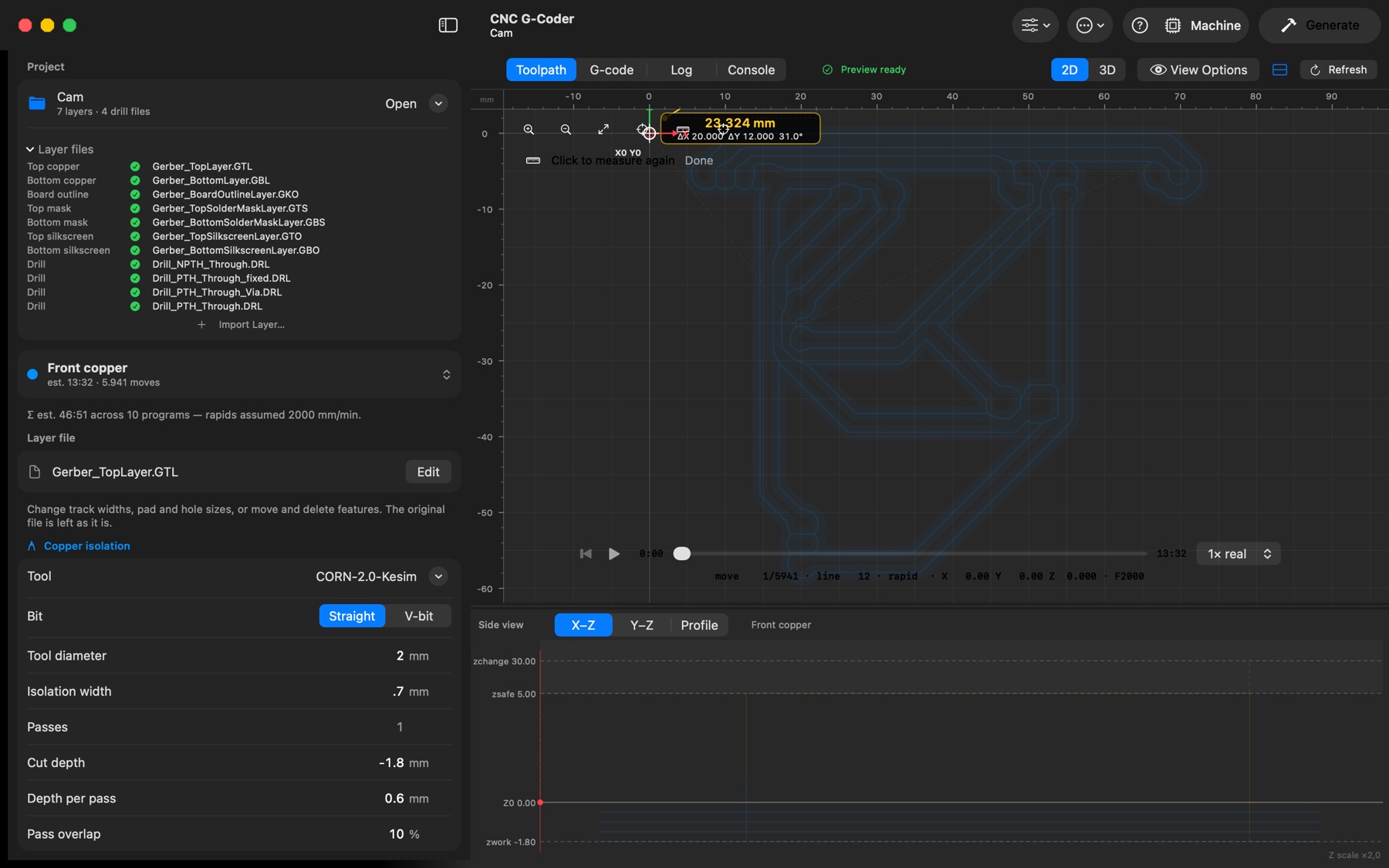
Measure. the ruler button at the top right of the 2D view (or M while the view has focus) turns on the tape measure, on any layer. Click two points — or drag between them — to read the distance, ΔX, ΔY and angle. It snaps to toolpath corners, drill holes, drawn shapes, the origin, guides and (with Snap to Grid) the grid; Shift keeps the line horizontal, vertical or at 45°. Esc clears the measurement, then leaves the tool.
Undo. Edit → Undo / Redo (⌘Z / ⇧⌘Z) step through one history for the whole app — parameter edits, tools and presets being applied, the origin being moved, layer files imported, replaced or removed, and every drawing edit. Opening another project starts a new history.