20 · Preview
G-code, Log and Console tabs
The program text, the generation log and the machine console.
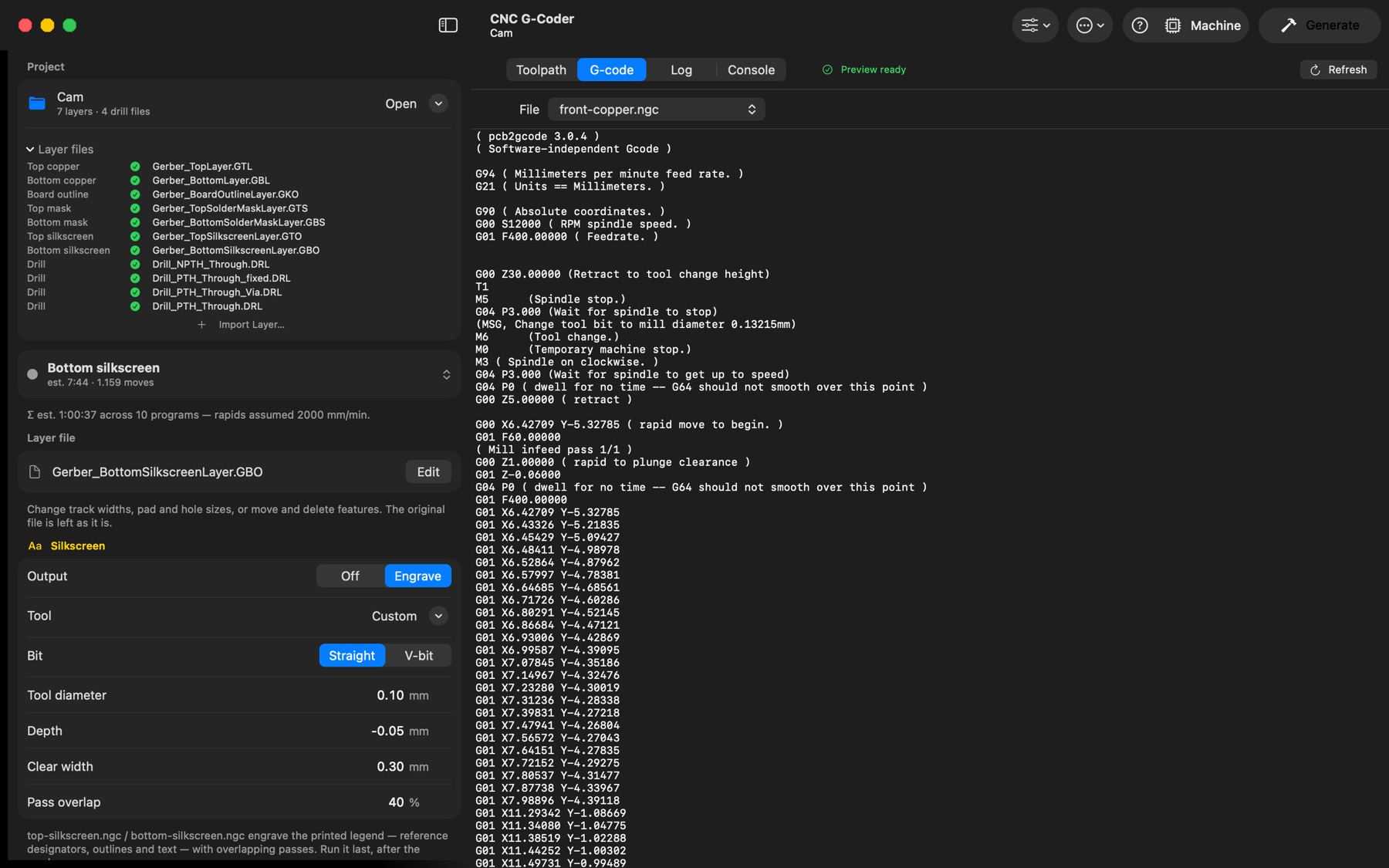
The tabs above the preview switch the main area:
- Toolpath — the 2D/3D preview described above.
- G-code — the text of the selected program (the File menu at the top picks any generated program). During playback and while a program is streamed, the current line is highlighted and kept in view. Files over 8 MB show their first 8 MB.
- Log — everything pcb2gcode and the native engine printed, one step at a time with timings; warnings start with
WARNING:, failures withERROR:and the error is at the bottom. The pcb2gcode version and the auto-detected files are logged when a project opens. When a preview fails, the preview pane offers Show Log and Try Again. - Console — the machine console: every line sent to and received from the controller. Show status reports includes the
?polls and<…>reports (several per second — useful for diagnosing, noisy otherwise); Clear empties the view. The command field sends a line as typed on Return ($G,G0 X10,$/axes/x/max_travel_mm…); a single character such as!,~or?is sent as a real-time byte; ↑ and ↓ recall earlier commands. The field is locked while a program runs.