03 · Getting started
Tools & V-bits — read this first
Why every diameter must be the effective cutting diameter at depth.
Important
Every diameter you enter must be the effective cutting diameter at depth, with the exact bit you machine with.
- Straight/end-mill bits: effective = printed diameter, enter as-is.
- V-bits (the usual isolation choice — 0.1 mm straight bits snap easily): the cone widens with depth:
effective ≈ tip + 2 × |cut depth| × tan(half-angle)
For a 0.1 mm tip at −0.06 mm: 30° V ≈ 0.13 mm · 60° V ≈ 0.17 mm · 90° V ≈ 0.22 mm.
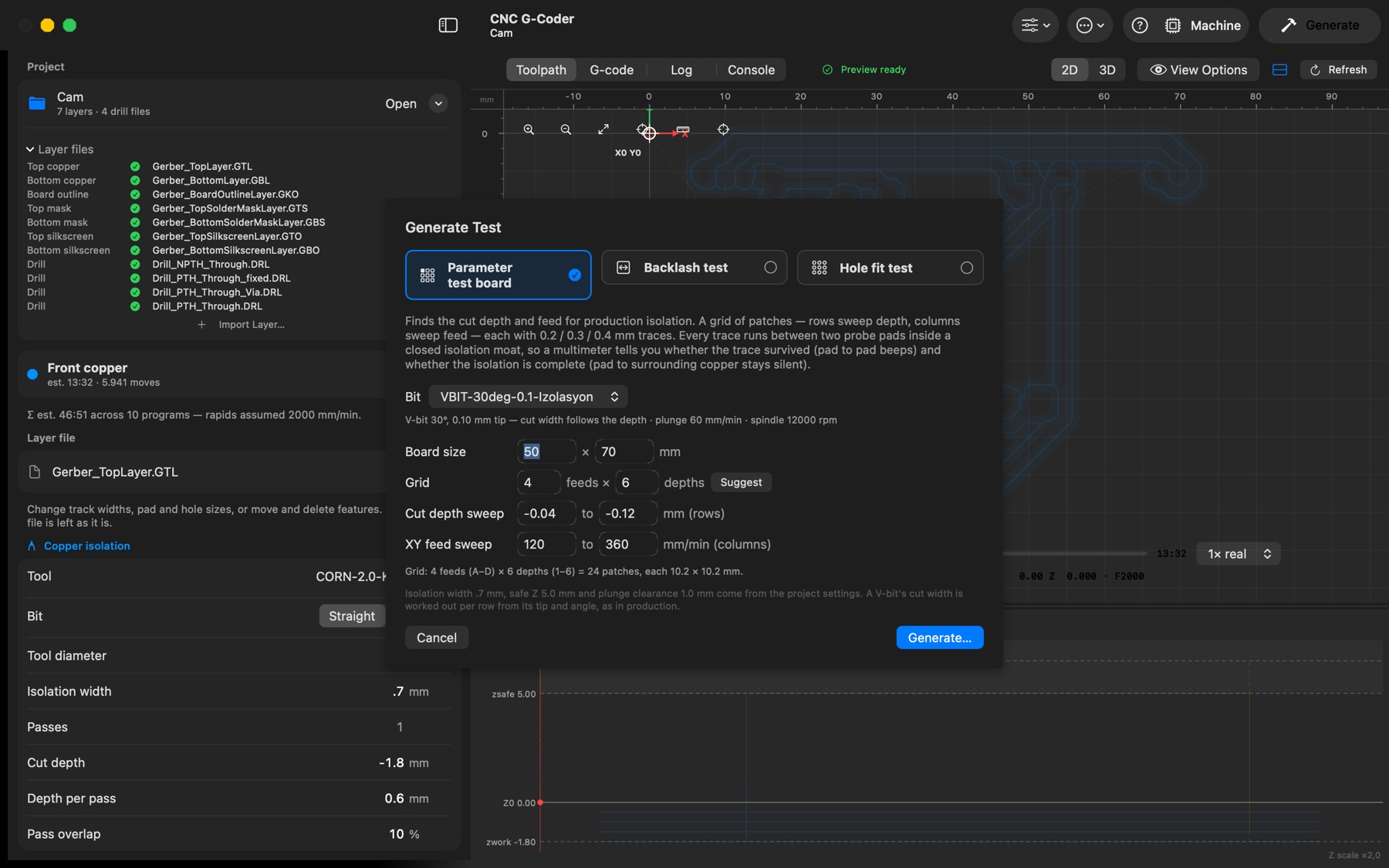
Entering the tip size instead makes every trace thinner than designed and the isolation narrower than requested — silently. - Verification: mill a test board (File → Generate Test Board…) and measure the 0.2 mm test trace. If it measures ~0.13 mm with a 60° V-bit entered as 0.1, your effective diameter is ~0.07 mm larger than entered — fix the parameter, not the design.
- V-bit mode: set Bit → V-bit on isolation, mask or silkscreen and enter tip and angle instead; the width at depth is worked out (and follows the cut depth) for you.