Keyboard Shortcuts
Every command can have its own keys. Color Science Lab ▸ Edit Keyboard Shortcuts… opens the editor.
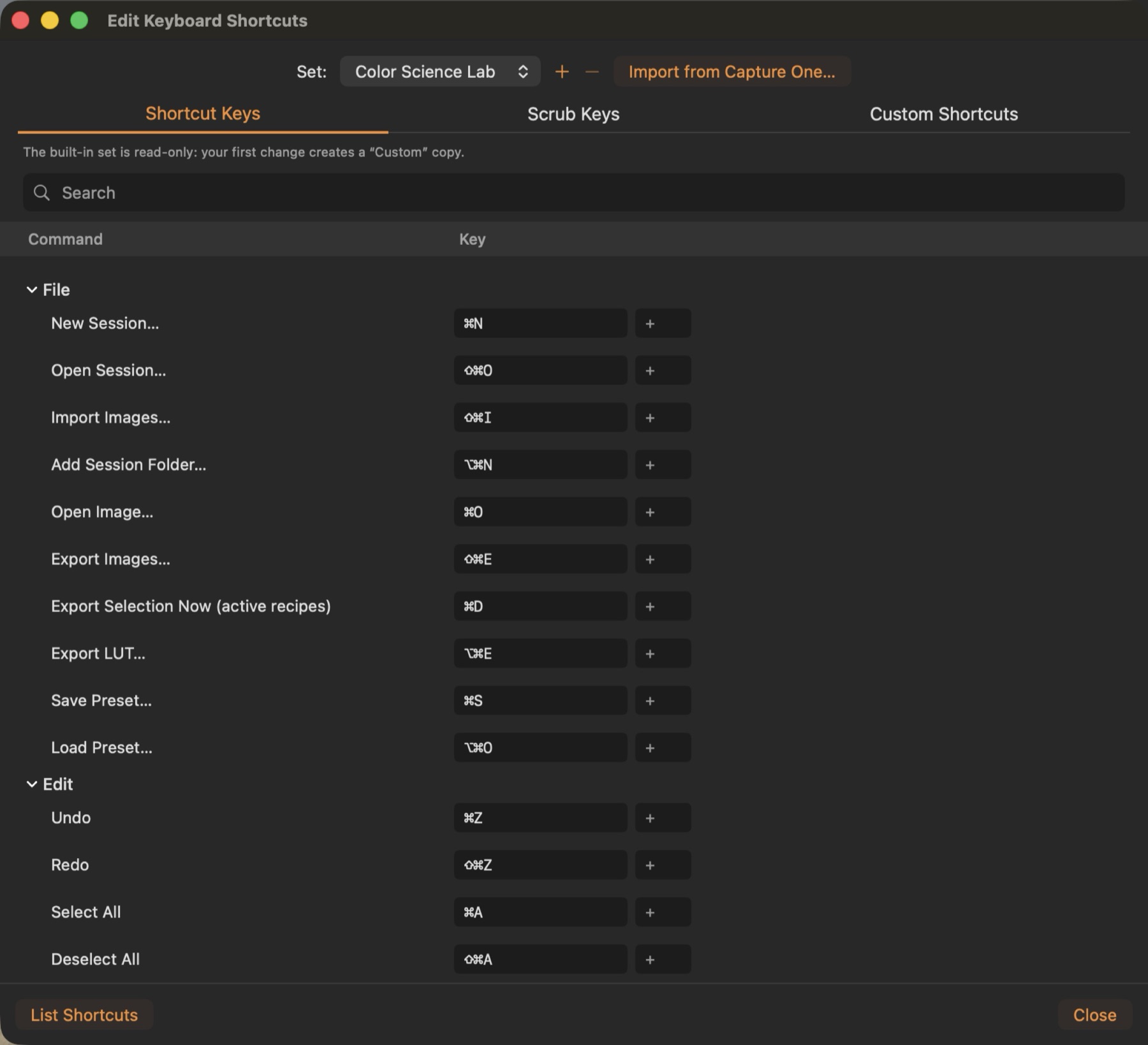
Shortcut sets
The built-in set is read-only; your first change creates a Custom copy. Import from Capture One… reads a Capture One shortcut set, including its speed-edit keys and style shortcuts.
Scrub keys
Hold a scrub key and move the mouse or press ← → to change a value (Q exposure, W contrast, A highlights, S shadows, 1 Kelvin, 2 tint …). Tapping a key that is also a command runs the command.
Defaults worth knowing
F full-screen viewer · H / P / C / R / K cursor tools · 0–5 rating · ⇧↩ key image · ⇧⌘C / ⇧⌘V copy / apply · ⌘D export now · ⇧⌘E export · ⌘E exposure warning · ⌘B / ⌘T browser / tools · Y before / after · ⌘A select all.
Layers and masks: ⇧⌘L new layer · ⌥⇧⌘L filled layer · B brush · E eraser · L / T linear / radial gradient · M show mask · ⇧⌘T Layer Tools. Studio: ⌃⌘R batch rename · ⌥⌘M match look to reference · ⌥⌘Y soft proof · ⇧⌘Y gamut warning · ⌥⌘B add to board · ⌃⌥1…9 actions. Hold ⌥ while dragging any slider to see that one tool before / after in a split.