Tools
Analyze
In the app, every tool's ⋯ menu ▸ Help opens its section here; hover any slider for a short explanation.
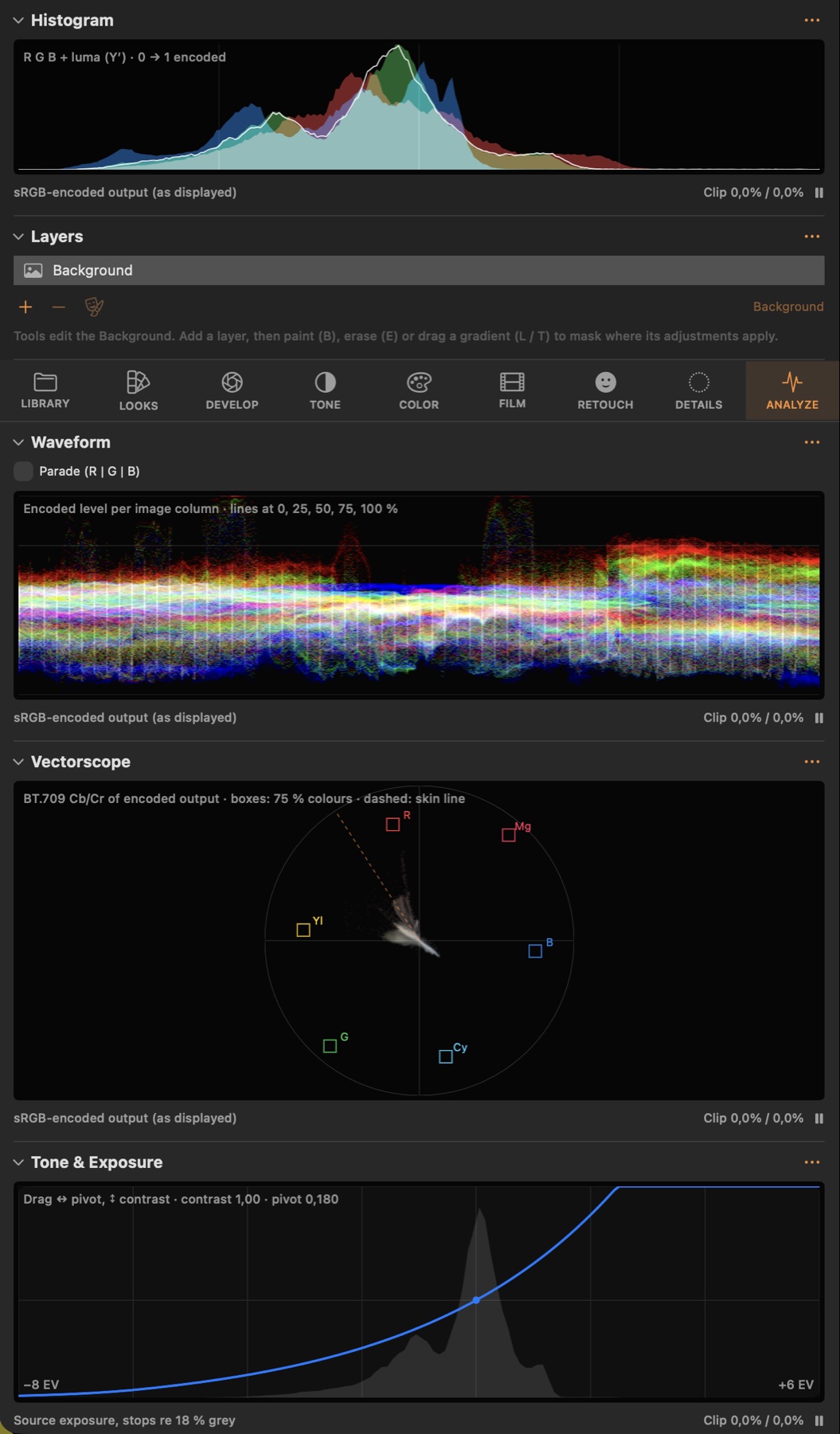
Histogram
#Distribution of the output values per channel.
Good to know
- Click ⏸ to pause the scopes while you work on very large images.
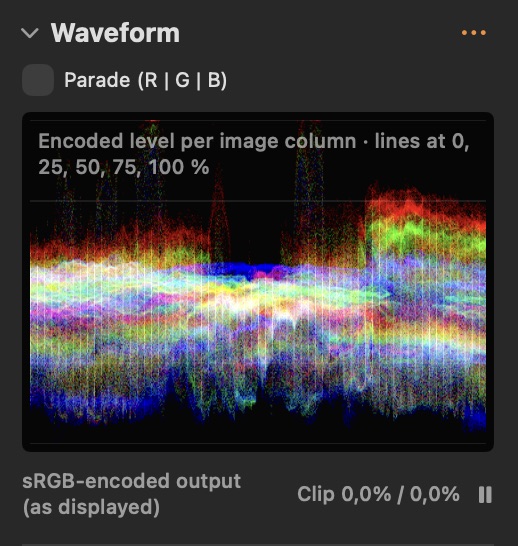
Waveform
#Brightness of every image column, top = bright: shows exposure across the frame.
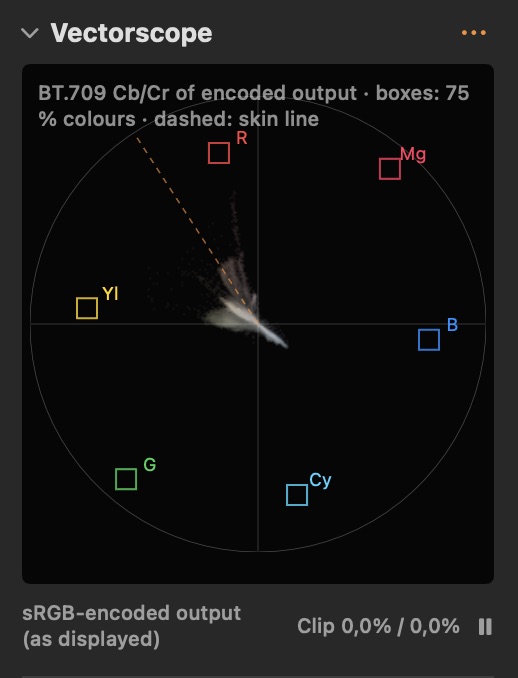
Vectorscope
#Hue (angle) and saturation (distance) of all colours; skin falls near the skin-tone line.
Tone & Exposure
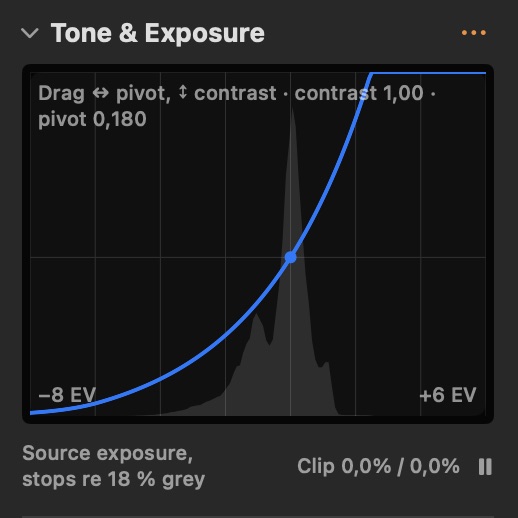
#Scene exposure in stops around middle grey, before the tone curve.
Skin Tone Meter
#Average skin colour of the retouch-selected face in OkLCh, with a reference and a drift warning for a series.
Good to know
- Shows the average skin colour (OkLCh) of the first retouch-selected face on the processed image. Set as Reference on an approved frame: later frames that drift more than 5° in hue are flagged, so skin stays consistent across a day.
ColorChecker
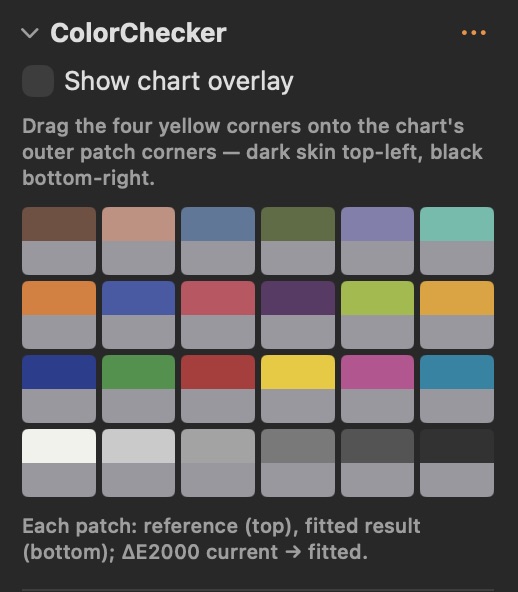
#Measure a ColorChecker in the image, fit a correction matrix or create a camera profile.
Good to know
- Drag the four corners onto the chart, then Apply Fitted Matrix or Create Camera Profile…