Welcome
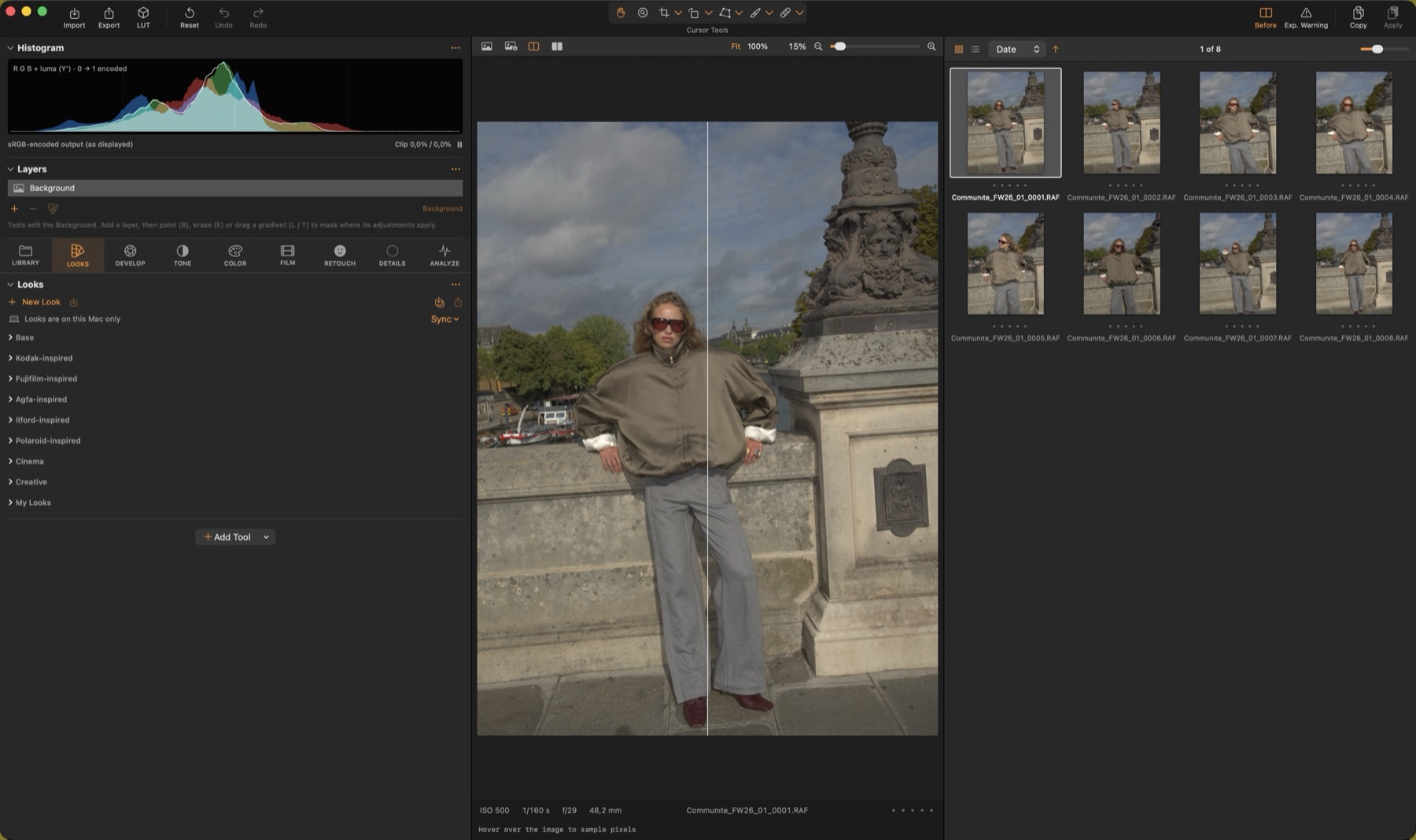
Color Science Lab is a RAW developer and colour-grading app for macOS built on a scene-referred, floating-point pipeline: every adjustment happens on real light values, so highlights roll off naturally and colours stay clean.
Sessions & browsing
Capture One-style sessions with Capture, Selects, Output and Trash folders, ratings, colour tags, albums, filters, list and grid views, multi-view and key images.
RAW develop
Direct Bayer DNG decoding or Apple's RAW engine, highlight reconstruction, camera profiles from a ColorChecker, and instant re-develop.
Tone & colour
Highlights & Shadows, Clarity, film tone curve, Levels, Curves, Colour Editor with ranges and skin tone, Colour Balance, Selective Colour and more.
Film character
Vignette, halation, glow & diffusion, softness and organic grain sized in microns on a real film format, with Capture One-style grain types.
Layers
Capture One-style adjustment layers with brush, gradient and luma-range masks: exposure, white balance, highlights / shadows, clarity, hue / saturation, colour balance and colour editor per layer.
Retouch & details
Face retouching (skin, blemishes, dark circles, teeth, eyes) on detected faces; Focus view, noise reduction, purple fringing, moiré, sharpening with halo suppression and dust removal.
Looks
Dozens of built-in looks, your own looks synced between Macs through iCloud Drive, and .look files for the iOS camera.
Export
Recipes with ICC profiles (sRGB, Display P3, Adobe RGB, ProPhoto), scaling, naming, metadata and .cube LUTs.
How this manual is organised
The pages follow the app: one page per tool tab (Library, Looks, Develop, Tone, Color, Film, Retouch, Details, Analyze), plus the workspace, cursor tools, export, profiles, keyboard shortcuts and settings.
Every tool has its own section with a screenshot, what it is for and what each parameter does. In the app, the ⋯ menu of any tool opens its section here, and hovering a slider shows a short explanation.