Scene-referred RAW
Our own Bayer DNG decoder or Apple’s RAW engine, highlight reconstruction and camera profiles from a ColorChecker.
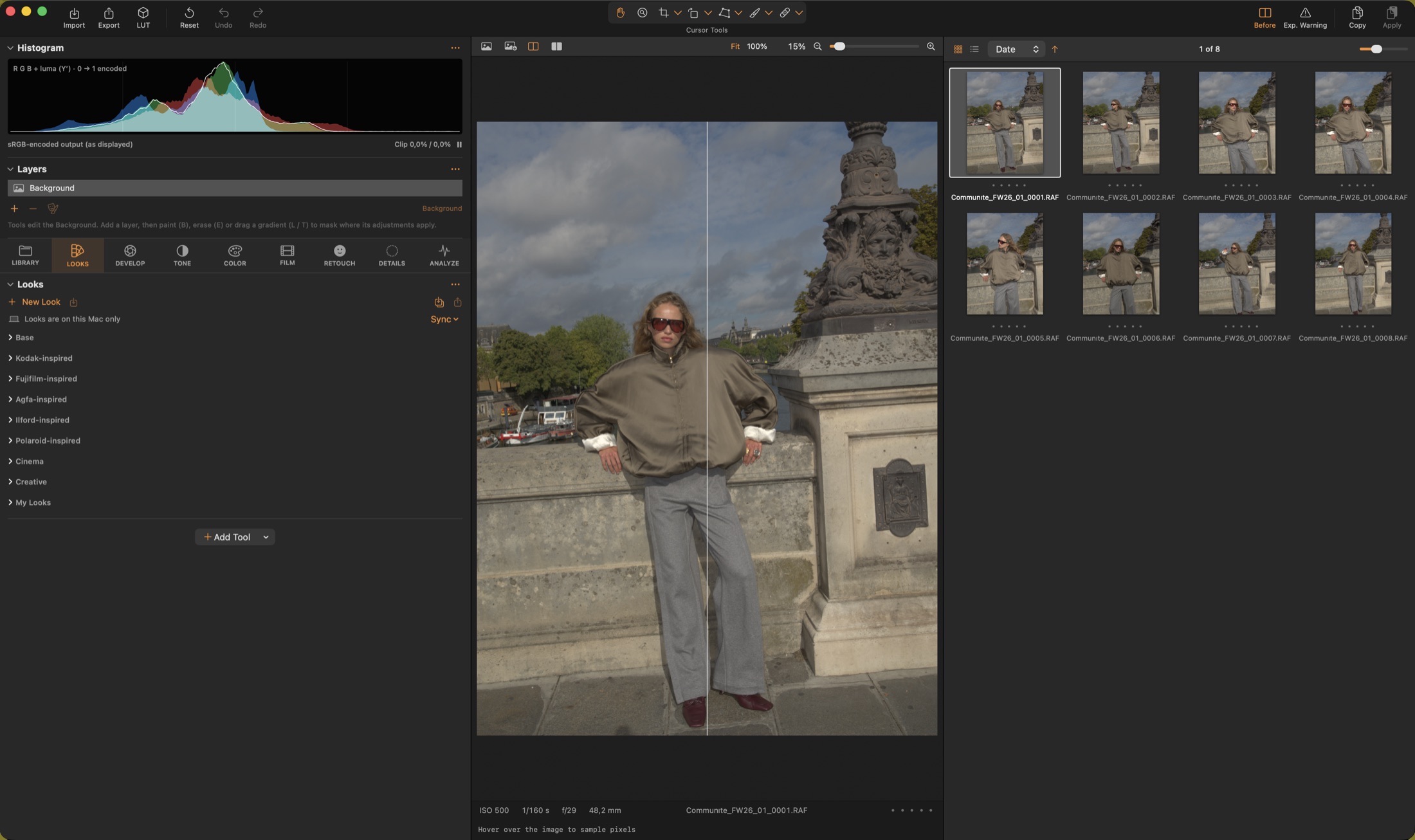
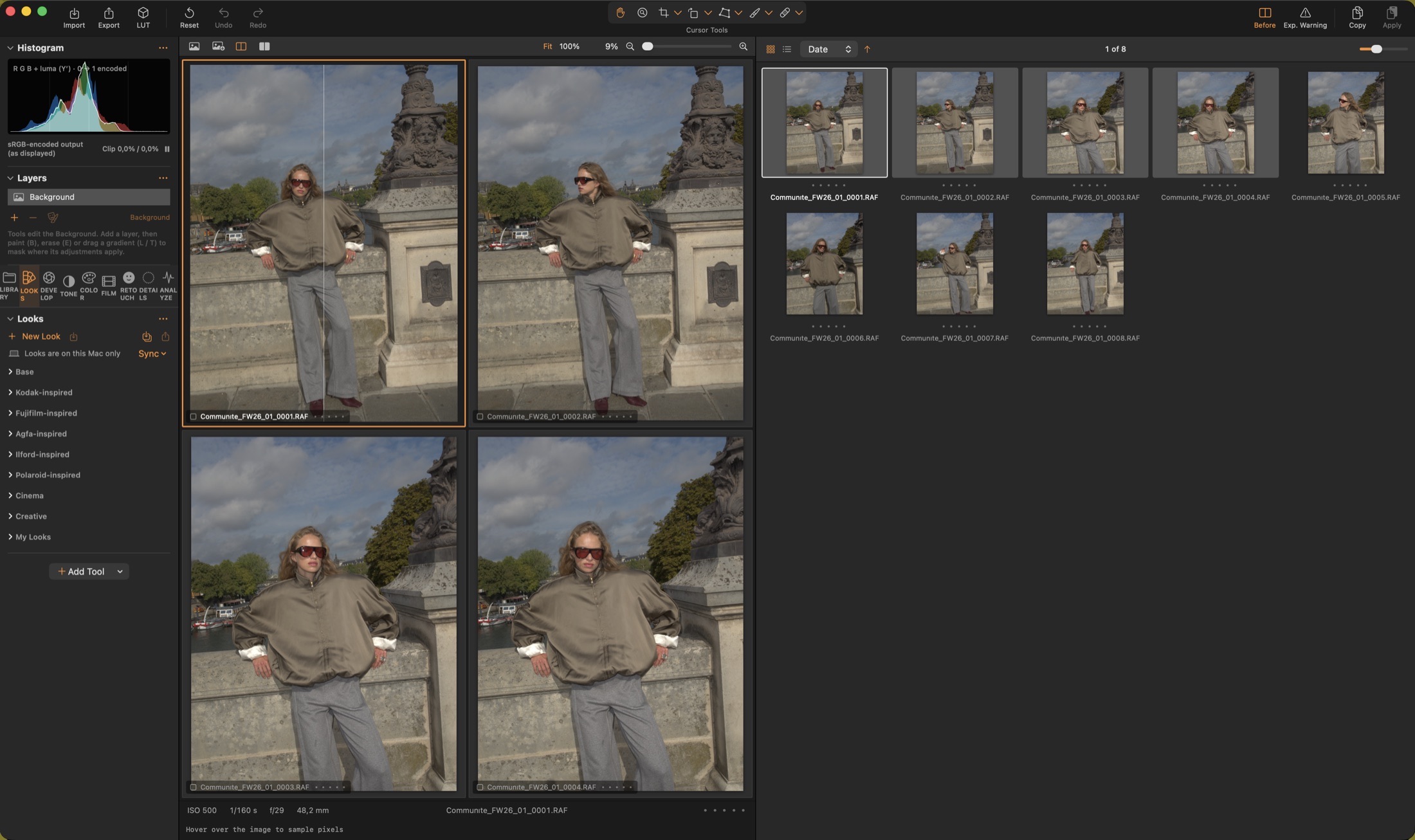
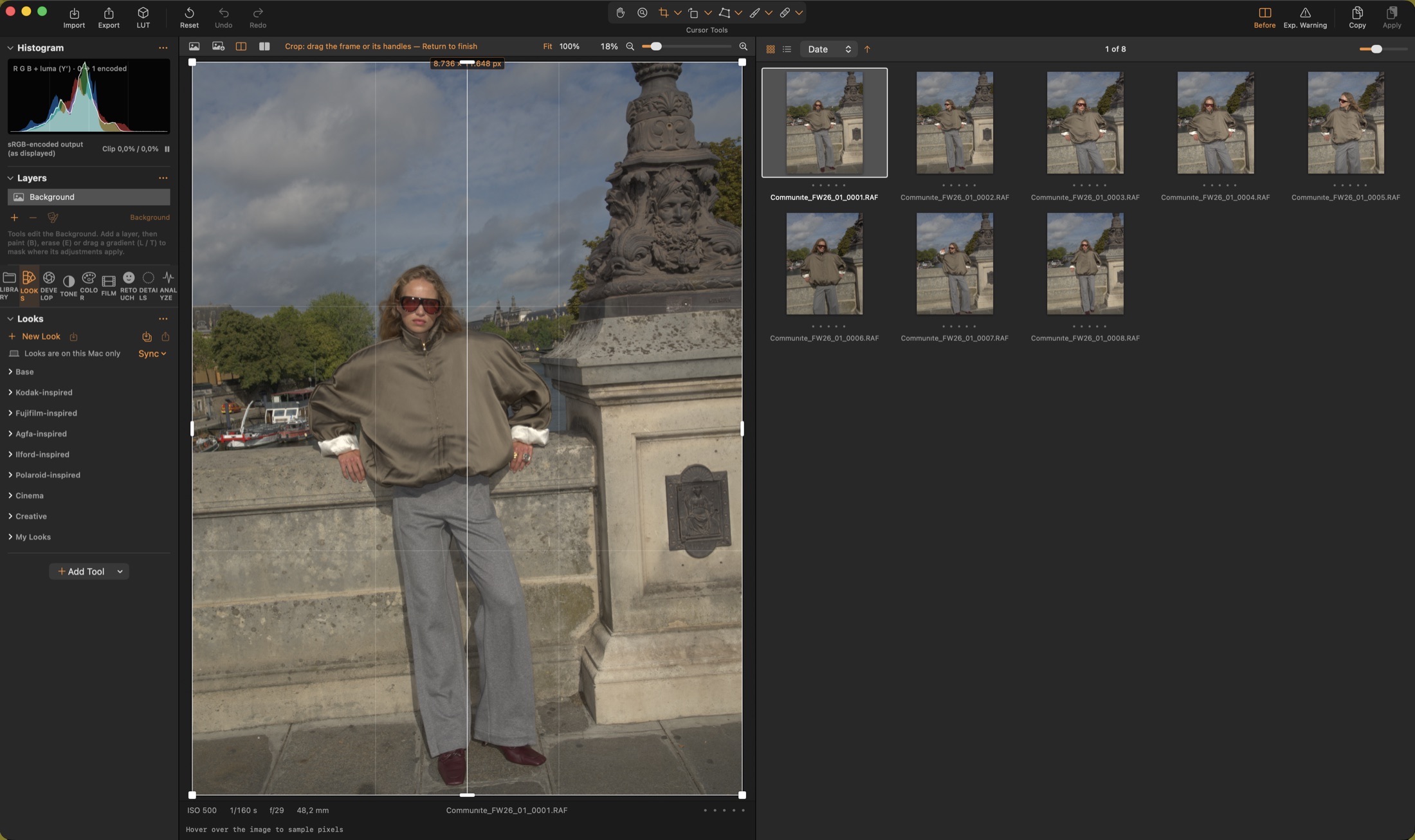
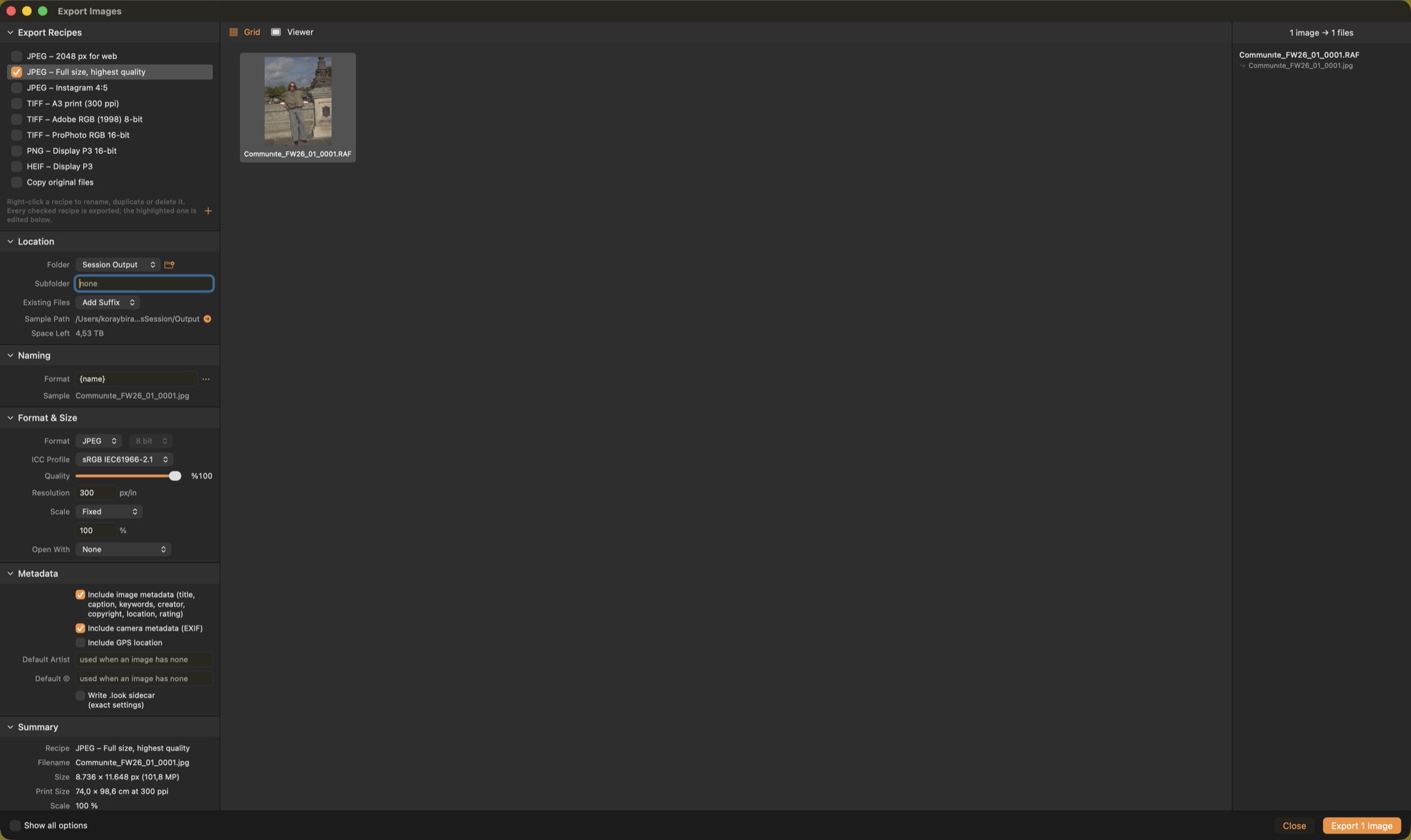
Color Science Lab
A floating-point, scene-referred pipeline from the raw mosaic up.
Introducing Color Science Lab
Native SwiftUI, Core Image and Metal for macOS. Six languages. No subscriptions.
Our own Bayer DNG decoder or Apple’s RAW engine, highlight reconstruction and camera profiles from a ColorChecker.
45 film-inspired looks, halation, glow, softness and grain sized in microns on a real film format.
Sessions, tethered capture, adjustment layers, face retouching, scopes, proof galleries and export recipes.
Every slider works on light values, not on pixels already squeezed into a display. Highlights roll off the way film does, colours stay clean at the edges of the gamut, and the look you build renders the same in the preview, in every export and in Color Science Camera on iPhone.
What’s inside
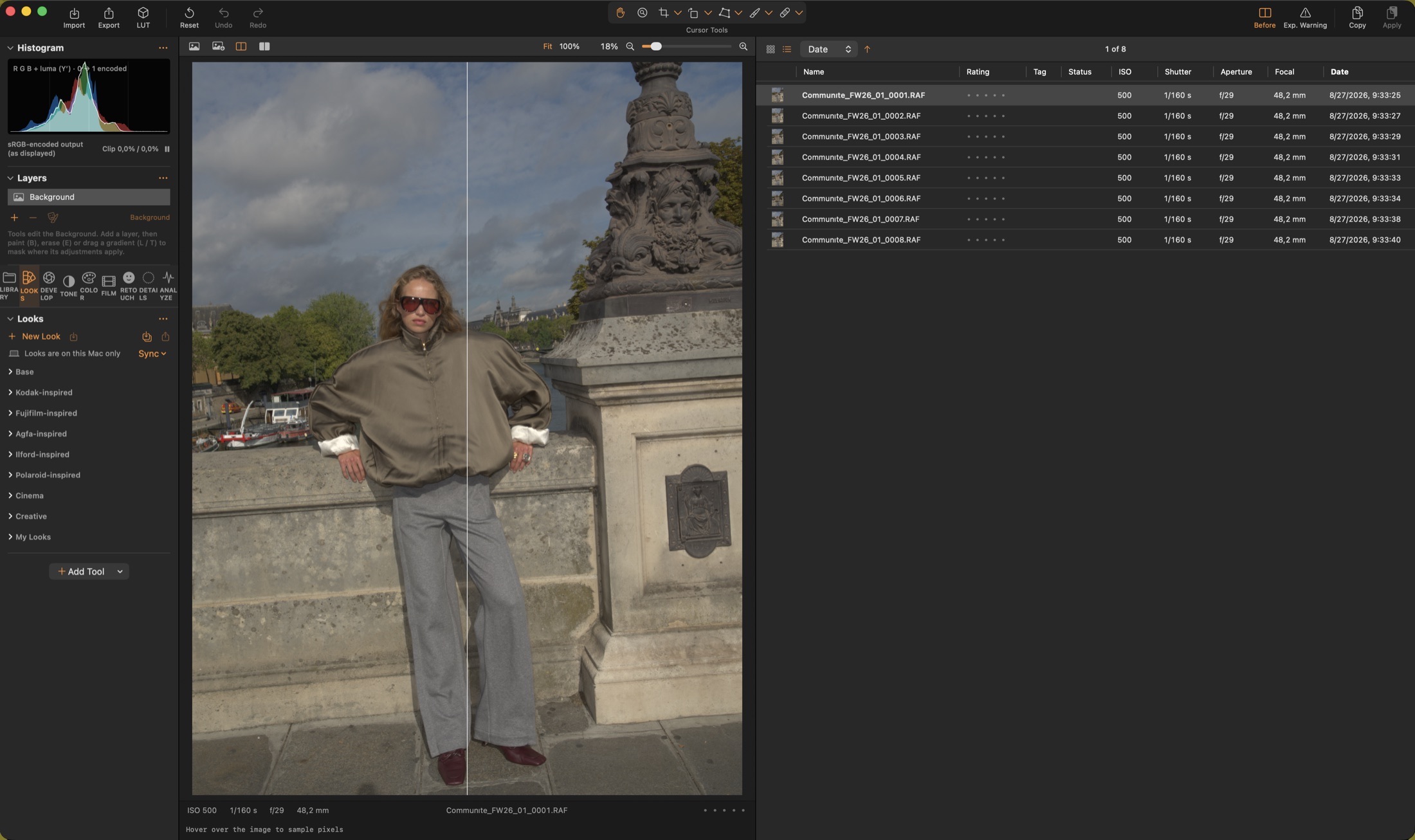
Capture One-style sessions with Capture, Selects, Output and Trash folders, ratings, colour tags, albums, smart filters, list and grid views and multi-view.
Direct Bayer DNG decoding or Apple’s RAW engine, highlight reconstruction, camera profiles from a ColorChecker, and instant re-develop on the GPU.
Highlights & Shadows, Clarity, film tone curve, Levels, Curves, Colour Editor with skin tone, Colour Balance, Selective Colour and gamut compression.
Vignette, halation, glow & diffusion, softness and organic grain sized in microns, with ten film-stock presets that set them together.
Adjustment layers with brush, gradient and luma-range masks — or masks made from the picture: subject, background, sky, skin, eyes.
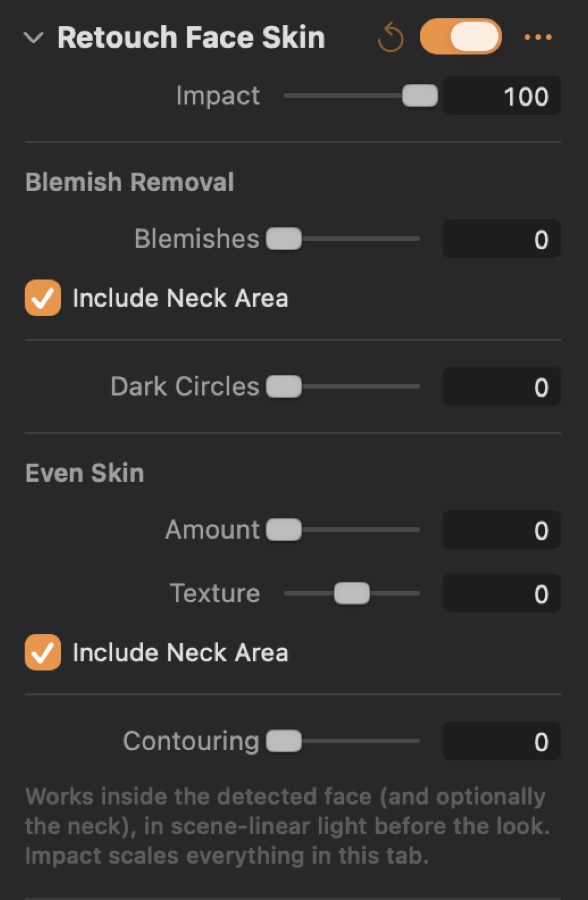
Skin, blemishes, dark circles, teeth and eyes on detected faces; noise reduction, purple fringing, moiré, sharpening and dust removal.
USB tethering and hot folders, a shot list, a proof gallery clients rate from their phones, a client view on a second display.
Recipes with ICC profiles from sRGB to ProPhoto and Rec. 2100 PQ HDR, naming tokens, watermarks, metadata and .cube LUTs.
Works together

For Mac
The studio: sessions and tethered capture, RAW develop, layers, retouch, scopes, ColorChecker profiles and export recipes with ICC profiles and .cube LUTs.
macOS 15 or later

For iPhone & iPad
The camera: single-frame Bayer RAW with no Deep Fusion, the same film looks, Log video on every iPhone, and a gallery where every shot stays editable.
iOS 26 or later
Numbered capture folders per outfit or set-up, a naming pattern like {session}_{folder}_{counter}, and the first folder made active.
Duplicates marked, backup copy, subfolder tokens, creator, copyright and keywords, a look to apply, eject when done.
Ratings, colour tags, albums and smart albums by faces, closed eyes, sharpness and bursts.
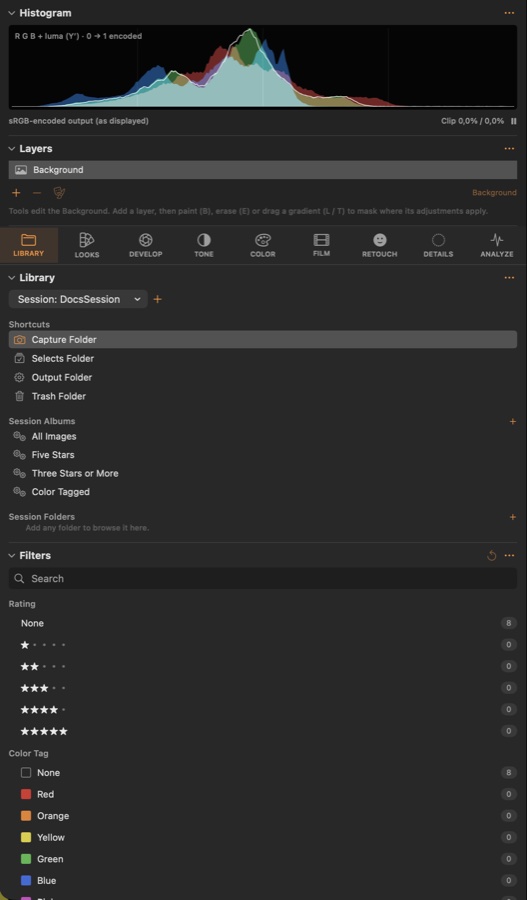
Our own DNG development, or Apple’s RAW engine, with exact re-develop on the GPU after every change.
Clipped highlights rebuilt instead of turning magenta.
Crop, straighten and keystone with cursor tools; crops stay per image when settings are copied.
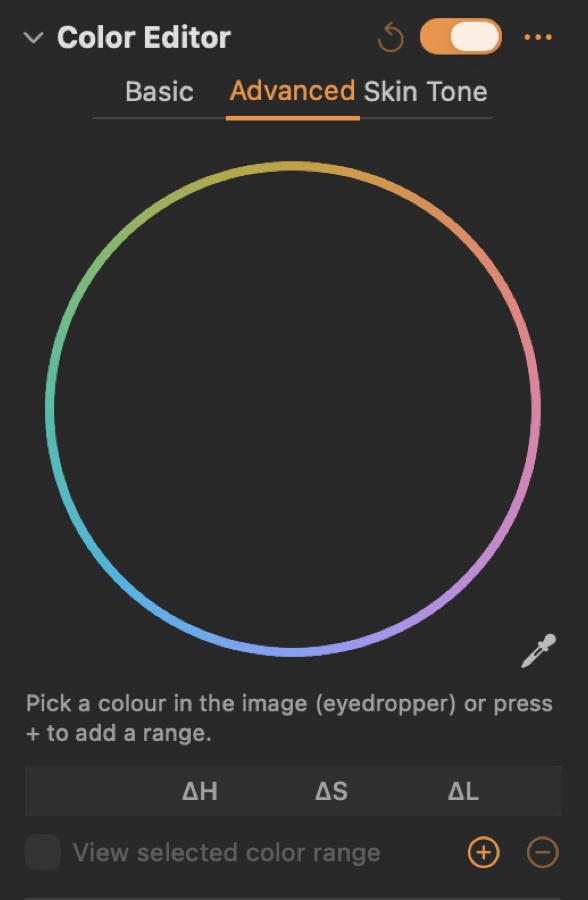
Eight bands in OkLCh, advanced ranges with soft edges, and a skin-tone mode with uniformity.
Three-way wheels for shadows, midtones and highlights, worked out in stops of light.
ACES reference gamut compression keeps saturated colours clean instead of clipping.
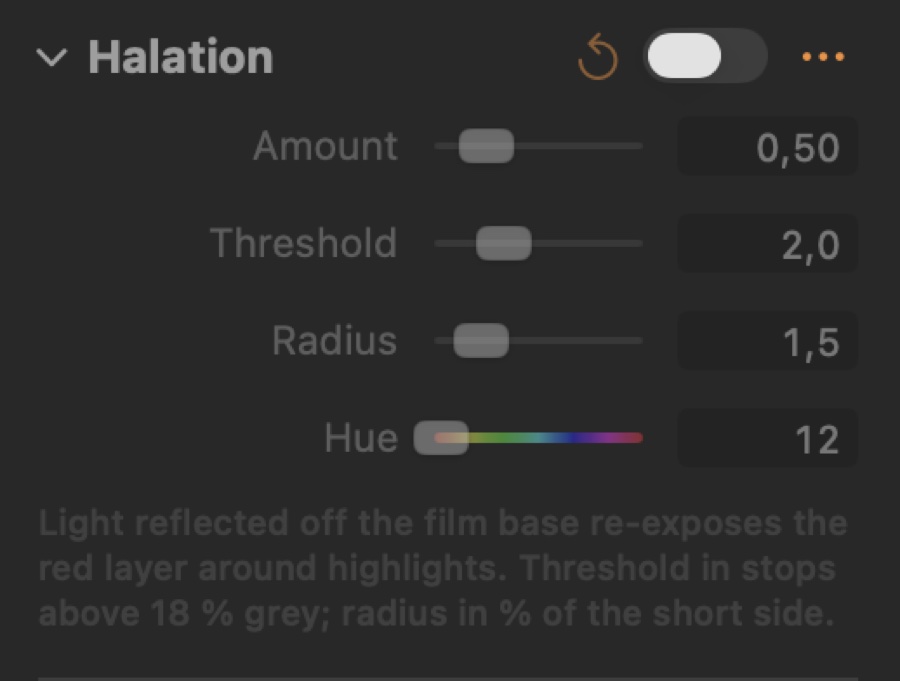
Red bloom around highlights and Pro-Mist-style diffusion, computed in scene light.
Fine dye-layer noise plus coarse clumps, sized on a 24 mm frame so preview, export and iPhone match.
Ten emulsion presets that set the tone curve, colour response, split toning, halation and grain together.
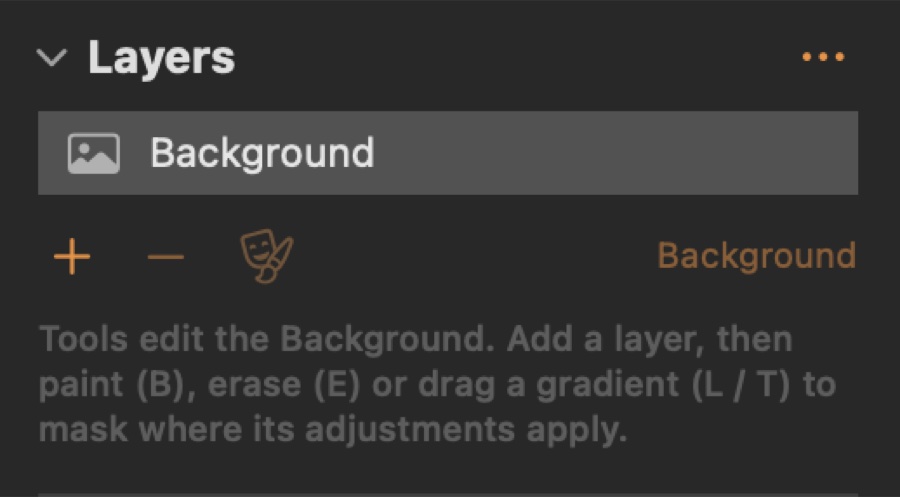
Brush, eraser, linear and radial gradients, luma range, feather and invert.
Subject, background, sky, skin, eyes or lips — or click an object with Select Object.
Masks are stored on the uncropped image, so they stay in place when you crop or rotate.
Skin, blemishes, dark circles, teeth and eyes on faces found automatically.
Noise reduction, purple fringing and moiré run before any look, with every decoder.
Finds specks in skies and backdrops, and heals spots you click.
USB cameras over PTP, or the folder your maker’s tether software writes to.
Each shot name becomes a keyword and a naming token; soft frames are flagged on arrival.
Clients rate from their phones on the studio Wi-Fi; a clean second-display view follows every render.
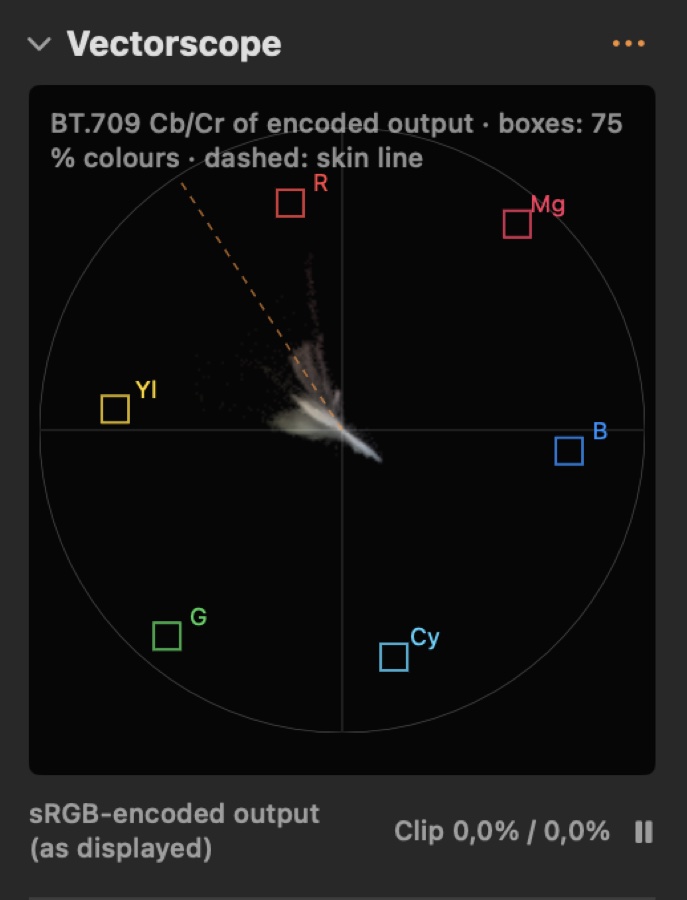
Histogram, waveform, vectorscope and tone scope.
Average skin hue of a face; later frames that drift more than 5° are flagged.
Drag the overlay onto a Classic 24 chart; a white-preserving matrix is fitted with ΔE2000 per patch.
Web JPEG, Instagram 4:5, TIFF for print, ProPhoto 16-bit, HEIF P3 — check several and export once.
Rec. 2100 PQ output, and a printer / paper ICC preview with a gamut warning.
A 33³ or 65³ .cube of the look for Apple Log or sRGB footage, validated against the shader.
In detail
Library & sessions
Tether & capture
RAW develop
Tone & colour
Film
Layers & masks
Retouch & details
Analyze & proof
Export
Looks
Use one as a starting point, save your own, sync them between Macs through iCloud Drive, and take them to the iPhone as .look files.
Kodak-inspired
Fuji-inspired
Agfa
Ilford
Polaroid
Cinema
Creative
Hand-built approximations inspired by the commonly described character of these film stocks. They are not calibrated emulations — no spectral or measured film data is used — and are not affiliated with the manufacturers.
Specifications
FAQ
Never. Adjustments, ratings and metadata live in the session file; originals are only read.
Each engine has its own camera profiles and base curve. Use Learn Capture One Look or a ColorChecker profile to bring them close.
Yes — File ▸ Open Image… works on single files. Sessions add browsing, ratings, albums and batch export.
Looks ▸ Sync ▸ Sync Looks via iCloud Drive…, then choose the same folder on every Mac.
Hold ⌥ while you drag its slider: the viewer splits into that tool off (left) and on (right) until you let go. Y toggles the whole image before / after.
Yes: Image ▸ Share Proof Gallery… makes a web page they open on a phone or laptop on the same Wi-Fi; their ratings, tags and comments arrive live.
Develop ▸ Output ▸ Soft proof profile: pick the printer / paper ICC profile, then Soft proof (⌥⌘Y). Gamut warning (⇧⌘Y) greys colours the paper cannot reproduce.
Pair it with Color Science Camera to take your looks out shooting.
Requires macOS 15 or later