Cursor Tools
The palette in the middle of the top bar. Each tool changes what a click or drag in the viewer does.
Pan (H) and Loupe (P)
Pan moves the image. Loupe shows a magnifier at 100 % (or twice the current zoom) while you hold the mouse button.
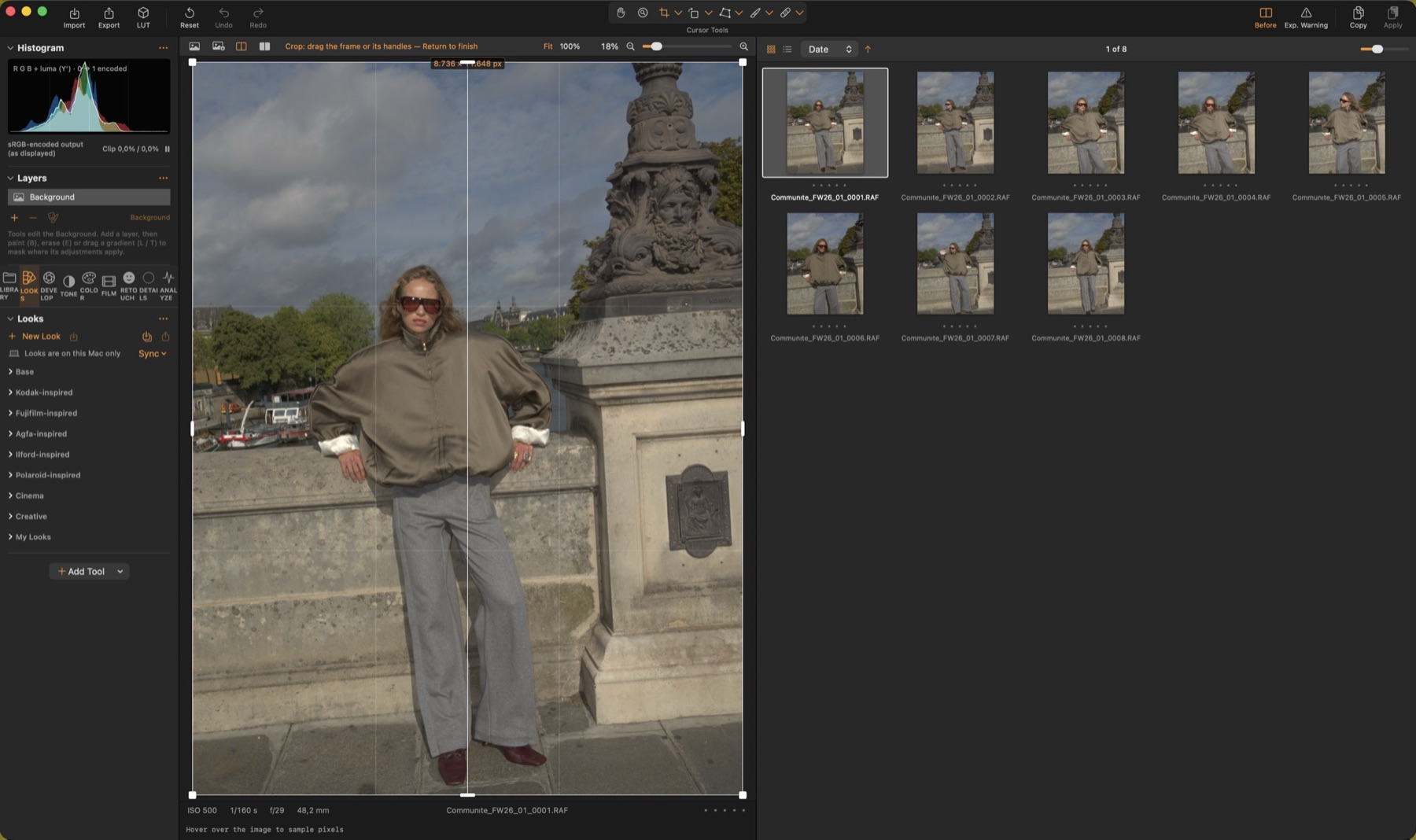
Crop (C)
Shows the whole image dimmed outside the crop. Drag the frame or its handles; choose an aspect ratio from the menu (Original, 1:1, 2:3, 4:5, 16:9 …) and switch orientation with ⇧X. Return finishes.
Straighten (R)
Drag along a horizon or a vertical line; the image rotates so it becomes level or plumb, and the crop shrinks to stay on the image. The menu also rotates by 90°.
Keystone (K)
Draw two lines along edges that should be vertical (or horizontal, or both — press K again to cycle), then Apply. Perspective and rotation are solved together.