Tools
Looks
In the app, every tool's ⋯ menu ▸ Help opens its section here; hover any slider for a short explanation.
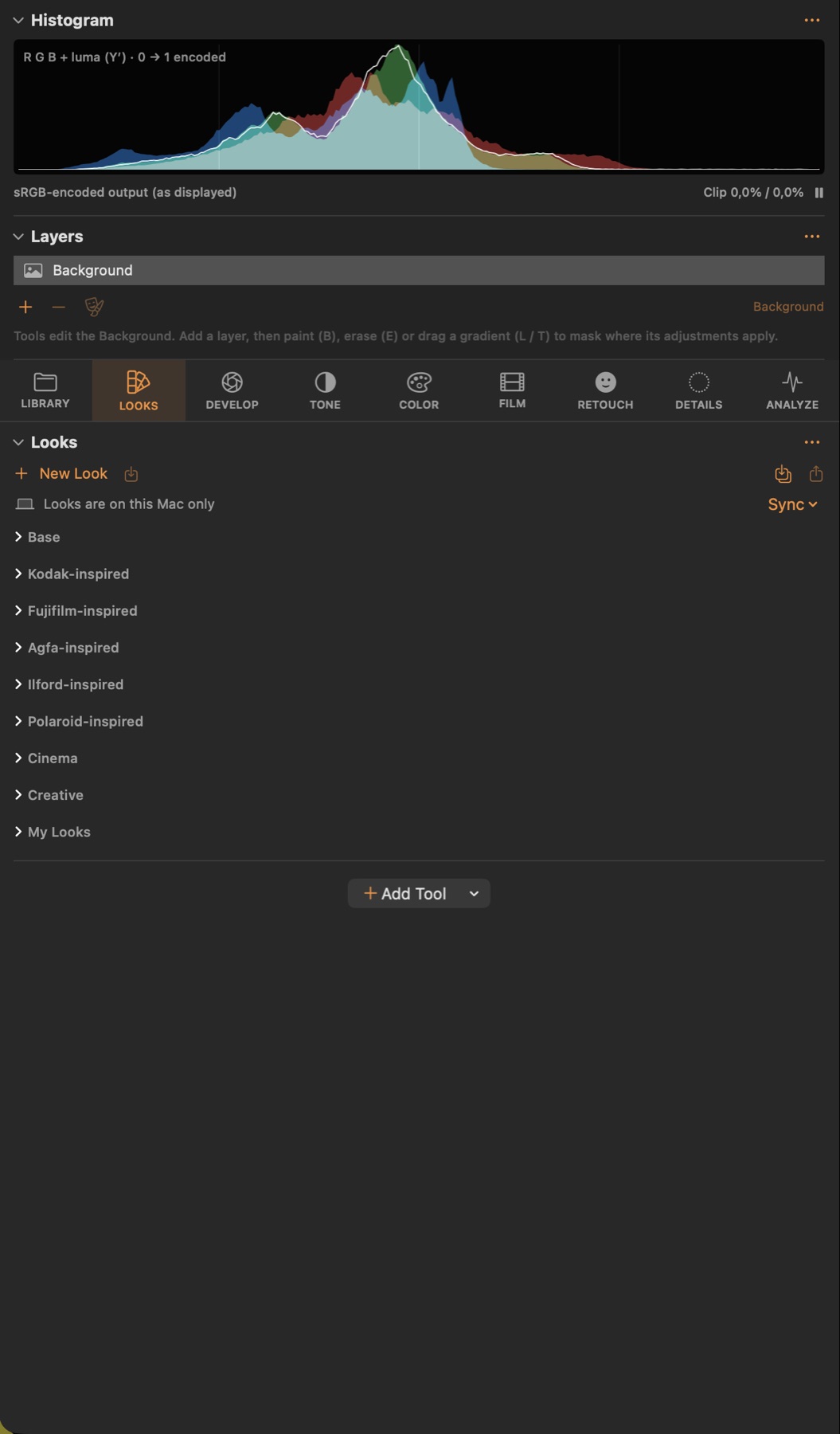
Tools in this tab:Looks
Looks
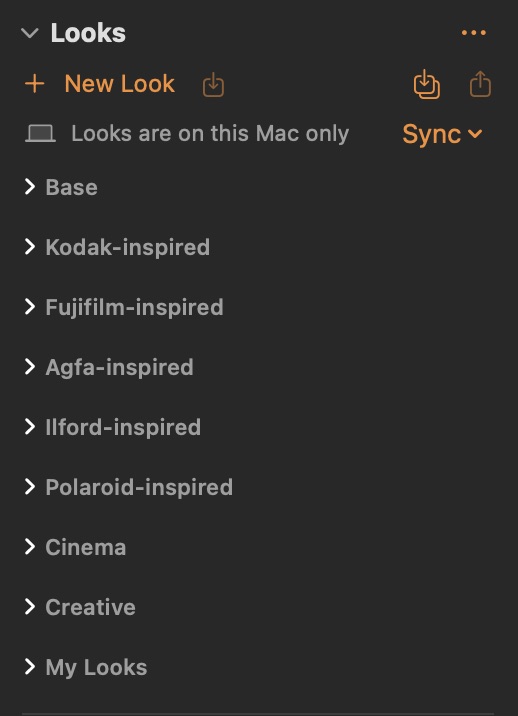
#Built-in and your own looks: one click applies a complete grade; save the current settings as a new look.
Good to know
- Click a look to apply it. New Look saves the current settings; Sync keeps your looks in iCloud Drive.
- Look match: Image ▸ Set as Look Match Reference on an approved frame, then Match Look to Reference (⌥⌘M) on others brings their exposure, contrast, hue and saturation statistics close to it — a starting point for frames shot under different light.