Tools
Retouch
In the app, every tool's ⋯ menu ▸ Help opens its section here; hover any slider for a short explanation.
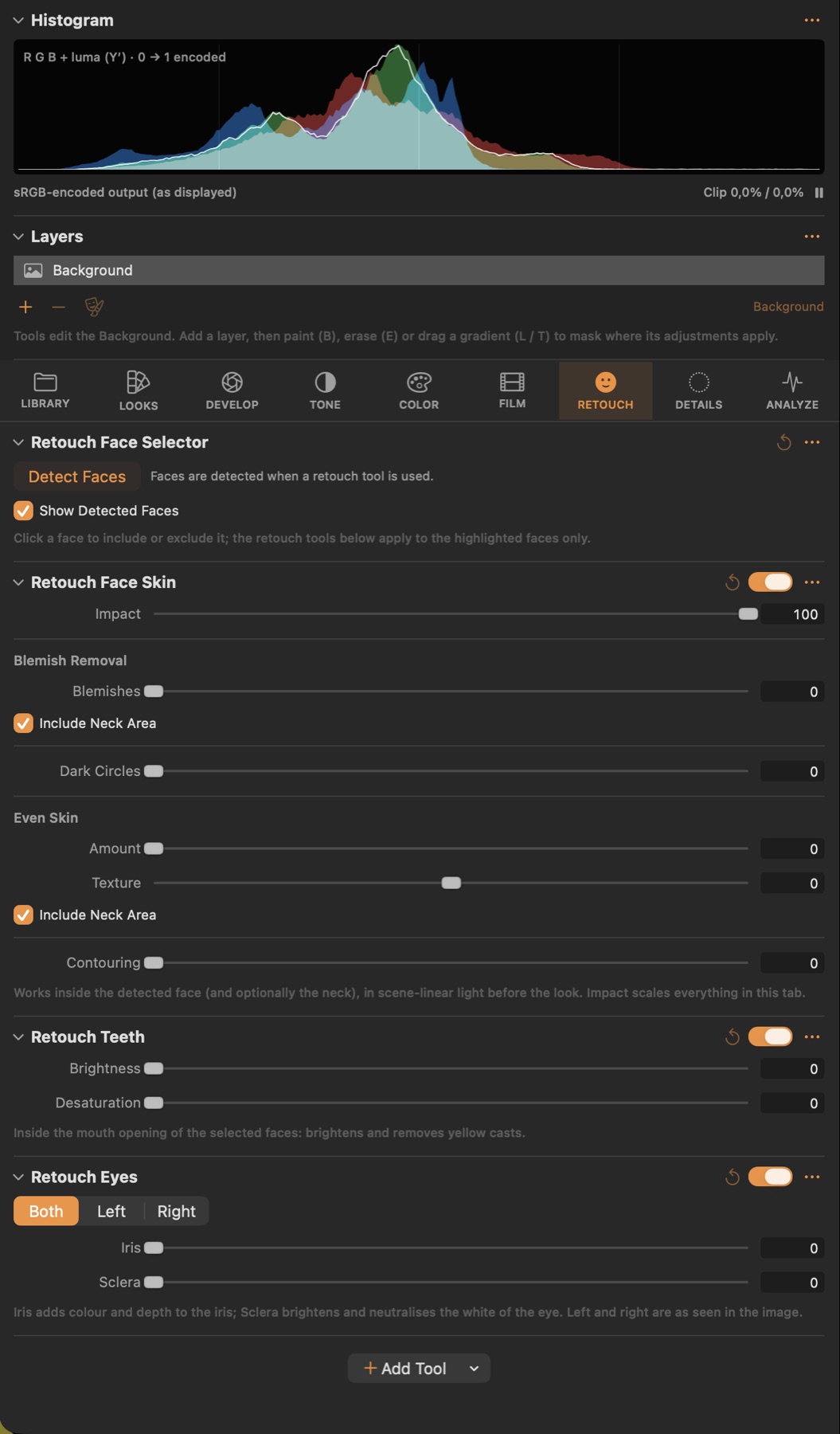
Retouch Face Selector
#The faces found in the image; choose which ones the retouch tools apply to.
Good to know
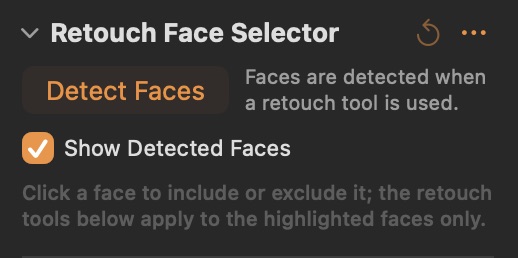
- Faces are detected automatically the first time a retouch tool is used (or with Detect Faces). Click a face to include or exclude it.
- Show Detected Faces outlines the faces in the viewer while the Retouch tab is open.
Retouch Face Skin
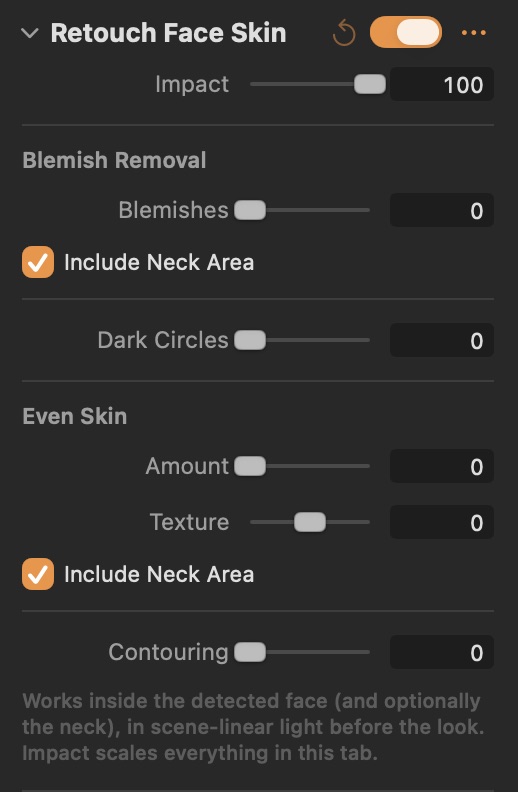
#Skin retouching inside the detected faces: blemishes, dark circles, even skin, texture and contouring.
Parameters
| Parameter | What it does |
|---|---|
| Impact | Master strength for every retouch tool. |
| Blemishes | Fills small dark spots with the surrounding skin. |
| Dark Circles | Lightens and neutralises the area under the eyes. |
| Amount | Evens out blotchiness in the skin while keeping pores. |
| Texture | Negative softens the fine skin texture, positive emphasises it. |
| Contouring | Darkens the edges of the face and lifts its centre, like light shaping. |
Good to know
- Impact scales the whole tab. Blemishes fills small dark spots; Even Skin removes blotchiness while Texture decides how much fine skin texture stays; Dark Circles lightens under the eyes; Contouring shades the edges of the face.
- Include Neck Area extends Blemishes and Even Skin below the chin.
Retouch Teeth
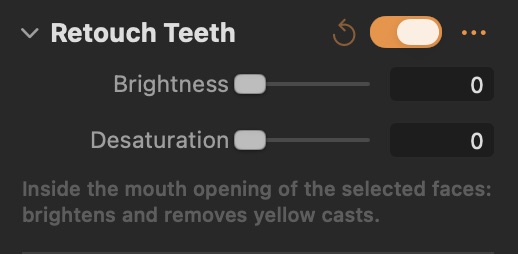
#Brightens and whitens teeth of the selected faces.
Parameters
| Parameter | What it does |
|---|---|
| Brightness | Brightens the teeth. |
| Desaturation | Removes yellow casts from the teeth. |
Good to know
- Works inside the mouth opening only.
Retouch Eyes
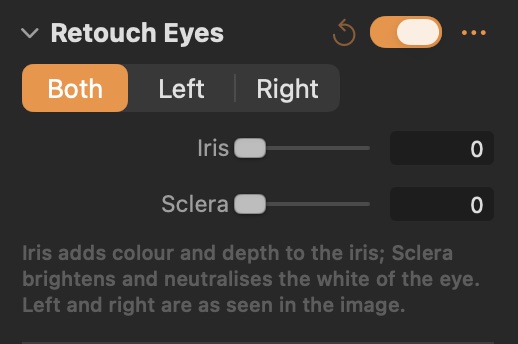
#Enhances the iris and brightens the white of the eyes, together or per side.
Parameters
| Parameter | What it does |
|---|---|
| Iris | Adds colour and depth to the iris. |
| Sclera | Brightens and neutralises the white of the eye. |
Good to know
- Both edits the two eyes together; Left and Right (as seen in the image) adjust each eye on its own.