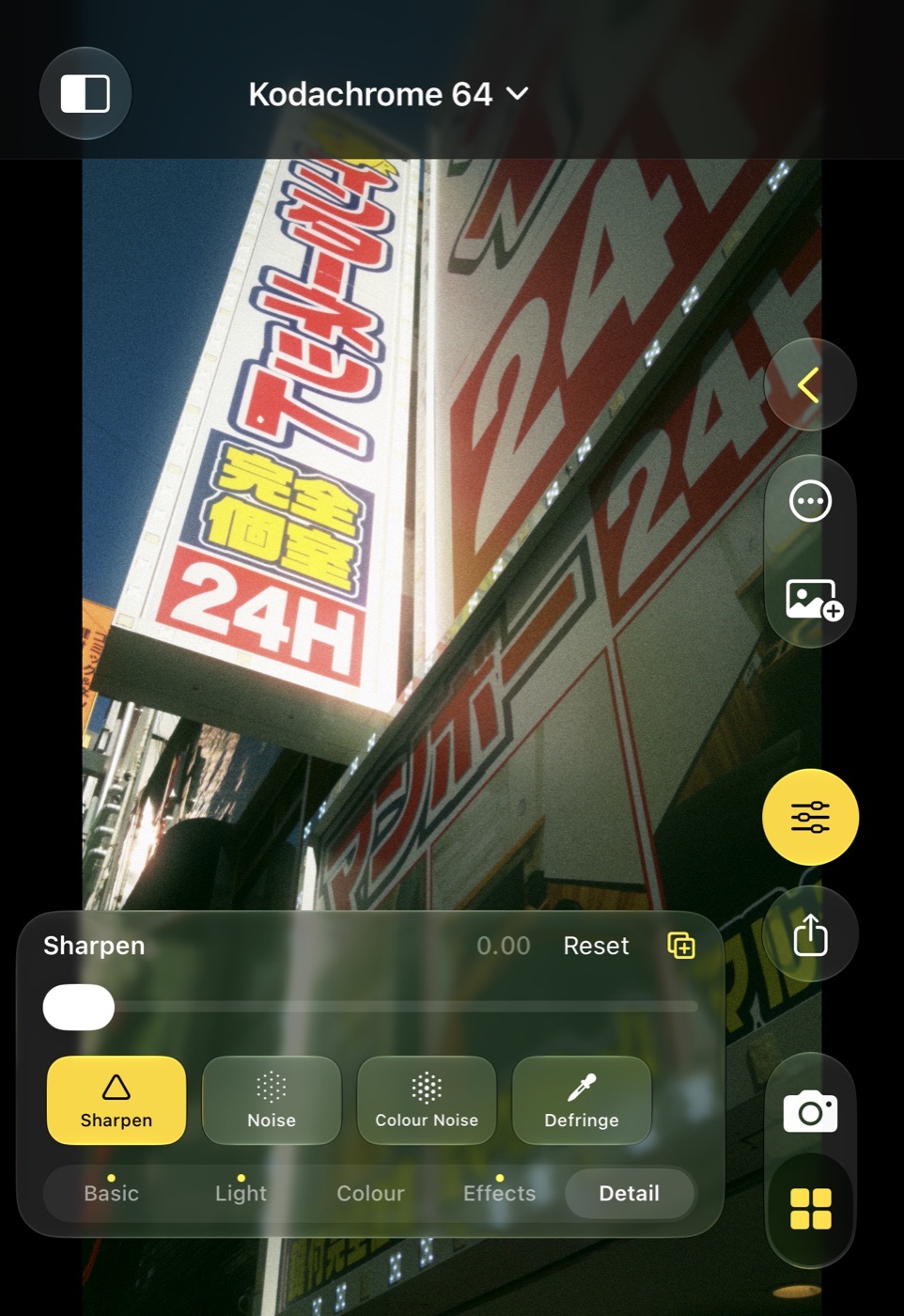
Adjustments
Five sections of controls on top of the look, all driven by the same slider and the same reset rules.
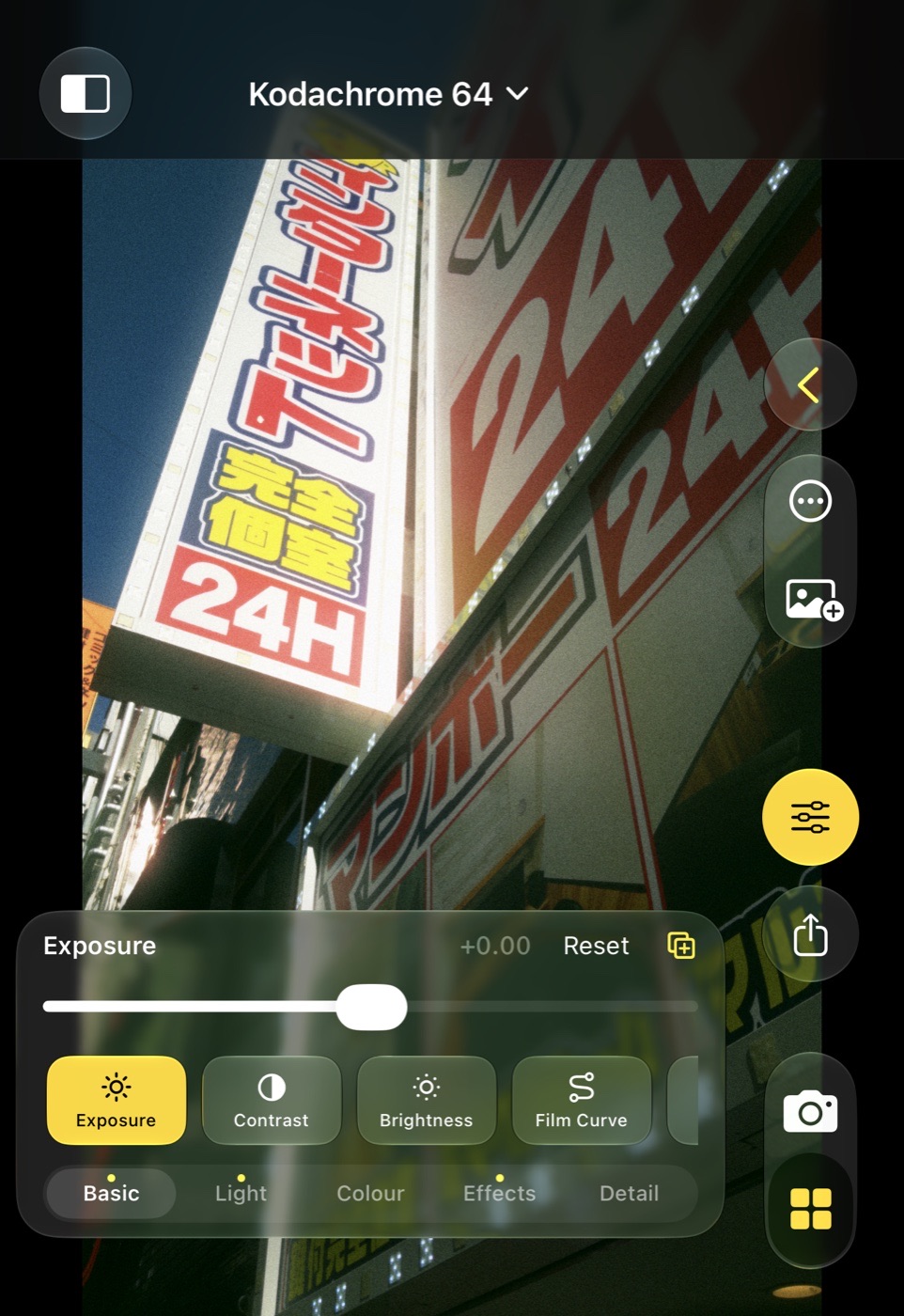
Basic
The eight everyday controls: Exposure, Contrast, Brightness, Film Curve, Grain, Softness, Diffuse and Halation. Brightness moves the midtones without touching black or white; Film Curve is the strength of the film's toe and shoulder together.
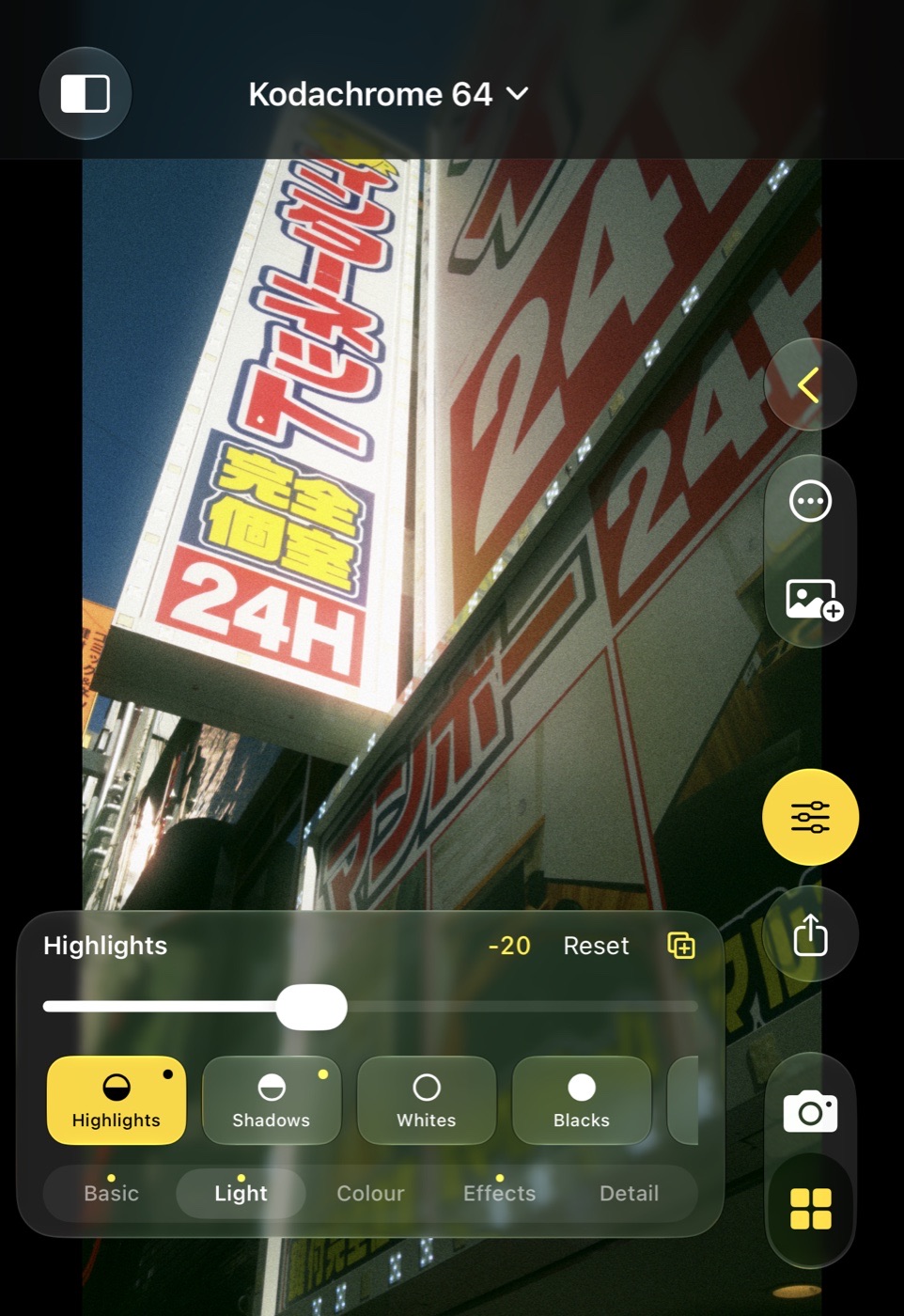
Light
Highlights and Shadows recover and lift. Whites and Blacks move the end points: brighter whites and deeper blacks pull the input points in, darker whites and lifted blacks push the output points out. Clarity is large-scale local contrast, Structure the fine detail.
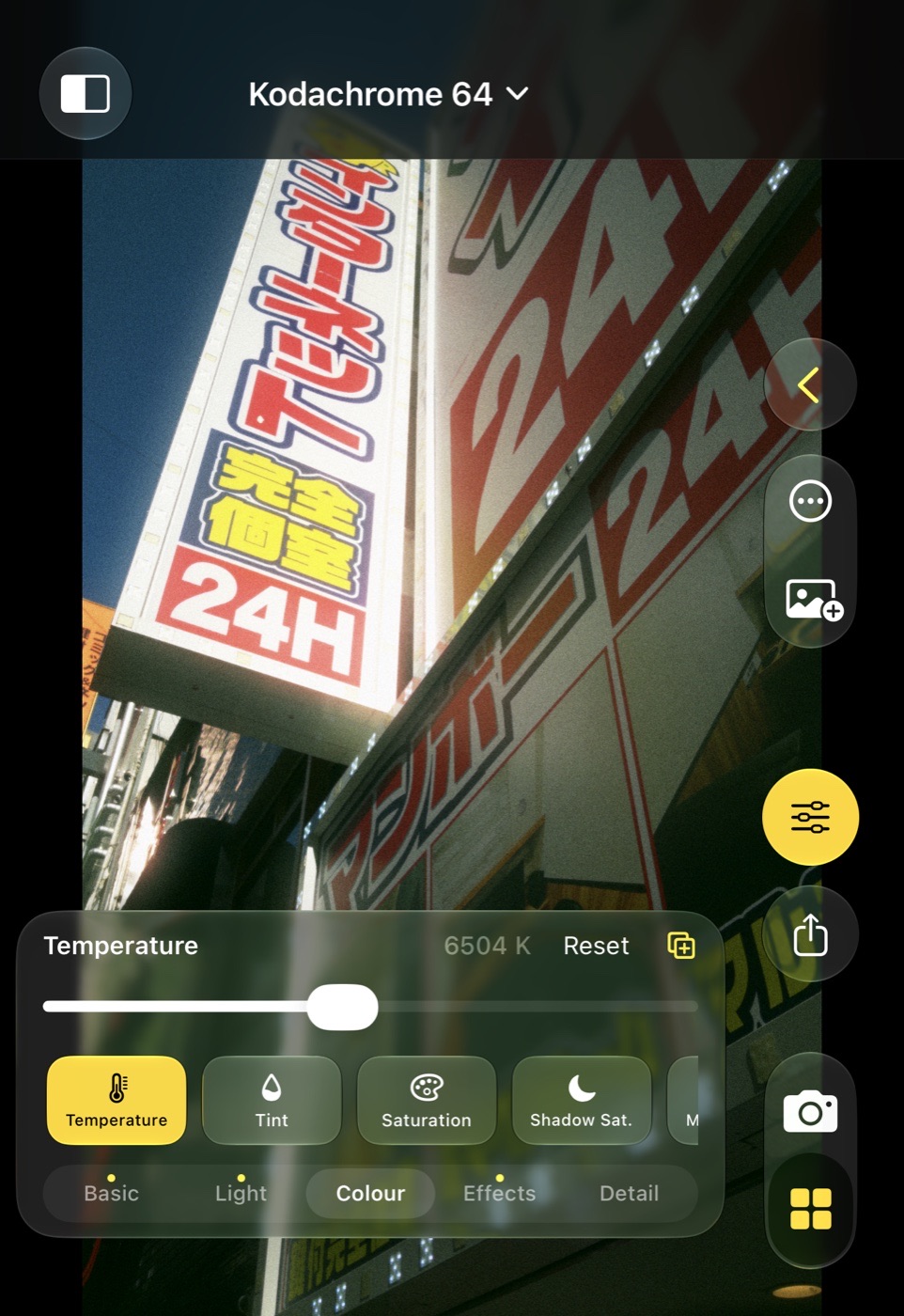
Colour
Warmth and Tint are real white balance on the frame: Warmth runs from colder to warmer around As shot, and its warm side goes well past daylight, to the glow of candle light. Saturation, then Shadow, Midtone and Highlight saturation for the subtle film-style control.
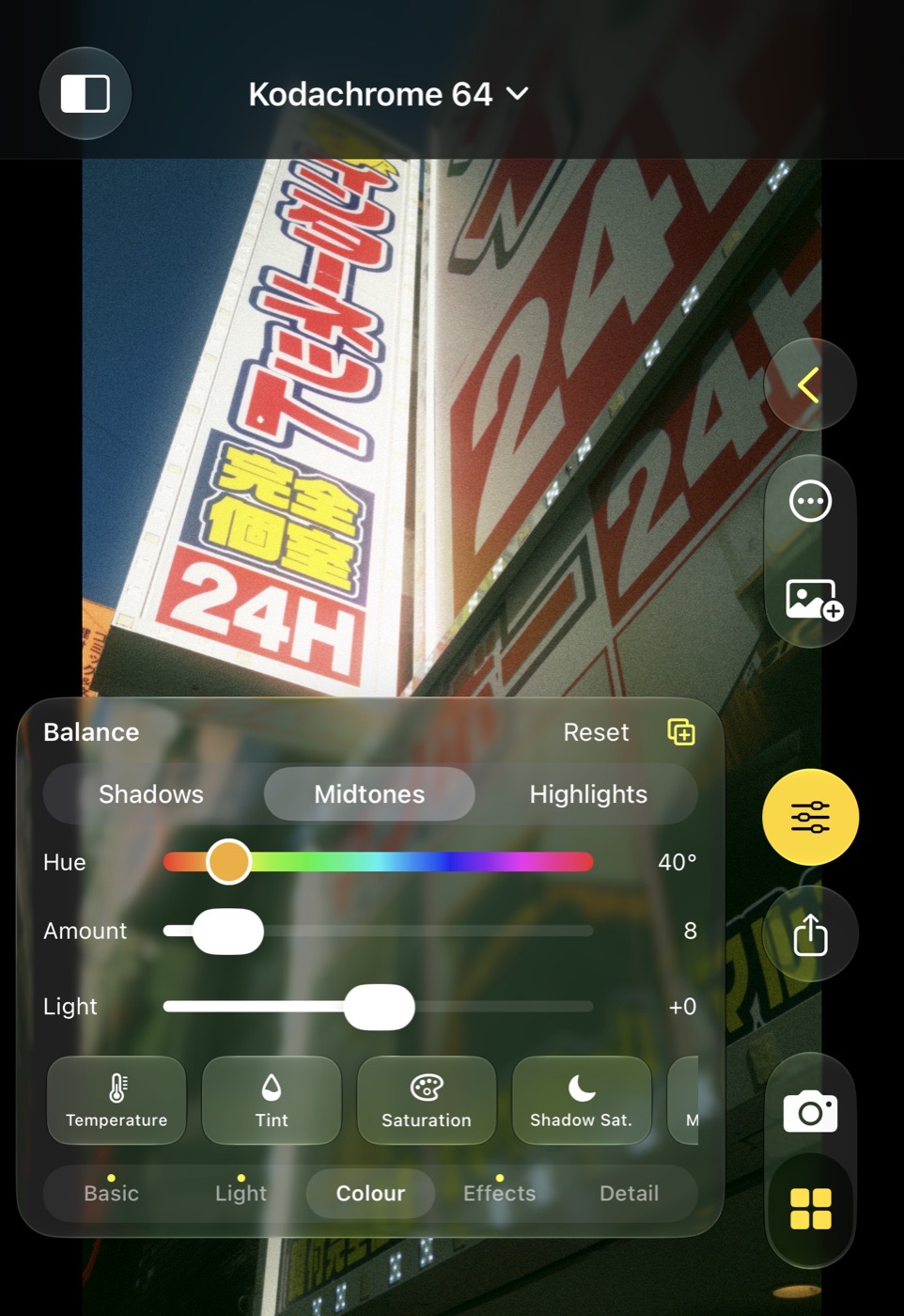
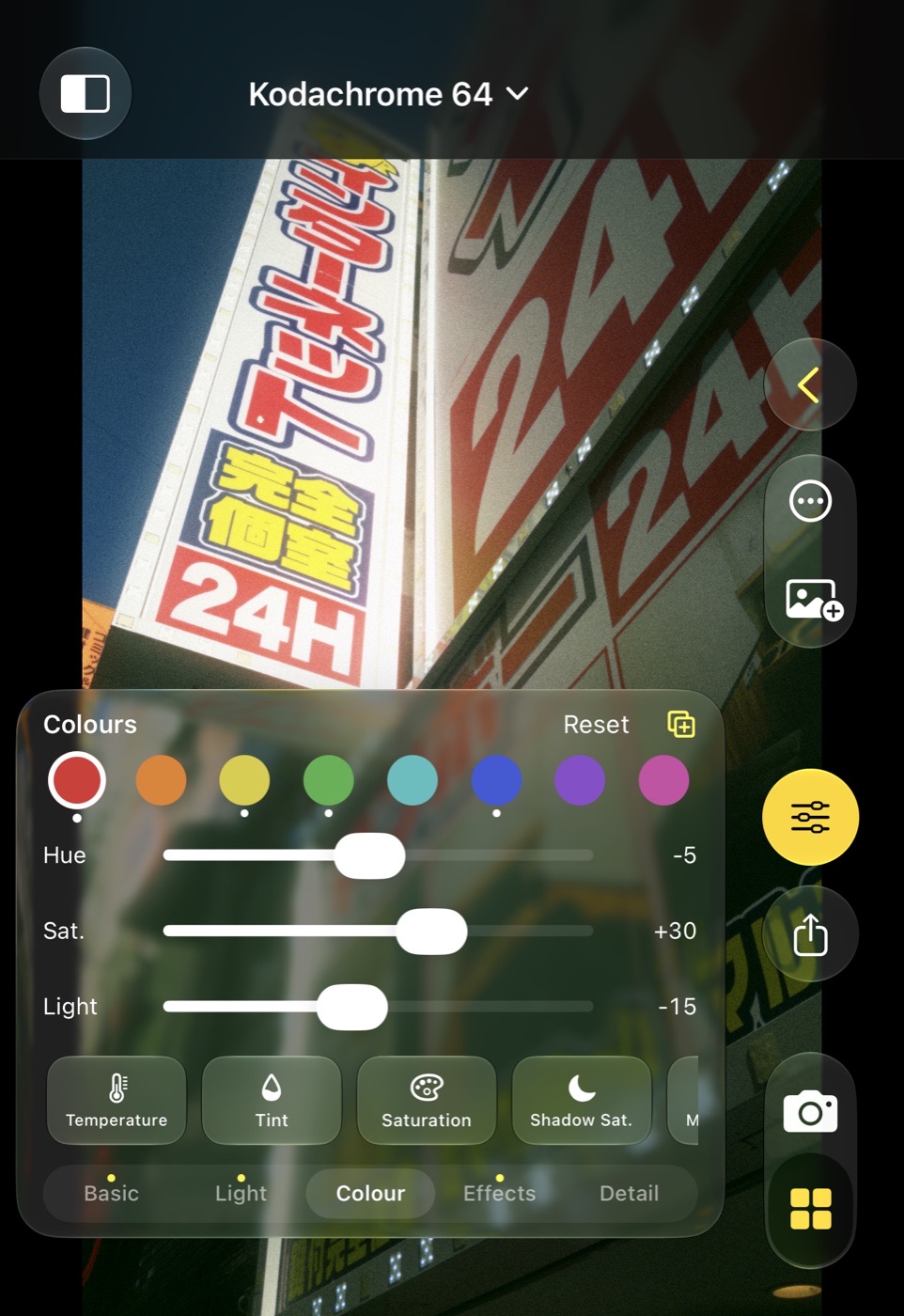
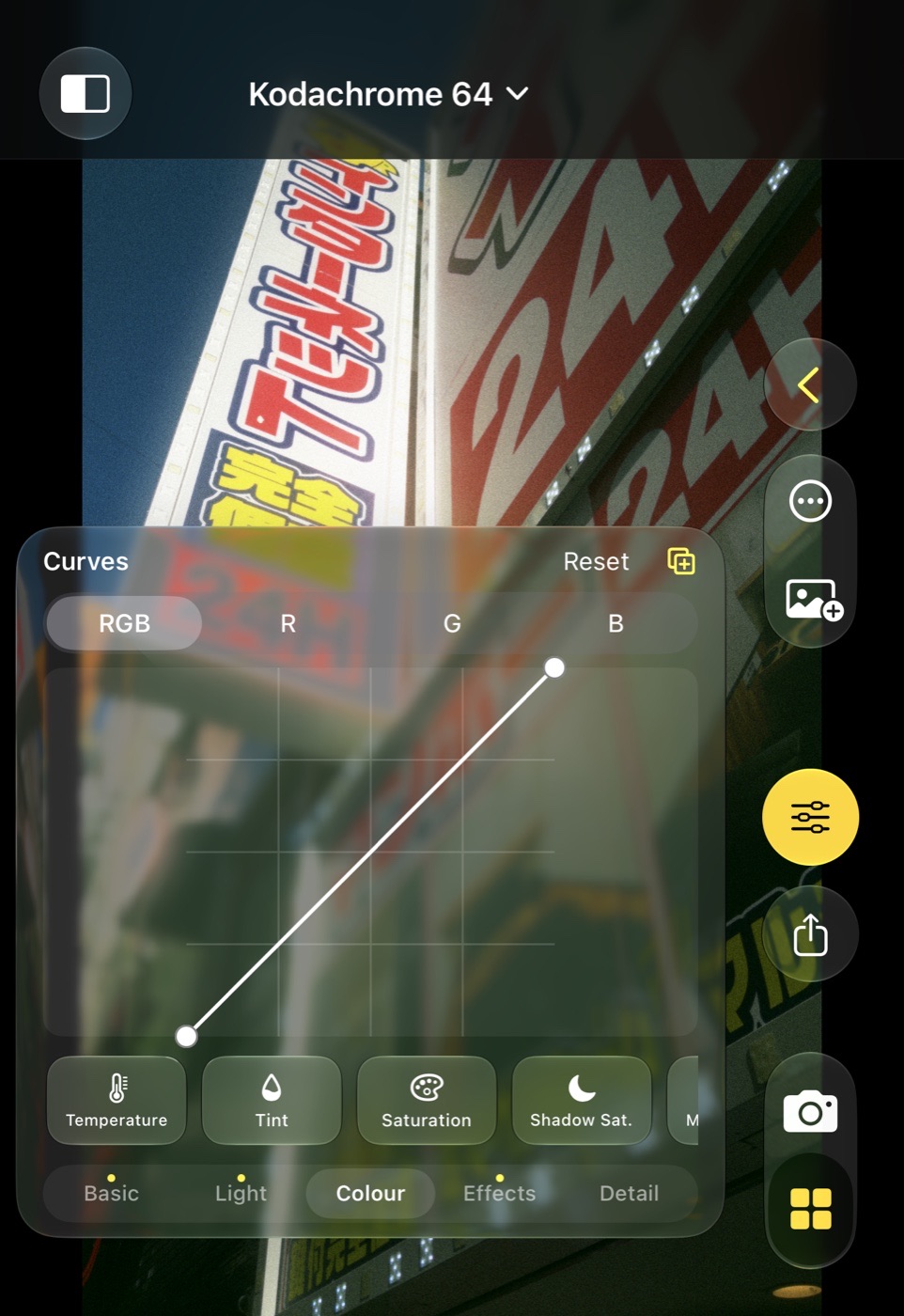
Balance: pick Shadows, Midtones or Highlights, then a hue on the colour strip, an amount and a light offset. Colours: eight colour dots, and for the chosen one Hue, Saturation and Lightness; a dot under a colour marks it as touched. Curves: RGB, R, G or B on a touch square: drag a point, tap to add one, double-tap a point to remove it. The curve drawn is the one the pipeline applies.
Effects
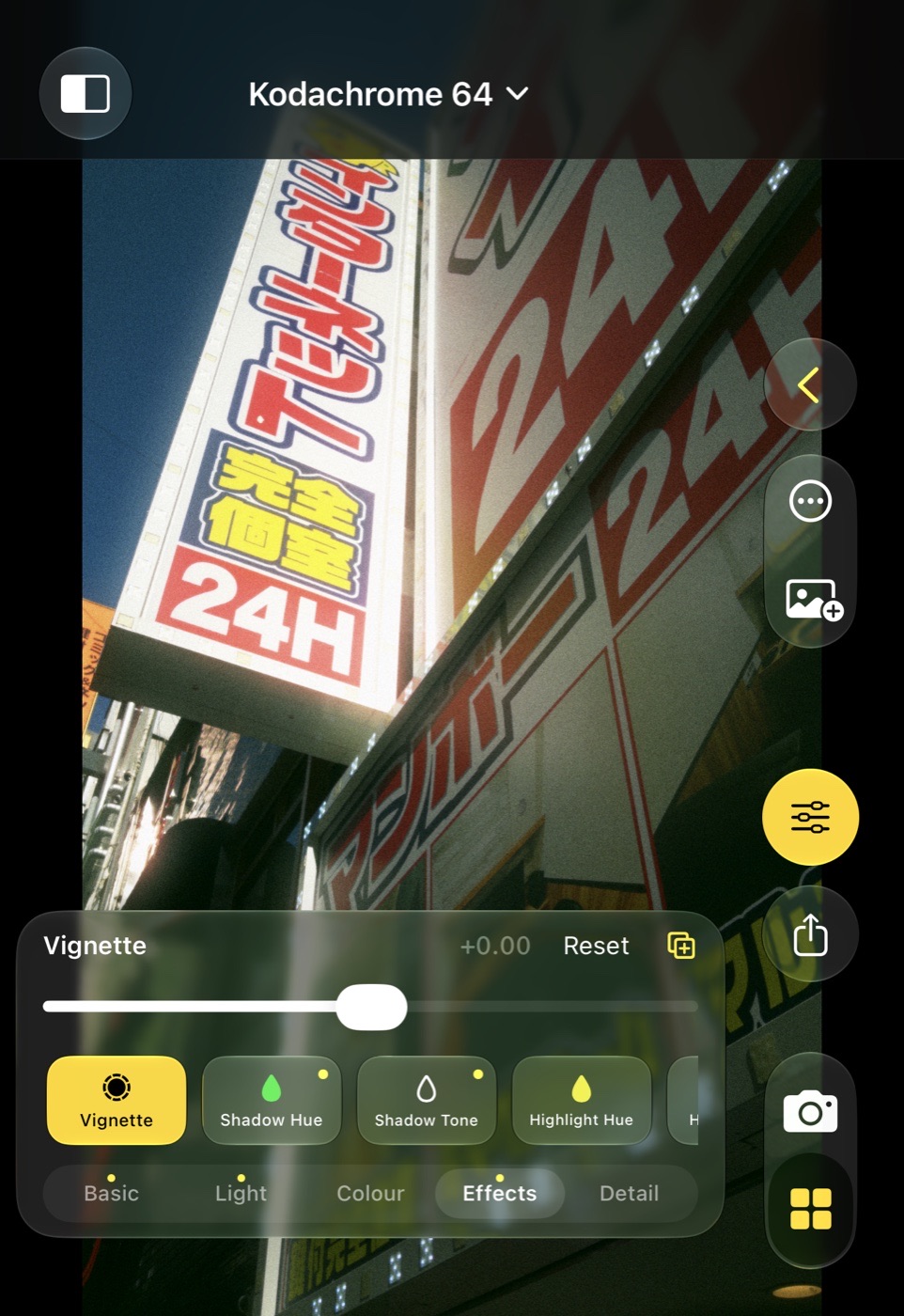
Vignette in stops at the edge. Split toning as Shadow Hue and Shadow Tone, Highlight Hue and Highlight Tone, and Tone Balance between them. B & W converts to black and white, and once it is on, six colour mix chips appear: Red, Yellow, Green, Cyan, Blue and Magenta make that colour lighter or darker, like a coloured filter.
Detail
Sharpen, Noise for luminance noise, Colour Noise for chroma blotches, and Defringe for purple and green fringes on hard edges. Noise reduction is worth knowing about here: the DNG is a single frame with no fusion, so it shows the sensor's noise as it is.