Bayer RAW, no Deep Fusion
Every shot can keep the sensor’s own data as a DNG attached to the picture in Photos: one frame, as the sensor saw it.
Color Science Camera
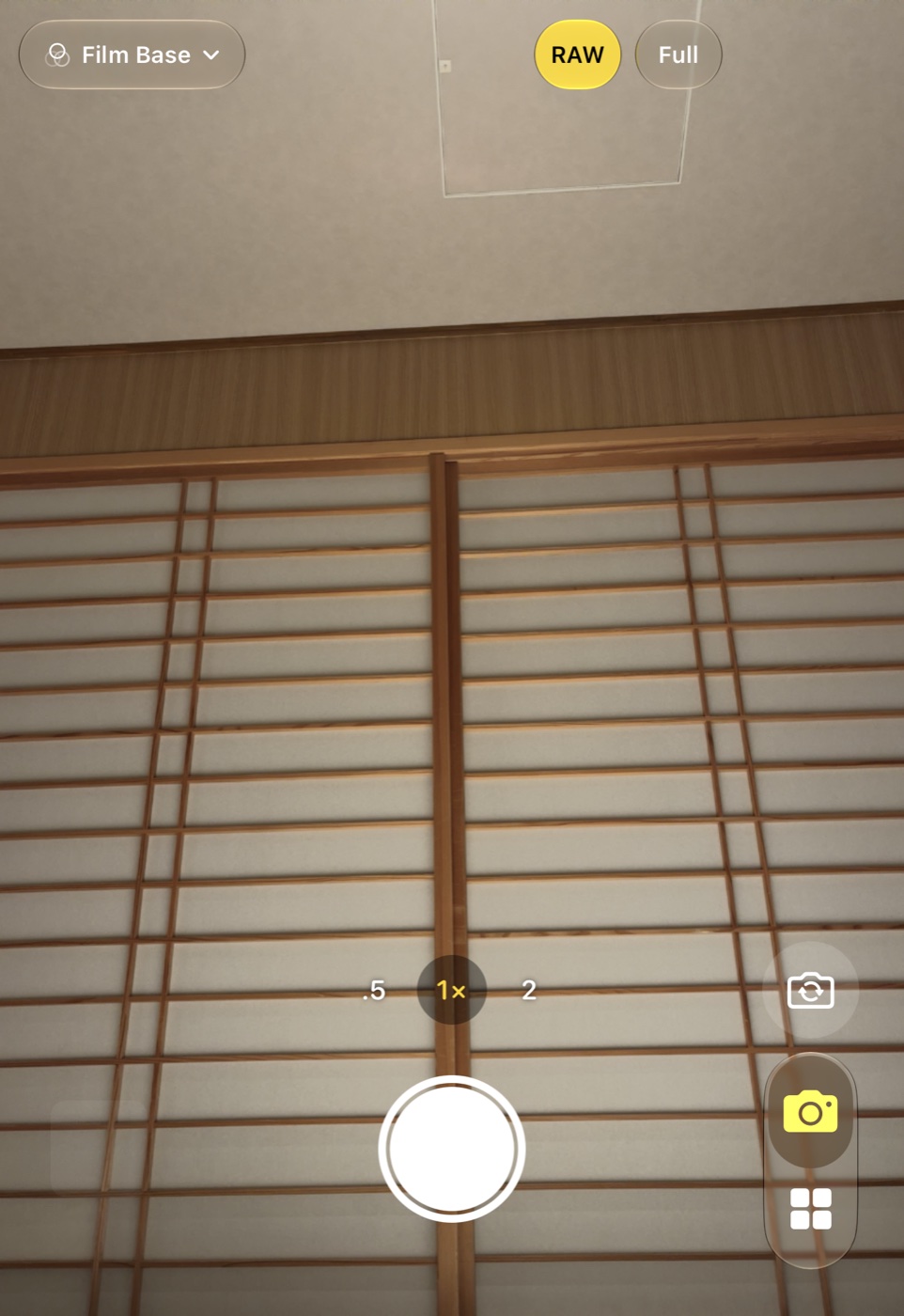
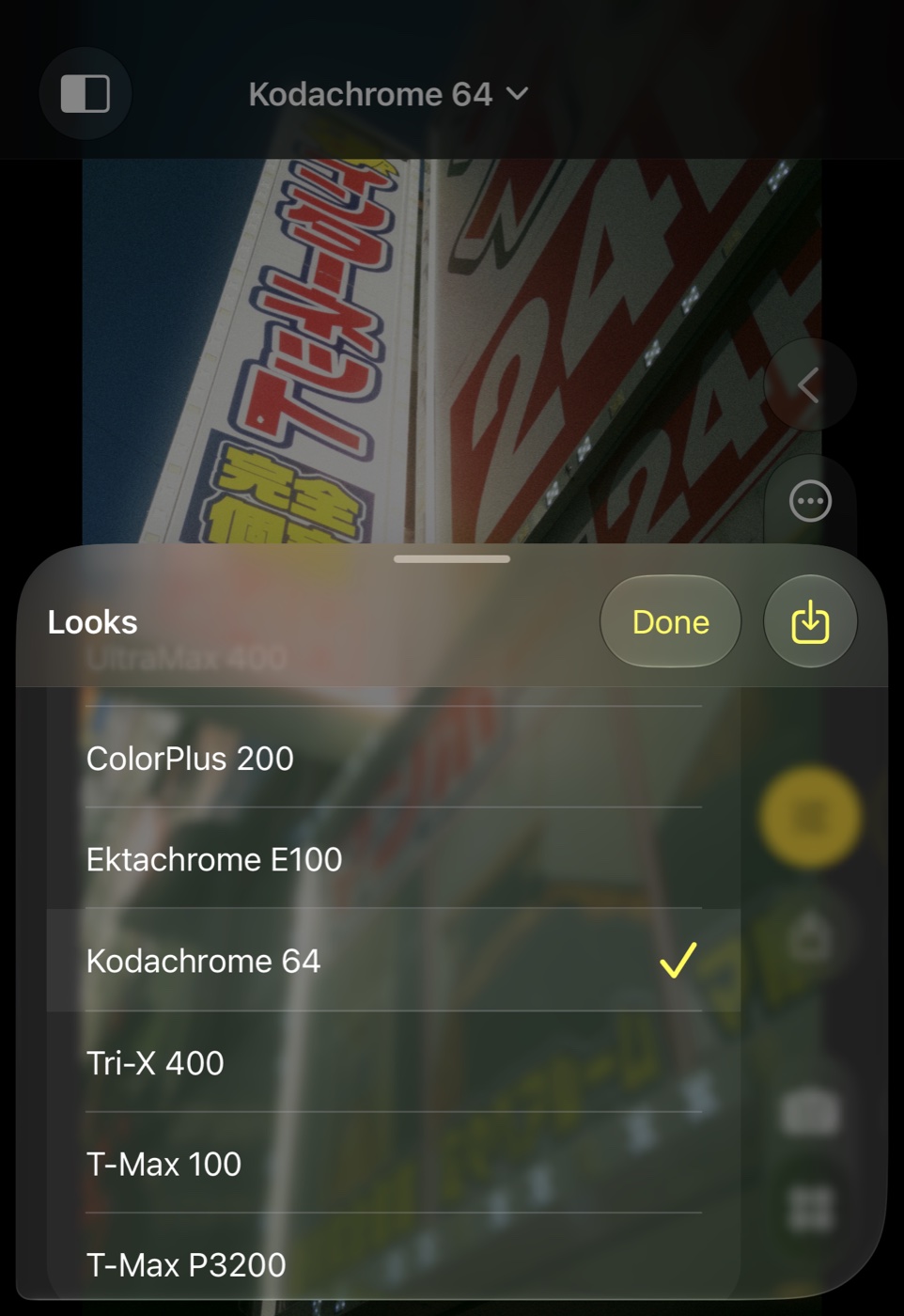
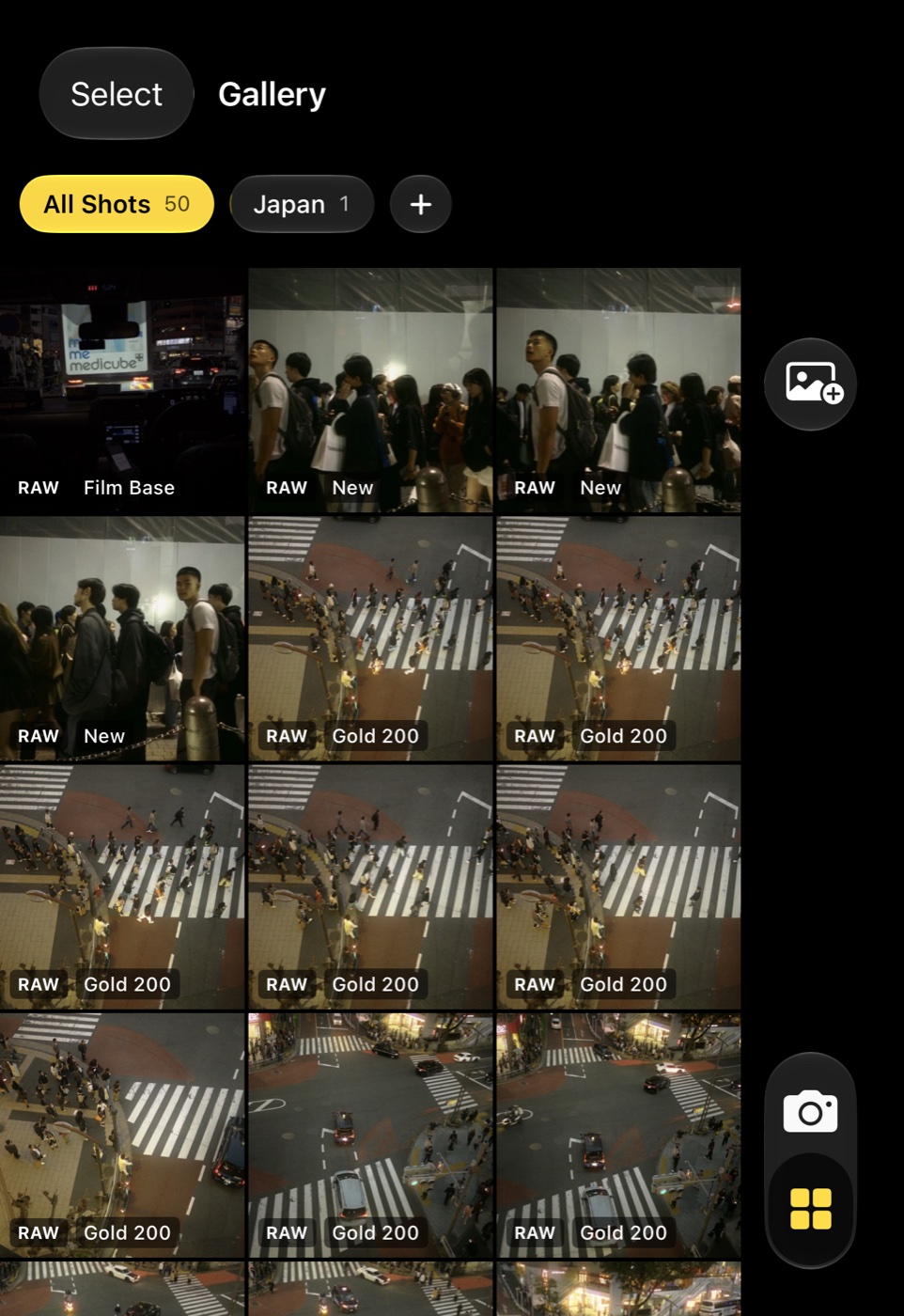
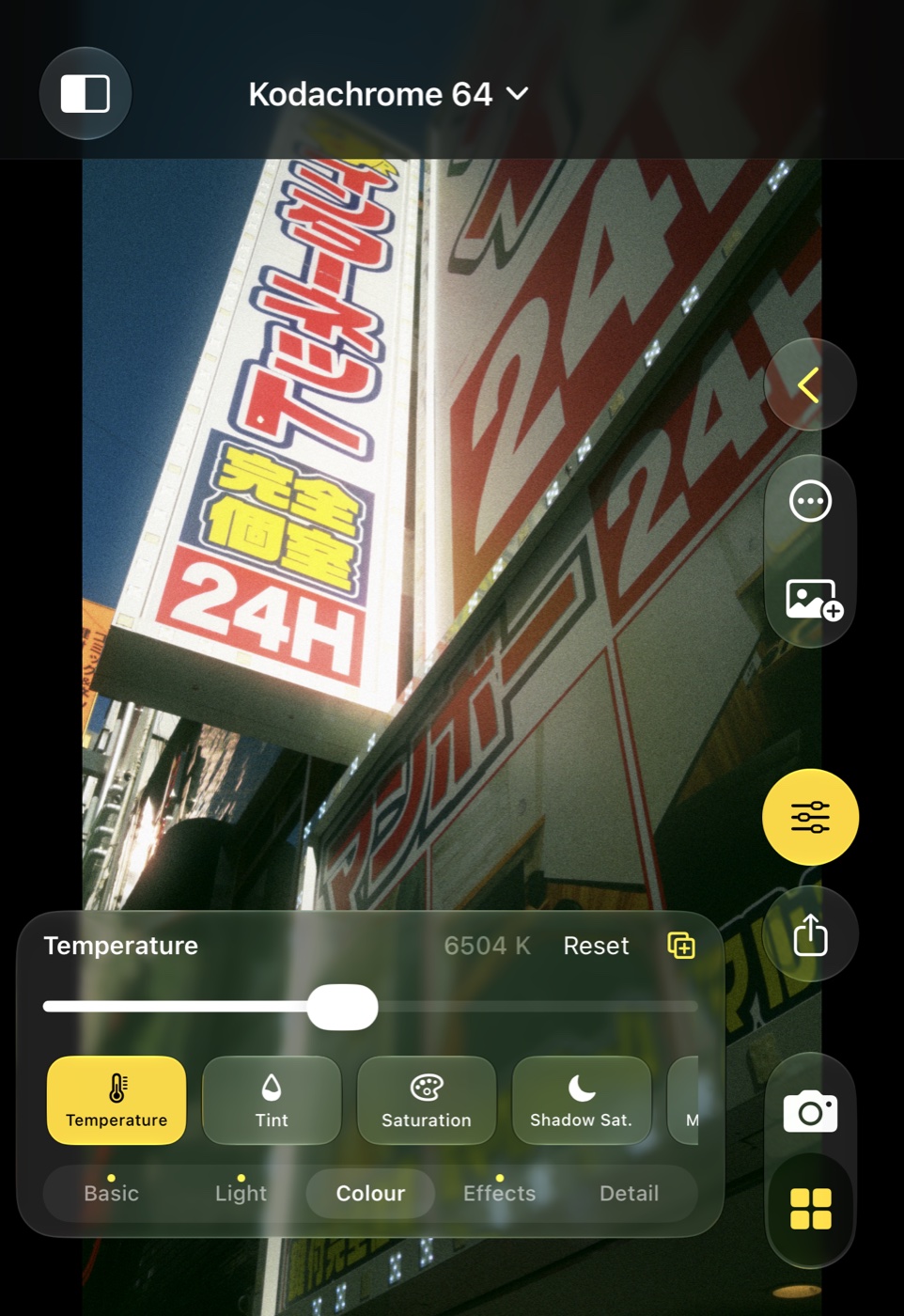
Introducing Color Science Camera
Native SwiftUI and Metal, the same colour engine as Color Science Lab on the Mac. Six languages. No subscriptions.
Every shot can keep the sensor’s own data as a DNG attached to the picture in Photos: one frame, as the sensor saw it.
Dozens of looks inspired by Kodak, Fuji, Agfa, Ilford, Polaroid and cinema stocks — the same looks as on the Mac.
Apple Log, or Apple Log 2 where the phone records it — and Log on iPhones that have no Apple Log at all.
Phone cameras merge, denoise and sharpen before you ever see the picture. Color Science Camera keeps the single frame the sensor saw, saves the picture exactly as it looked on screen, and leaves the look open — change it next week, copy it to a whole gallery, or develop the RAW on the Mac.
What’s inside
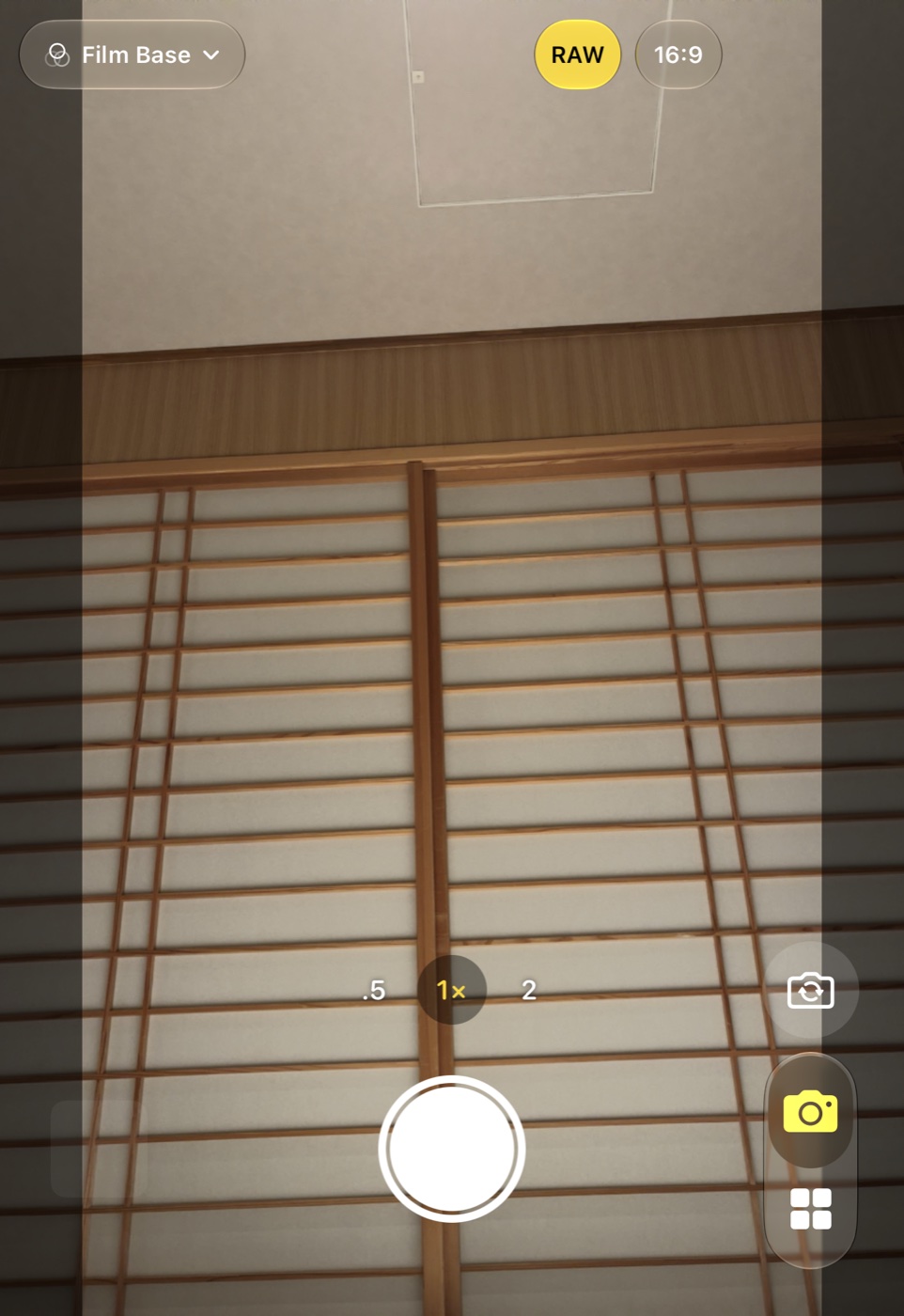
The live view is the picture: the saved file is the very frame that was on screen, every shot.
Speed-priority capture skips Deep Fusion and Smart HDR; the DNG is the sensor’s data before demosaicing.
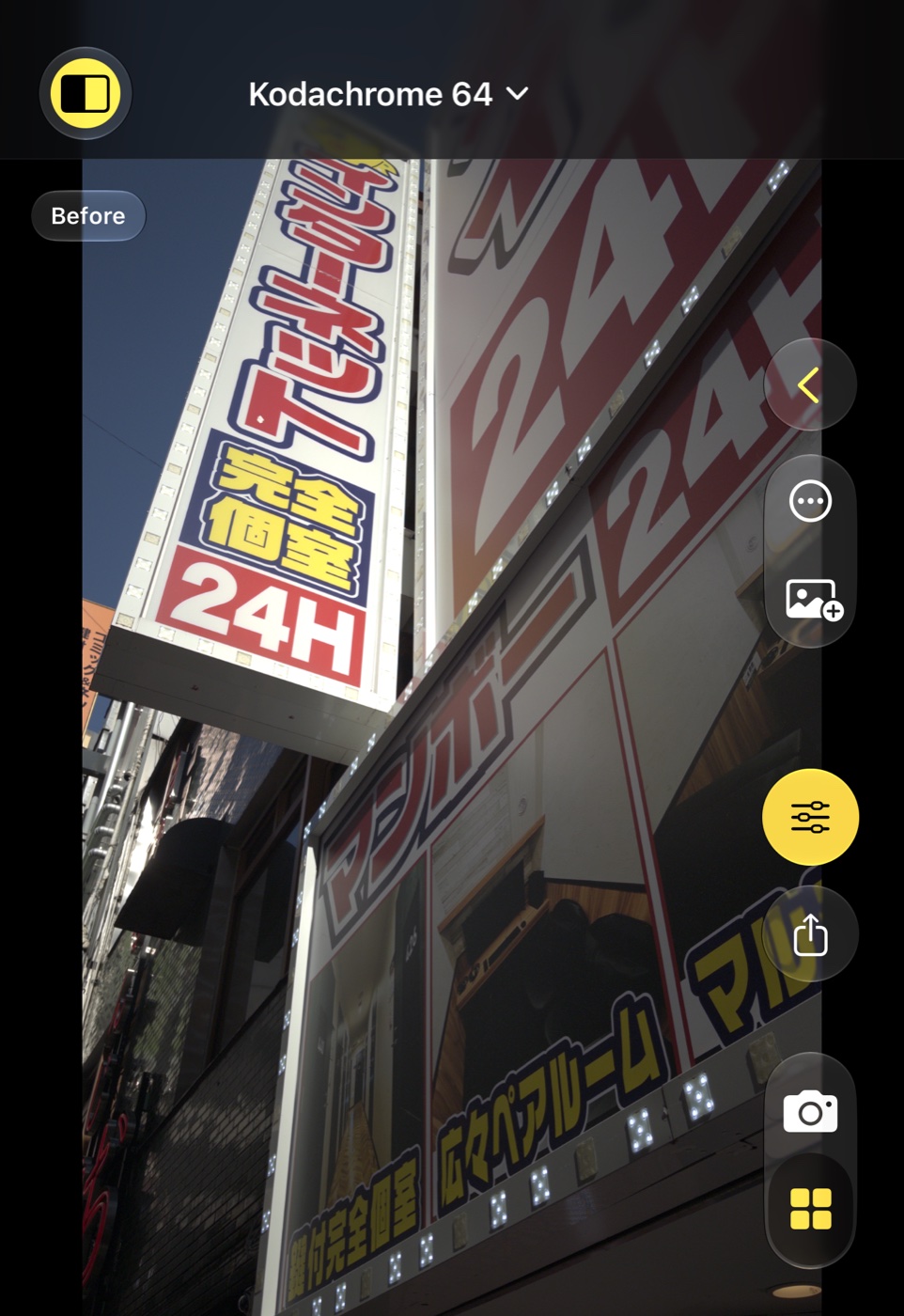
Built-in looks by family, your favourites, and your own — applied in the Gallery and changeable any time.
Every shot keeps its look, adjustments and framing. Copy settings, make variants, organise galleries.
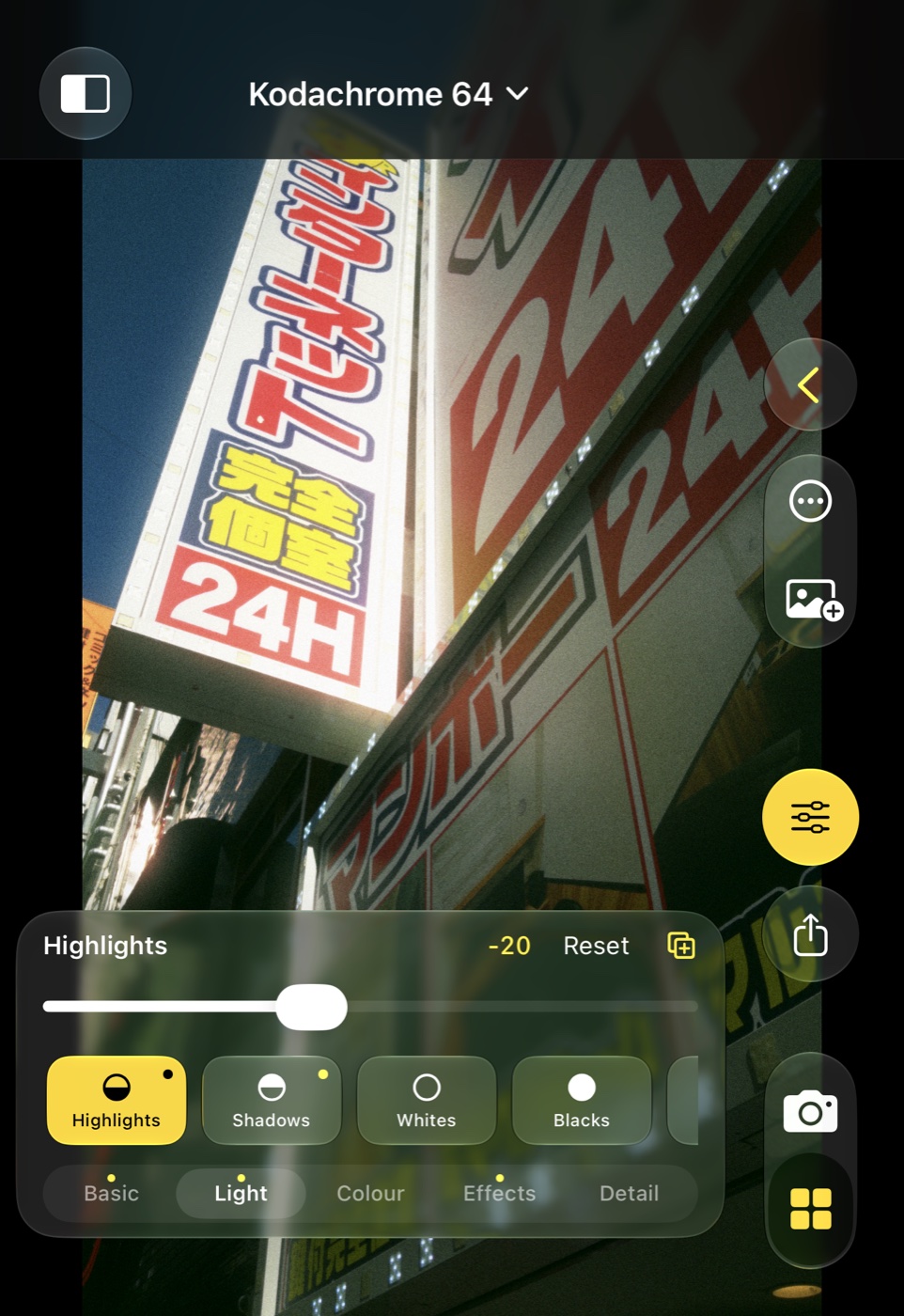
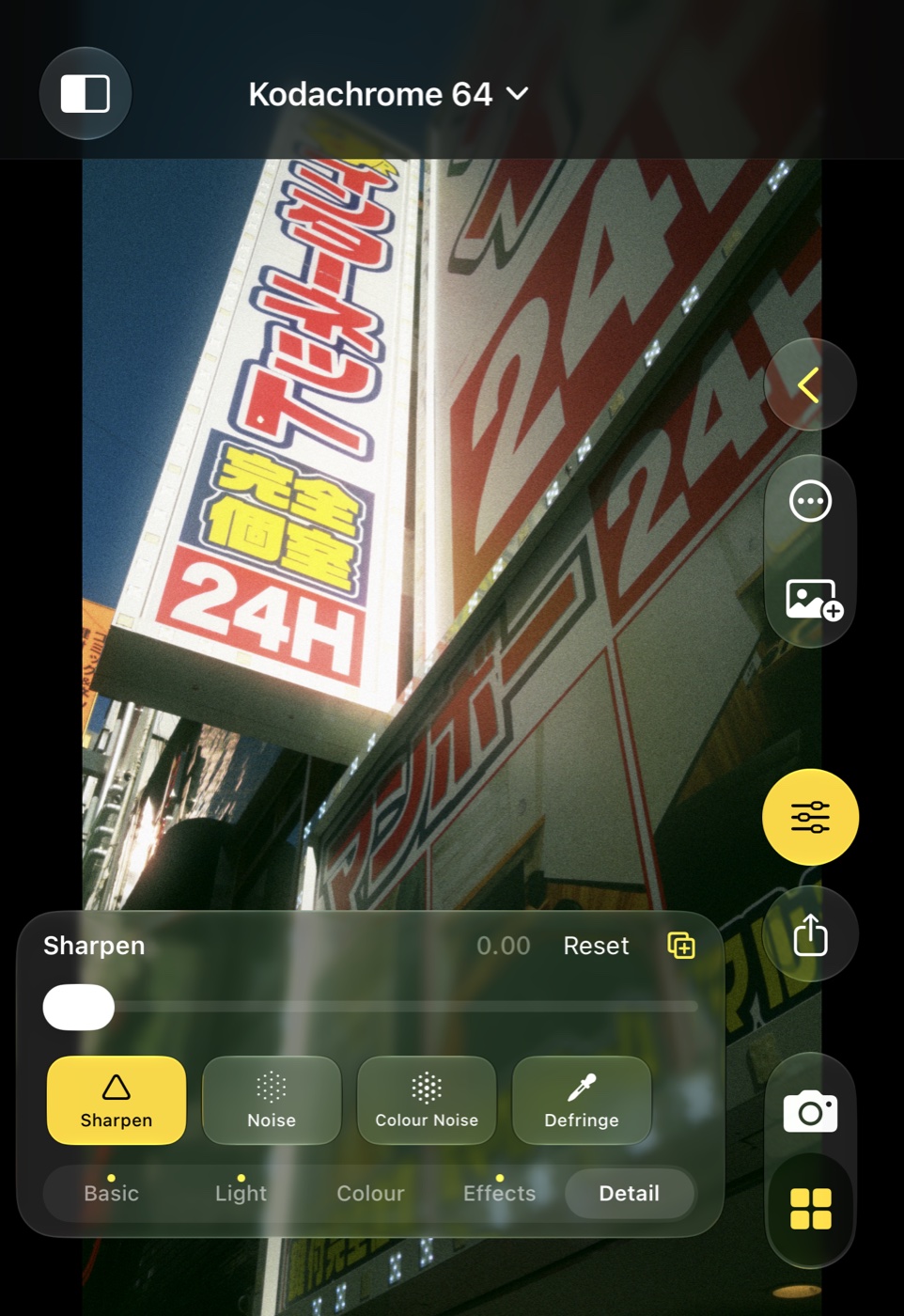
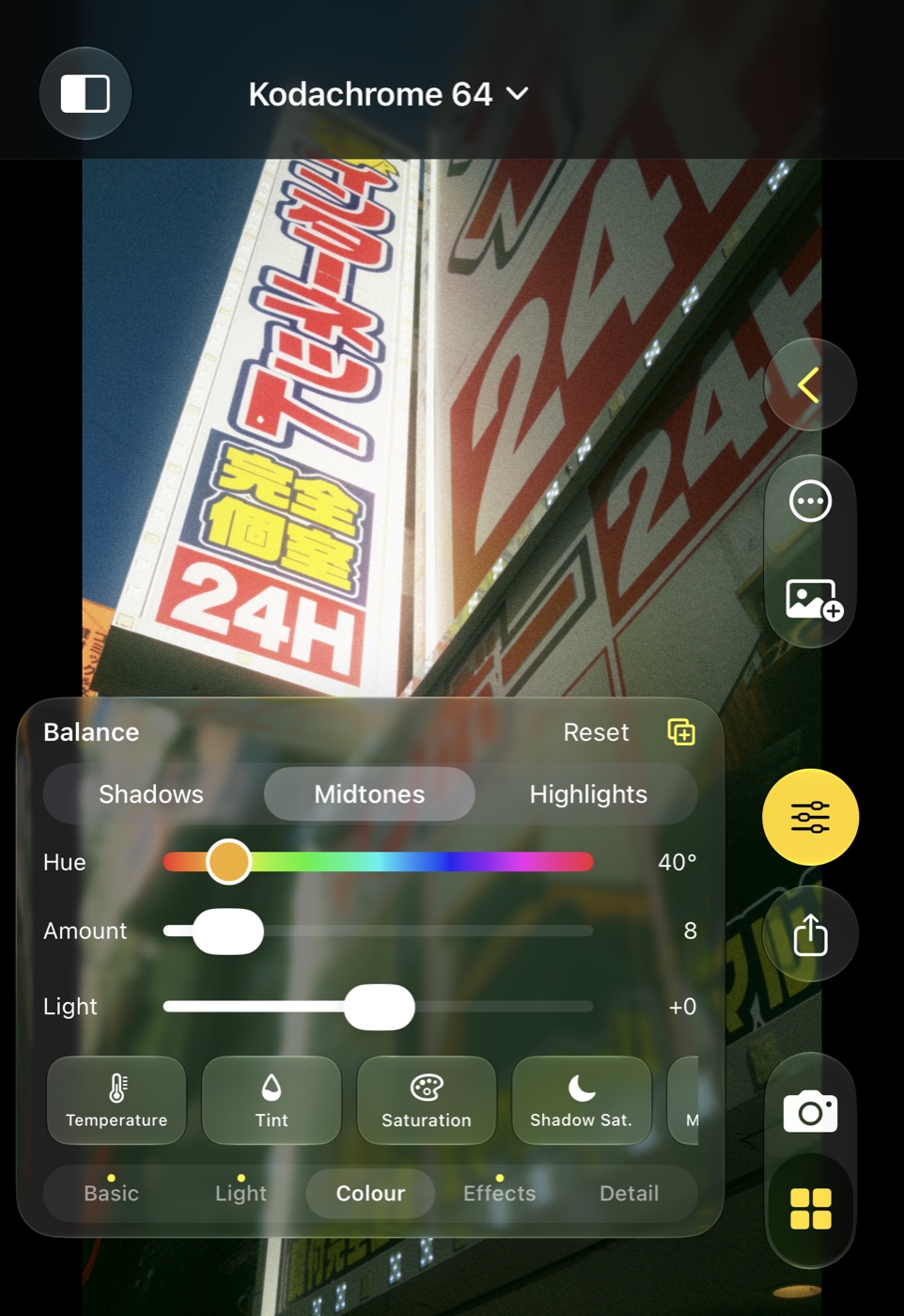
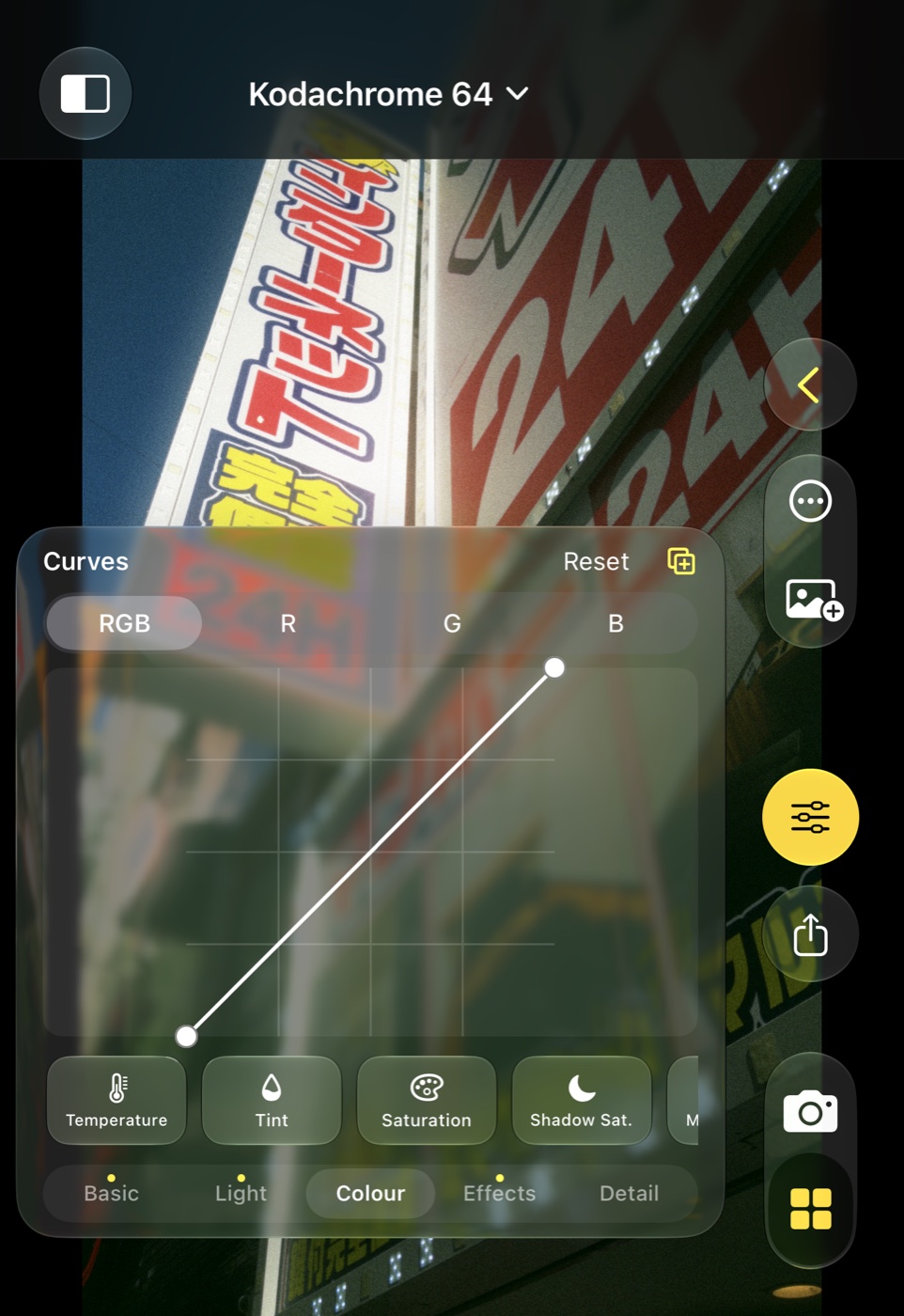
Exposure, highlights and shadows, white balance on the RAW, colour balance, colour editor, curves, split toning, grain, halation.
Clips are recorded in Log on every iPhone and graded with your look when you play or export them.
0.5×, 1×, 2×, 4× and 8× where the phone has them; 2× and 8× are centre cuts that leave the RAW complete.
A control for the Lock Screen, Control Center and the Action button opens the camera in one press.
Up to three stops either way, as in Apple’s camera; double-tap cycles the aspect.
Yellow when a Bayer DNG is saved with every shot; one tap switches it.
The LED lights the scene for the shot, so faces are not burnt by a strobe frame.
The phone’s own Log where it has it; Apple Log 2 keeps a wider range of colours.
iPhones without Apple Log, and the front camera, record Log clips too — graded with the same looks.
Clips stay Log in Photos; the Gallery plays them with your look and exports 10-bit HEVC.
Base, Kodak-, Fuji-inspired, Agfa, Ilford, Polaroid, Cinema, Creative, Signature and My Looks.
Save the look plus your adjustments under a name; rename or delete with a swipe.
Import .look files from Color Science Lab; they render with the same pipeline.
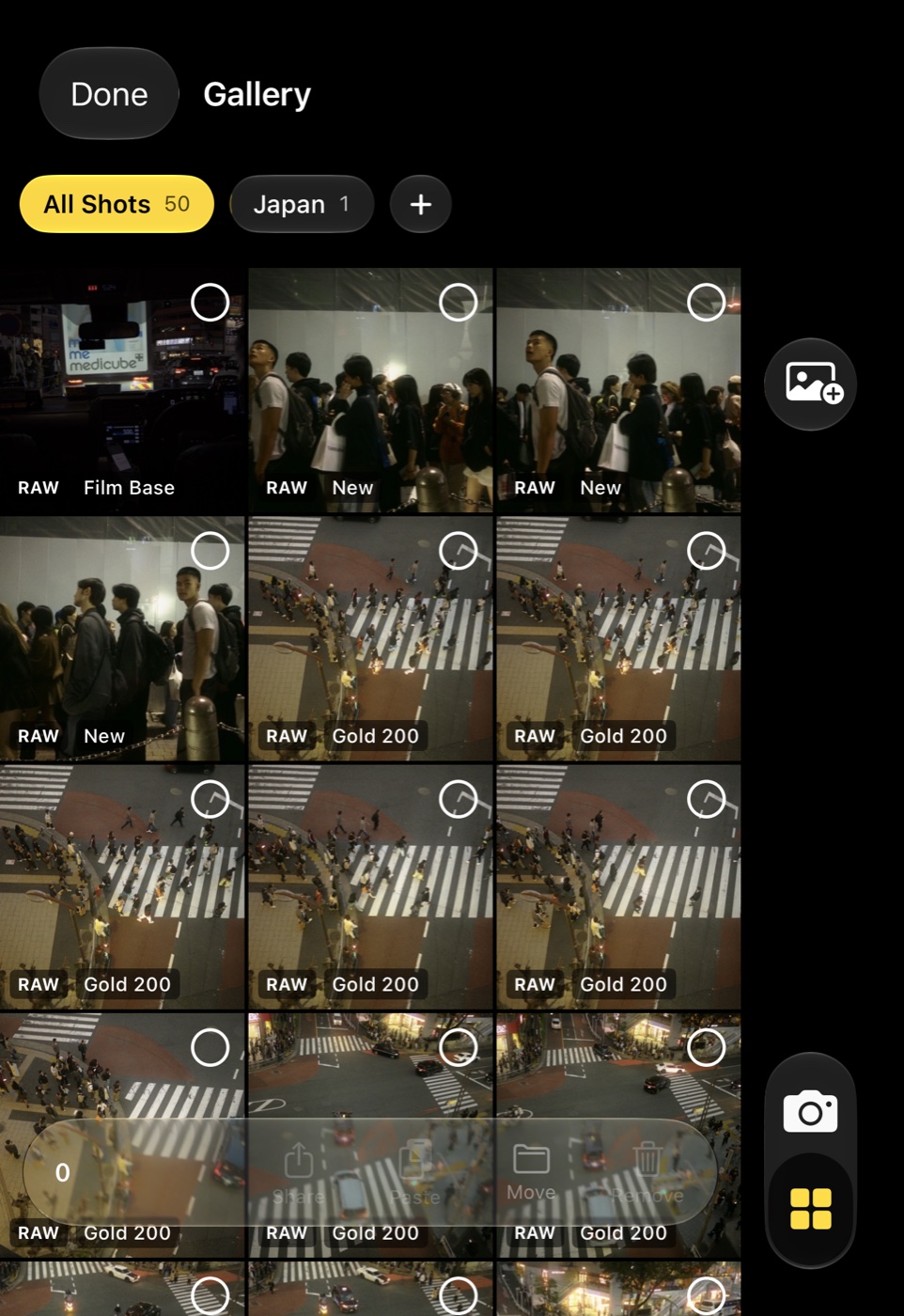
Make galleries, move shots between them, export a whole gallery into a Photos album.
Copy a shot’s look and adjustments to one or many shots; variants sit next to the original.
Pictures this camera saved come back with their RAW; others open as they are.
Basic, Light, Colour, Effects and Detail, all on one slider with the same reset rules.
Reframe any time — the DNG is always the full sensor frame.
Hold the button to see the shot without its look.
In detail
Camera
Lenses
Photos & RAW
Video
Looks & editing
Gallery & sharing
Looks
Choose one for every new photo or clip in Settings, or give any shot another look afterwards. Your own looks follow you to every iPhone on your iCloud account.
Kodak-inspired
Fuji-inspired
Agfa
Ilford
Polaroid
Cinema
Creative
Hand-built approximations inspired by the commonly described character of these film stocks. They are not calibrated emulations — no spectral or measured film data is used — and are not affiliated with the manufacturers.
Specifications
FAQ
It is one picture with a RAW attached. Photos shows a RAW badge; the DNG is the Bayer data, the picture is the look rendered onto the shot.
Apple provides Bayer RAW binned to 12 MP; 48 MP is only available as ProRAW, which carries Apple’s processing. Export at 2× brings the saved picture back to 48 MP by resampling.
Yes. Every iPhone records Log clips in the app, and they take the same looks when you play or export them in the Gallery.
Clips are saved in Log as they come off the camera. Your look is applied when you watch or export them in the Gallery.
Never. The DNG is the sensor’s data. Looks, adjustments and crops apply to the rendered picture only.
Yes: tap the RAW pill, or the switch in Settings. The picture is still the camera’s frame without Deep Fusion, and the Gallery keeps it editable.
Export it as a .look file from Color Science Lab, then Import from the Gallery’s look sheet or open the file from Files.
On the phone, and in your private iCloud storage when sync is on, sealed with a key from your iCloud Keychain. They are never shared beyond your own devices.

On its own on iPhone and iPad, or paired with Color Science Lab on the Mac.
Requires iOS 26 or later · iPhone and iPad