Welcome
Color Science Camera shoots Bayer RAW on your iPhone with a film look applied live, saves exactly what you saw, and keeps every shot in a gallery where you can change the look later — without ever touching the RAW.
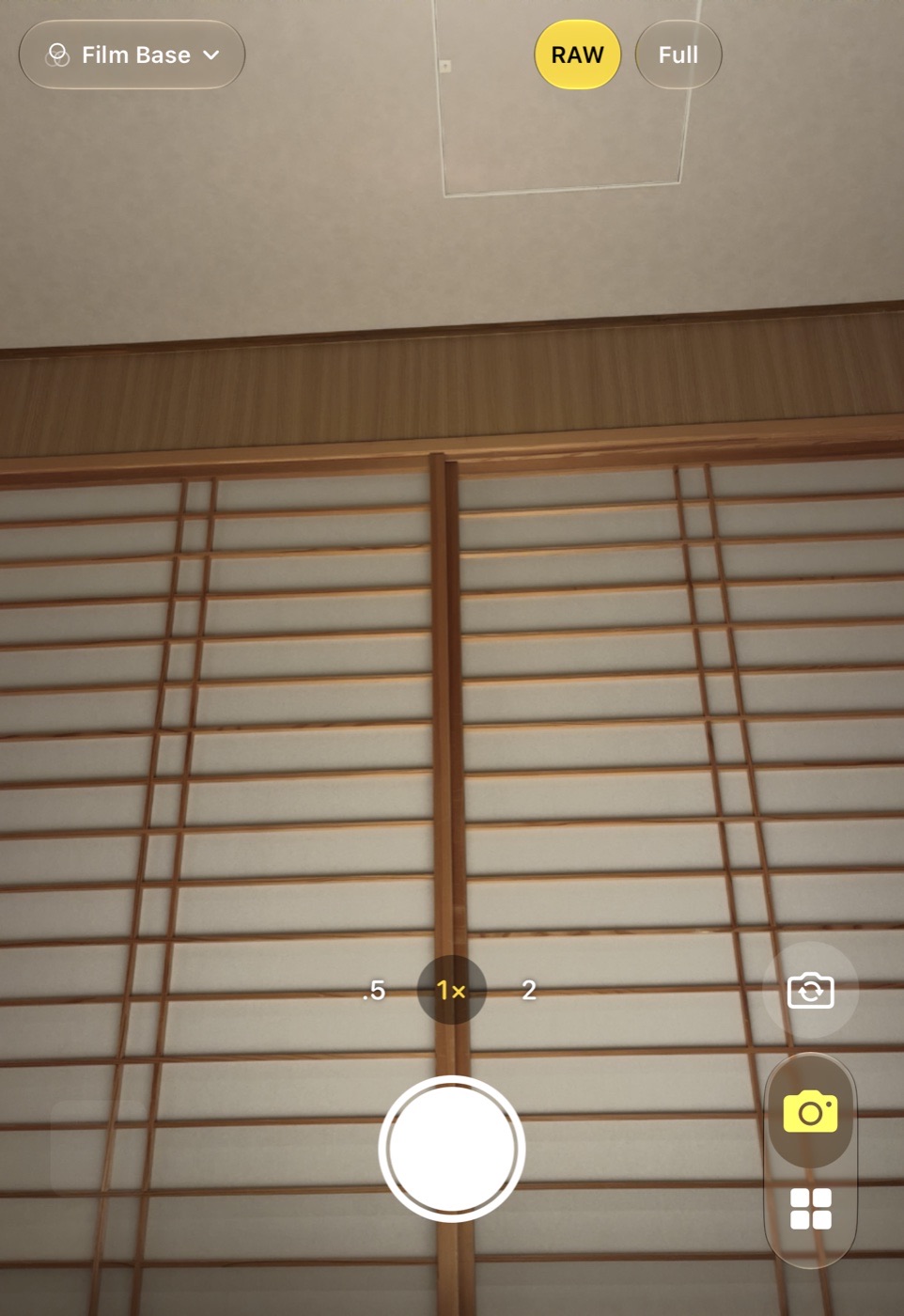
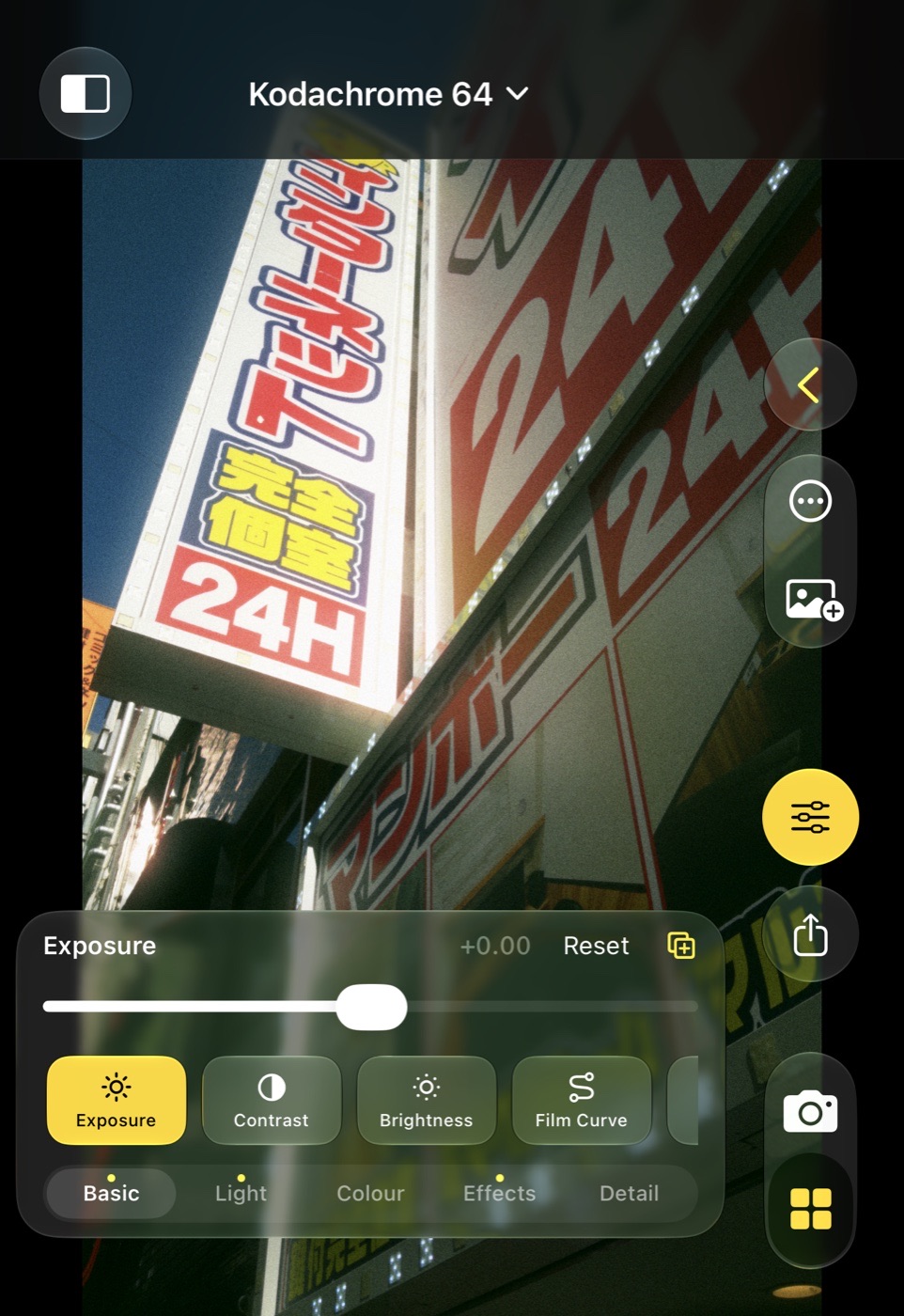
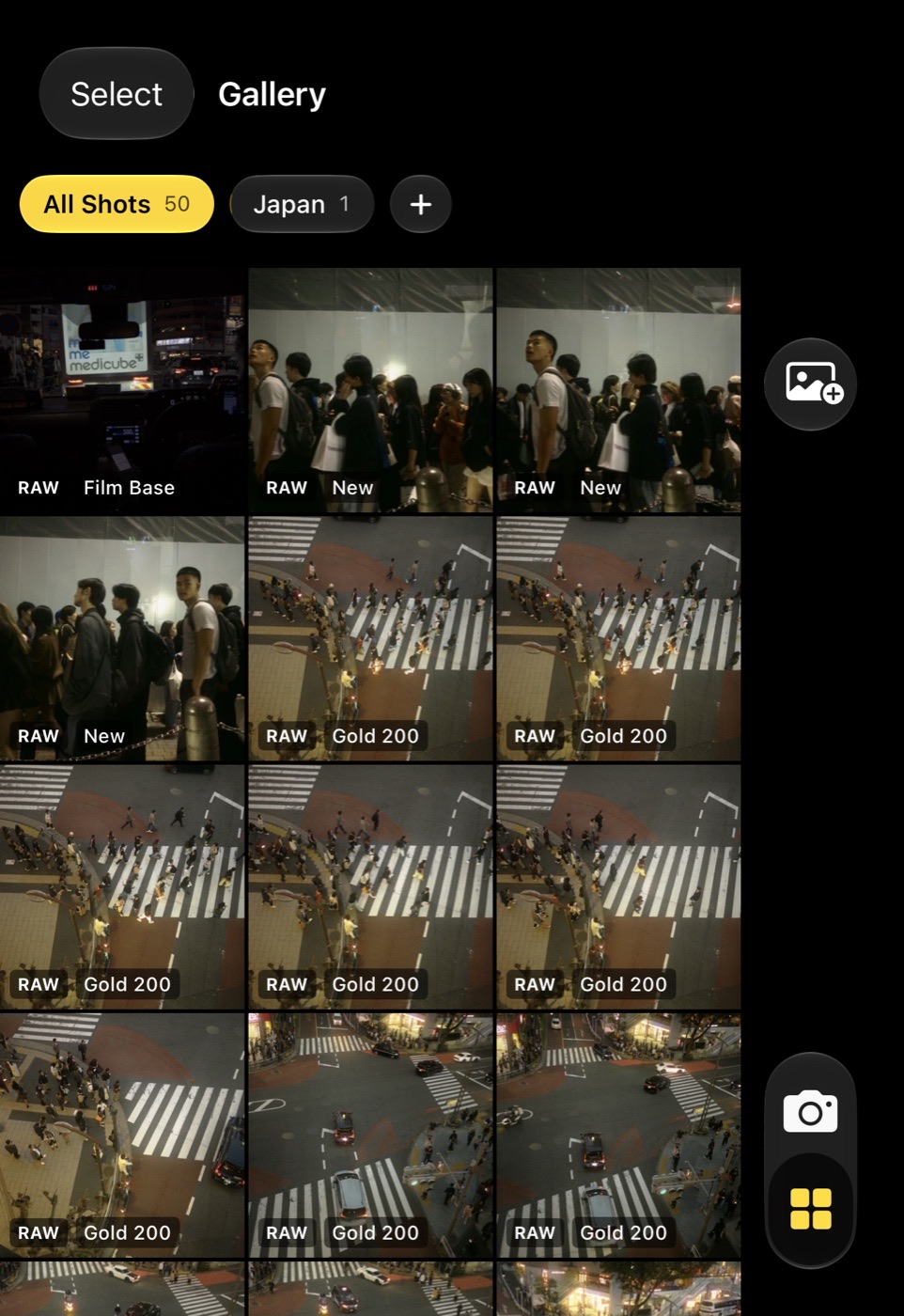
What you see is what you get
The live view is the picture you will get: the saved picture is the very frame that was on screen, every shot. Looks are applied to that frame afterwards, in the Gallery.
Bayer RAW, no Deep Fusion
Every shot can keep the sensor's own data as a DNG, attached to the picture in Photos. Nothing is fused or sharpened by the system: one frame, as the sensor saw it.
Film looks
Dozens of built-in looks inspired by Kodak, Fuji, Agfa, Ilford, Polaroid and cinema stocks, the same looks as Color Science Lab on the Mac, plus your own.
A gallery that remembers
Every shot stays in the app with its look, its adjustments and its framing. Reopen it, change the look, copy settings to other shots, make variants.
Real adjustments
Light, colour, effects and detail: highlights and shadows, white balance on the RAW, colour balance, a colour editor, curves, split toning, grain, halation and more.
Your looks everywhere
Looks you save follow you to every iPhone signed into the same iCloud account, sealed so that only your devices can read them. Mac looks import as .look files.
Lenses like Apple's
0.5×, 1×, 2×, 4× and 8× where the phone has them. The doubled entries are the centre of a 48 MP sensor, cut by the app, so the RAW stays complete.
Lock screen and Action button
A control for the lock screen, Control Center and the Action button opens the camera in one press.
How this manual is organised
The pages follow the app: the camera, the looks, the Gallery, editing a shot and the adjustments, then what is saved to Photos, the settings, the lock-screen control and a few questions.
Color Science Camera is the companion of Color Science Lab on the Mac. Looks made on the Mac open on the phone, and the DNGs the phone saves open on the Mac with the same pipeline.