Multi-pane comparison
Up to ten videos and images at once, in Row, Grid or A/B Slider layouts.
Video Evaluator
Every version side by side in a single row.
Introducing Video Evaluator
Native macOS app built with SwiftUI and AVFoundation. No subscriptions. No internet required.
Up to ten videos and images at once, in Row, Grid or A/B Slider layouts.
A 60 fps master clock with J-K-L transport, frame stepping and loop mode.
Record a comparison to a .mov: fullscreen, presentation mode or just the preview area.
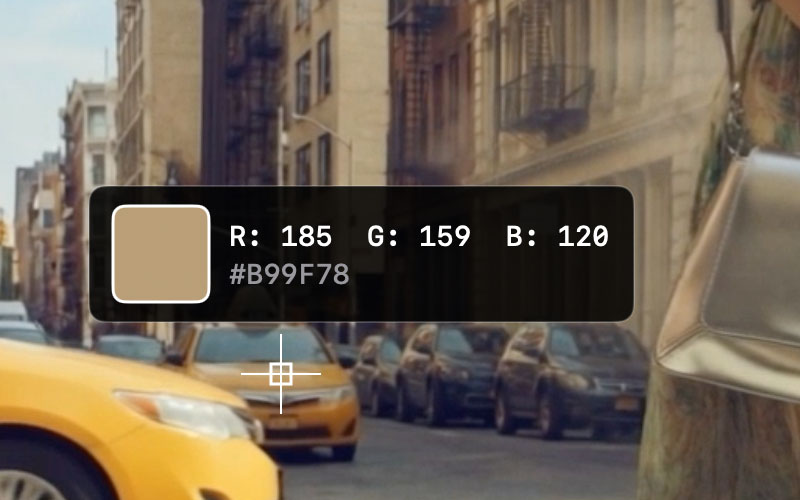
Synchronised playback, a colour dropper that samples during playback, a magnifier up to 1000%, real-time sharpening and built-in screen recording — together in one native Mac app, built for judging video quality closely.
New in 2.7
Switch Settings → General → Mode to Photo and Video Evaluator becomes a lightbox for stills.
Compare stills the way you compare video. Layouts, slider, zoom, magnifier, colour dropper and LUTs all work as before.
Camera model, focal length (35 mm equivalent), shutter speed, f-number, ISO, resolution and white balance.
Every common stills format, RAW included — and iPhone videos show their camera model too.
In Photo mode, playback controls, the timeline and track badges step out of the way.
Show or hide each row; choose font, size, weight, colours, background opacity and margins, with a live preview.
In Row or Grid, drag a pane and the others slide aside; ⌘[ and ⌘] nudge the selected pane.
Files dropped together are added in the order you dragged them.
The track number badge follows your overlay style.
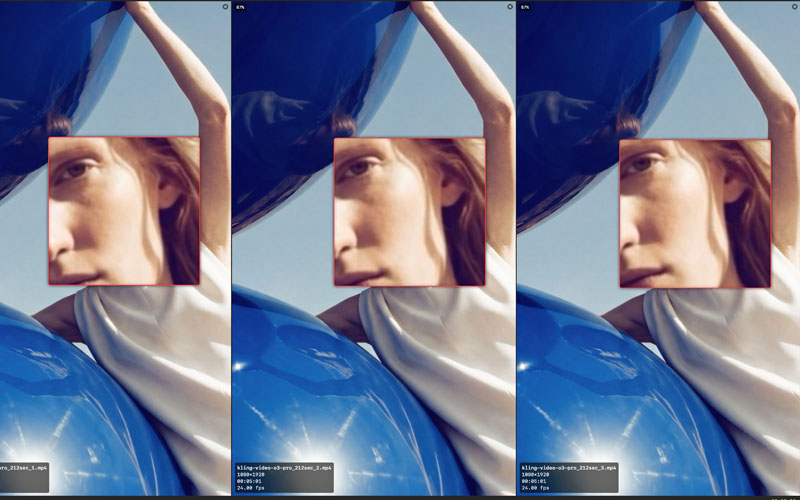
All panes side by side, for quick A/B/C comparisons.
Two columns for up to four panes, three for five to nine, four for ten.
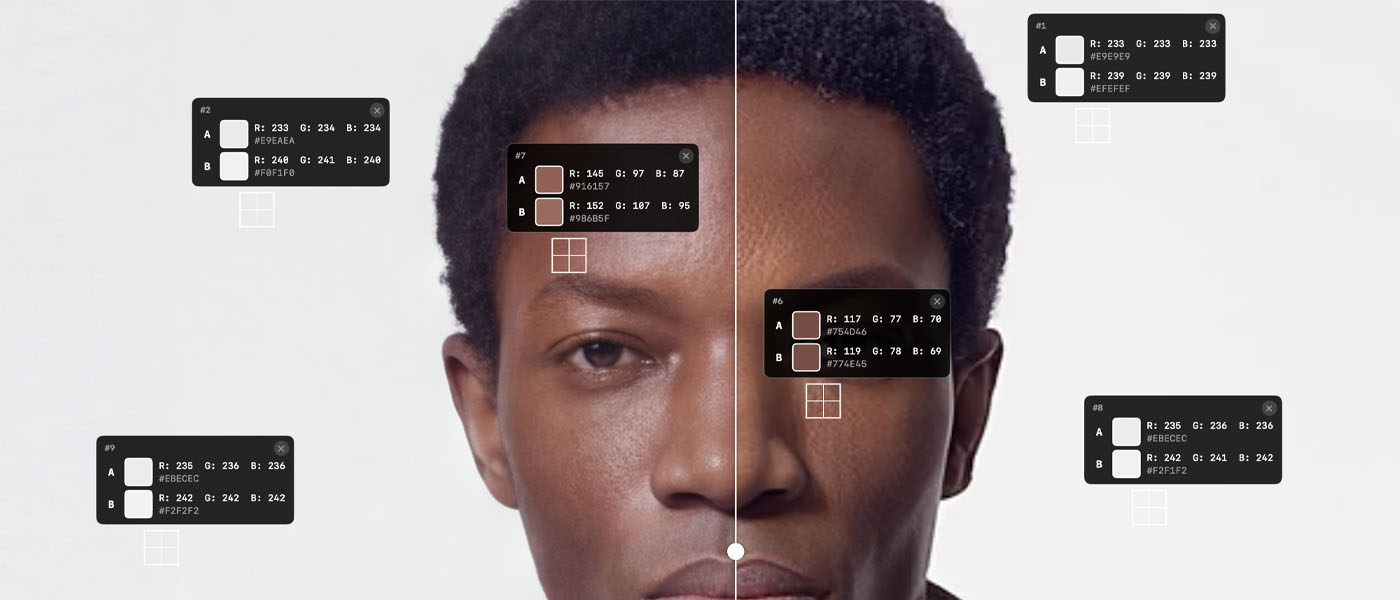
An A/B divider with sharpening controls for each side.
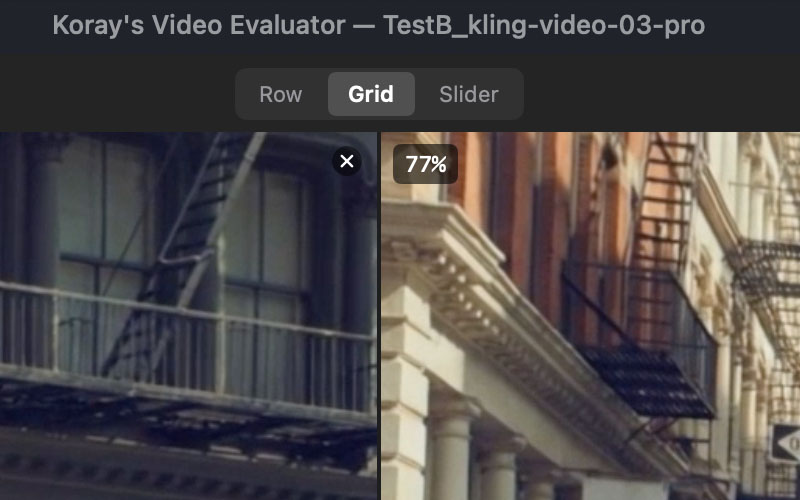
File name, resolution, duration, frame rate and zoom on every pane — or camera EXIF in Photo mode — styled the way you want.
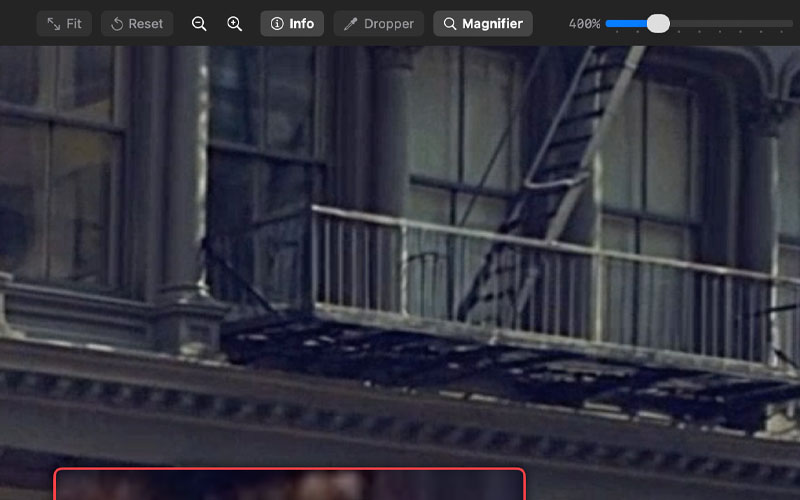
Zoom from 200% to 1000% with a source indicator; sample RGB anywhere, live during playback.
Real-time CIUnsharpMask with no gamma shift.
Fullscreen, presentation mode, or the preview area only — without toolbar and timeline.
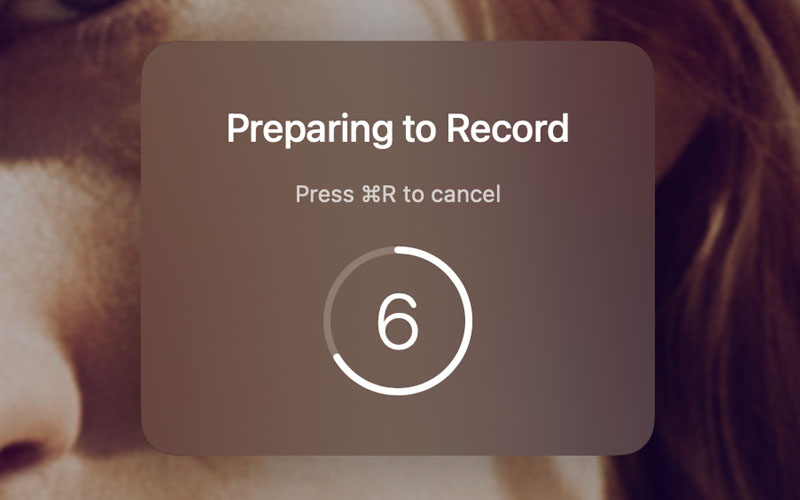
30 or 60 fps, quality and maximum resolution, with a countdown and cursor option.
H.264 recordings written straight to disk. No conversion needed.
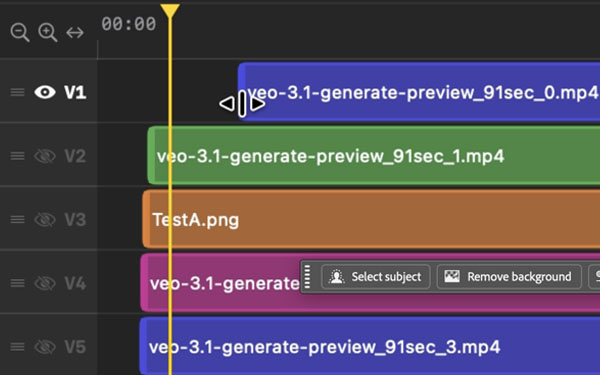
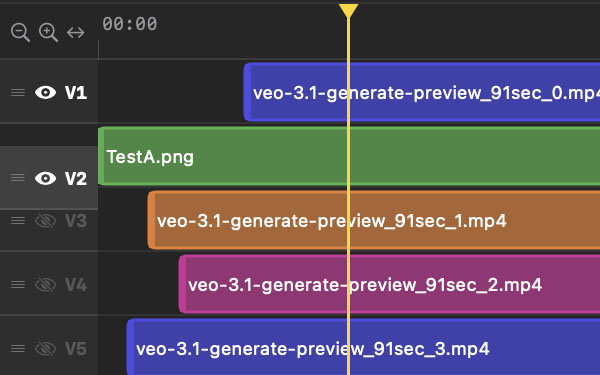
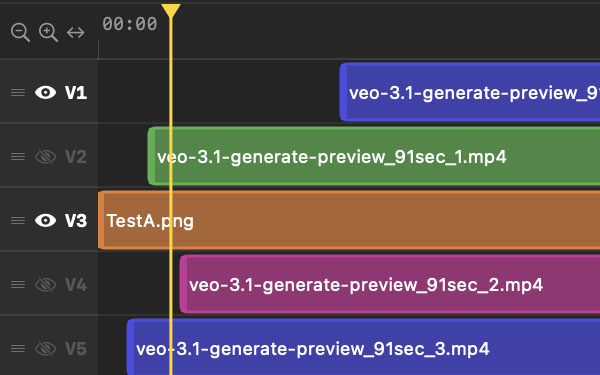
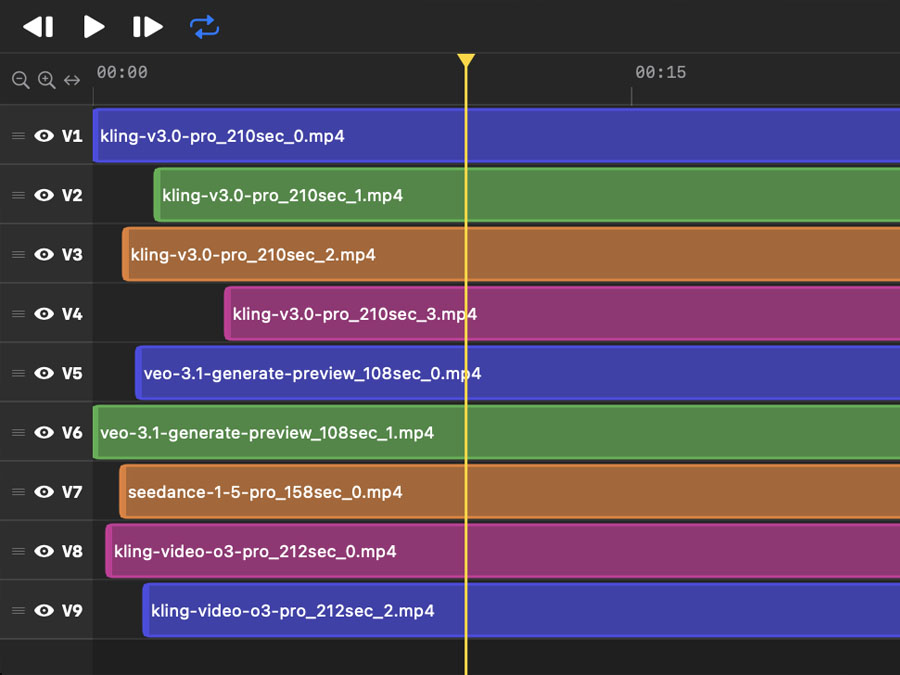
Colour-coded clips, drag to reposition, reorder tracks.
Zoom, scrub and hide tracks from one timeline.
Resize how long each image stays on screen.
Tracks, positions and settings saved to a .kve file.
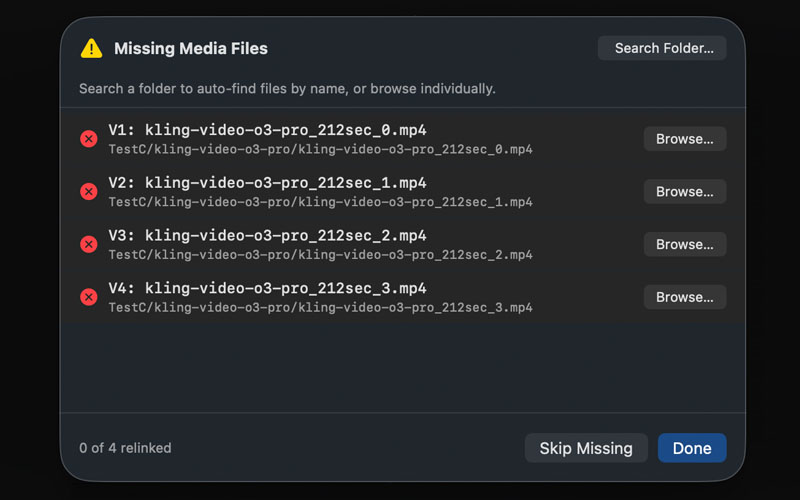
Moved media is matched again by scanning folders, like Premiere Pro.
Every shortcut can be recorded, searched and reset.
Video Evaluator for macOS. No subscriptions. No internet required.
Requires macOS 14 Sonoma or later