Calibrated to your bike
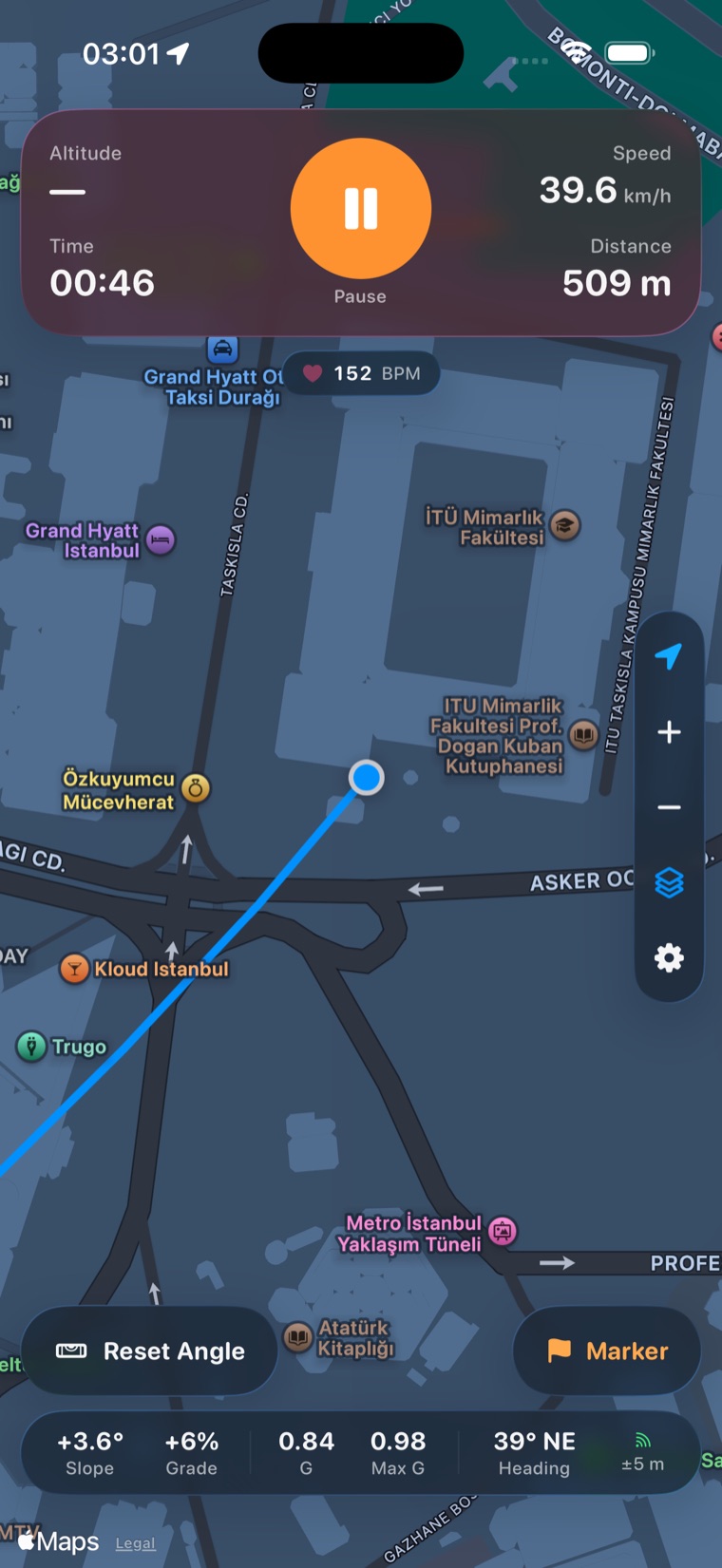
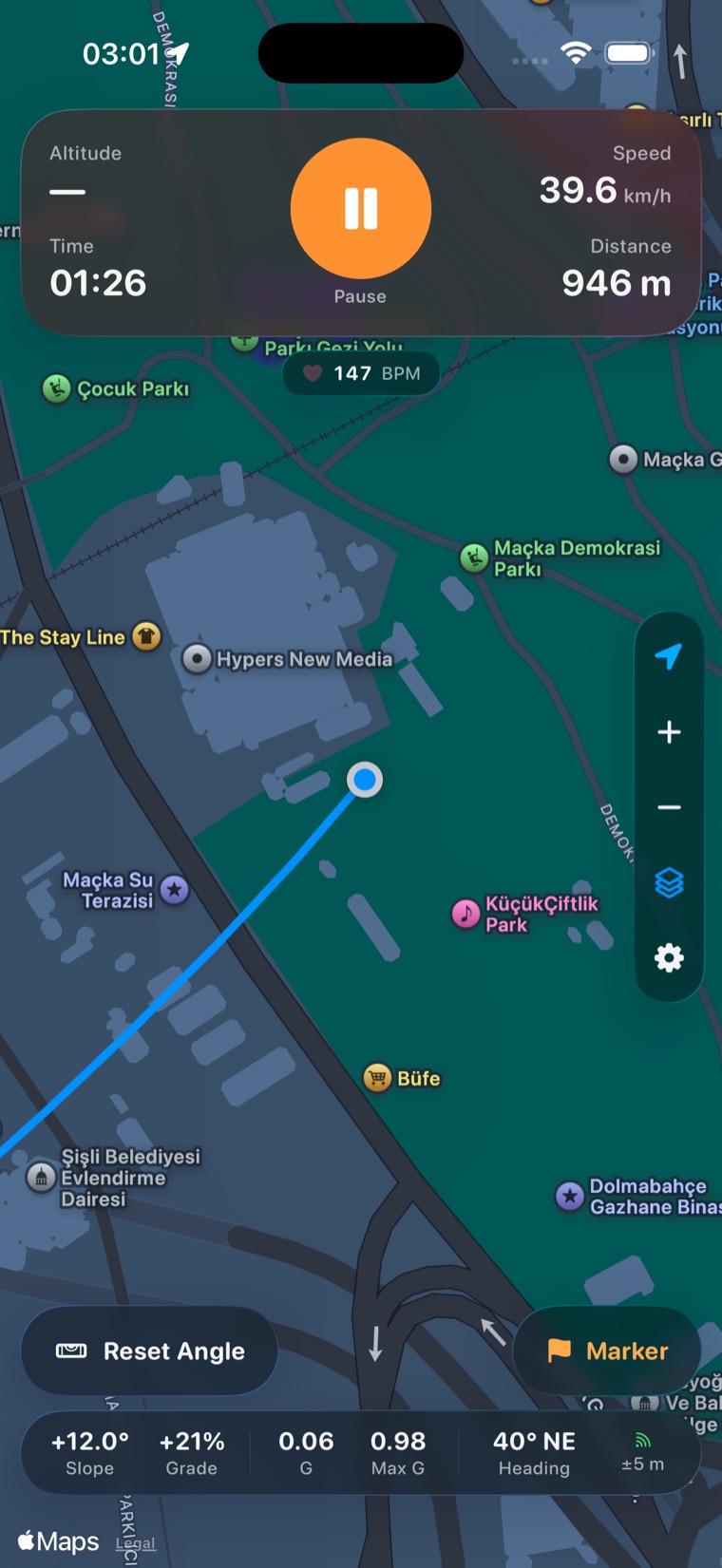
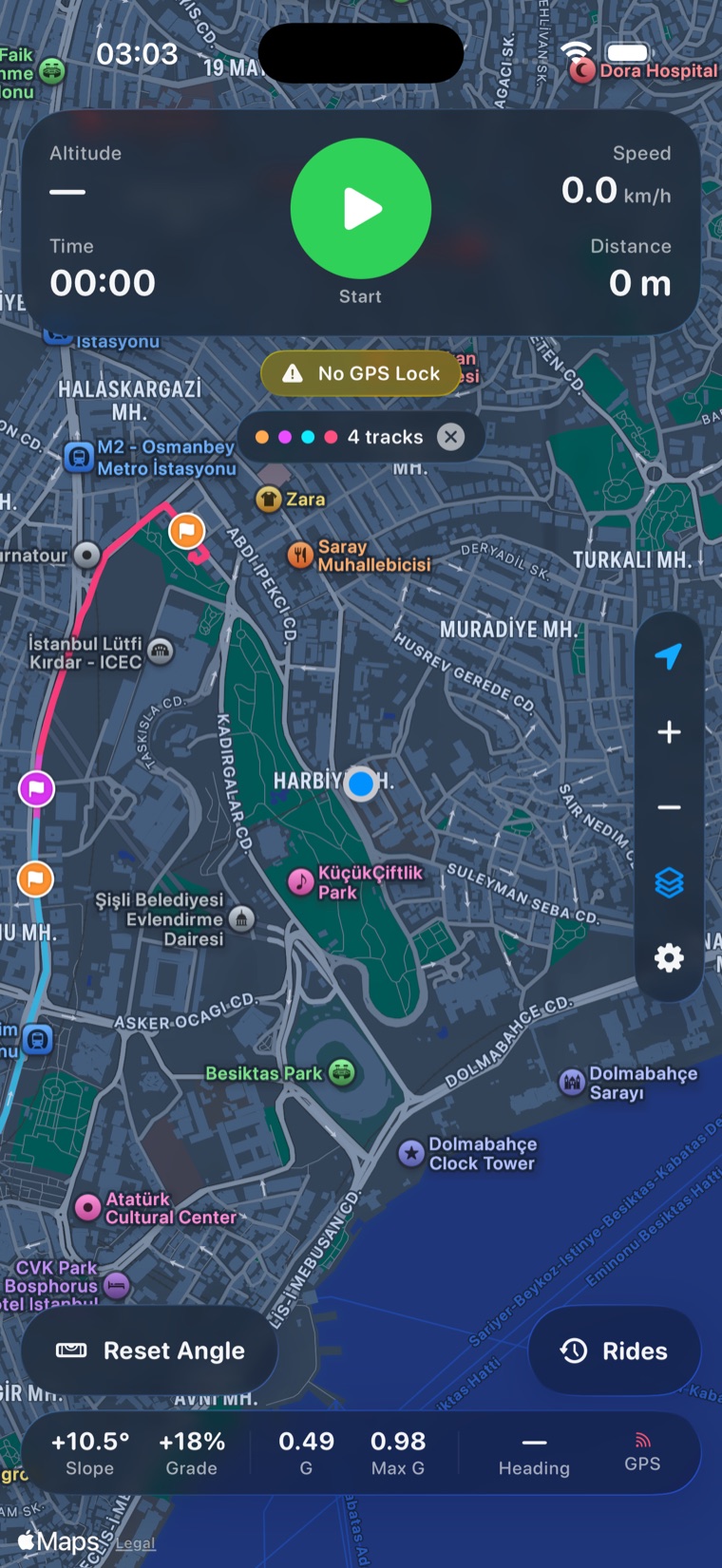
Tap Reset Angle once and the mounted phone becomes zero. Slope, lean and g-force are read in your vehicle’s frame.
Tripper
Introducing Tripper
Built with SwiftUI, CoreMotion and MapKit. No account. No cloud. No tracking — every ride stays on your device.
Tap Reset Angle once and the mounted phone becomes zero. Slope, lean and g-force are read in your vehicle’s frame.
Braking, acceleration and cornering in the horizontal plane, with pothole jolts filtered out.
No account, no cloud, no analytics, no third-party SDKs. Rides leave your device only when you export them.
Most apps measure motion in the phone’s frame, which means little when the phone is clamped to your bars at an angle. Tripper measures it in your vehicle’s frame, so level ground reads zero degrees however the phone sits in its mount.
While recording, the only centre button is Pause. Finishing takes two deliberate steps.
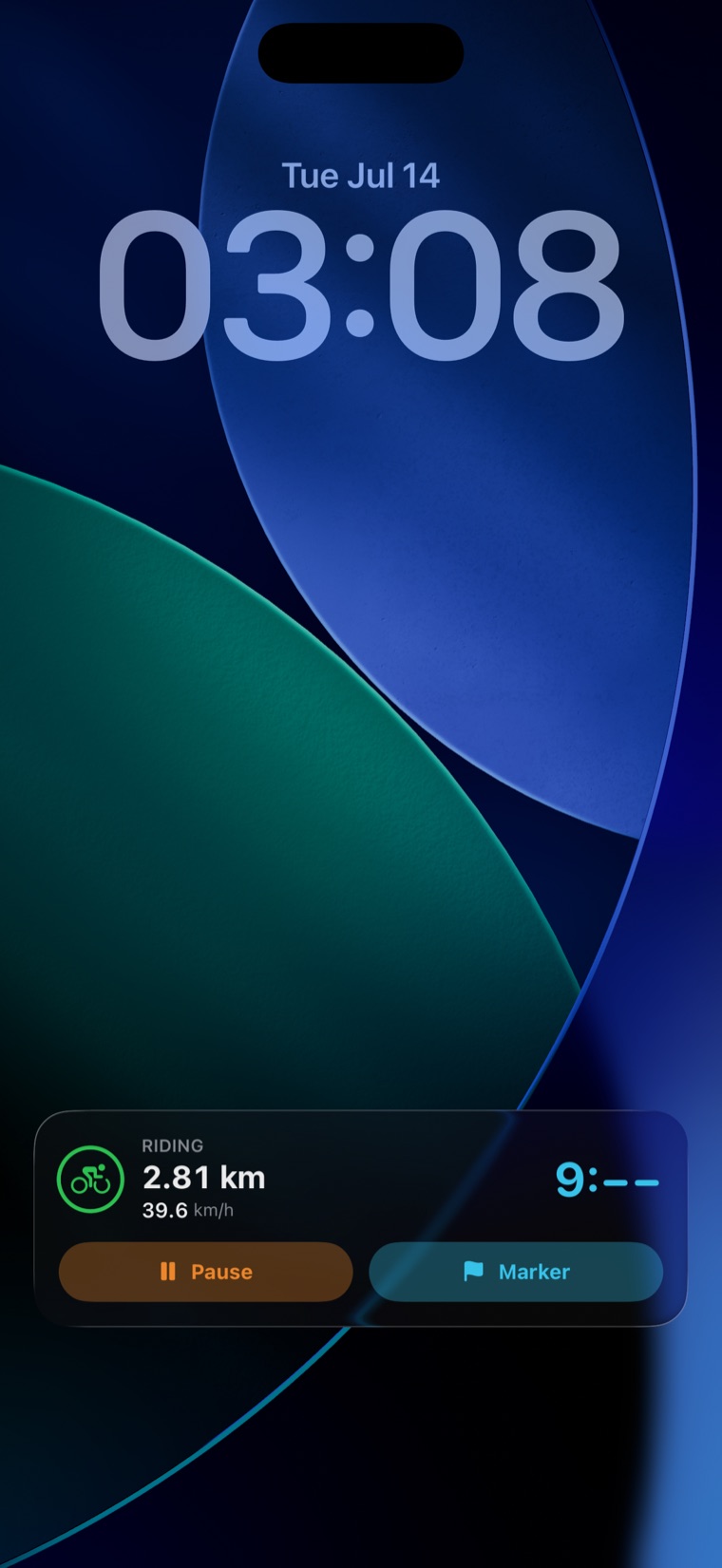
GPS and motion keep logging in your pocket; pause, resume or mark from the Dynamic Island and Lock Screen.
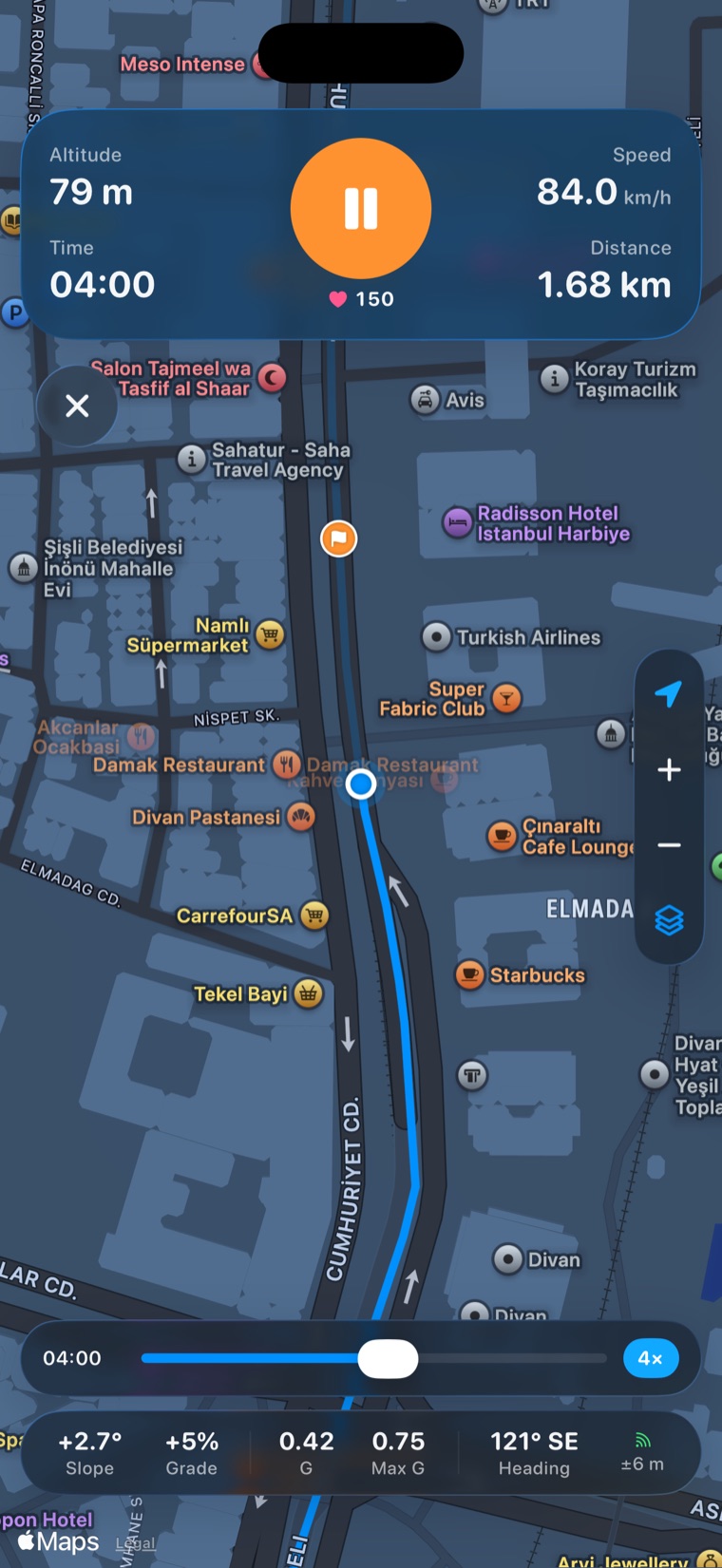
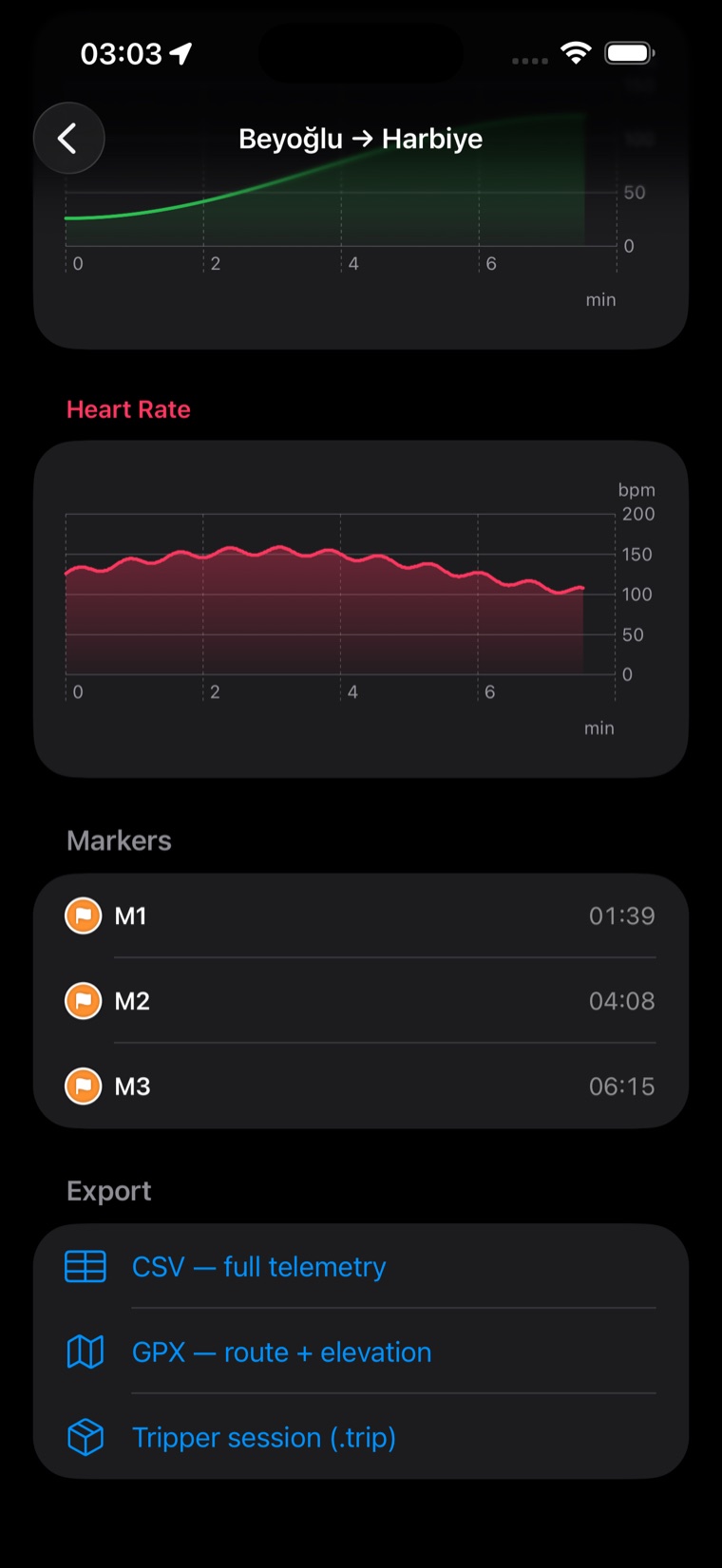
Drop a timestamped marker — a clap, a landmark — to line telemetry up with action-cam footage.
Overlay previous tracks on the live map, each in its own colour.
GPS at navigation accuracy. Elevation from the barometer fused with GPS.
Road grade over a rolling window; slope and lean in your vehicle’s frame.
Sustained peaks in the horizontal plane; heart rate from Apple Watch. Motion sampled at up to 100 Hz.
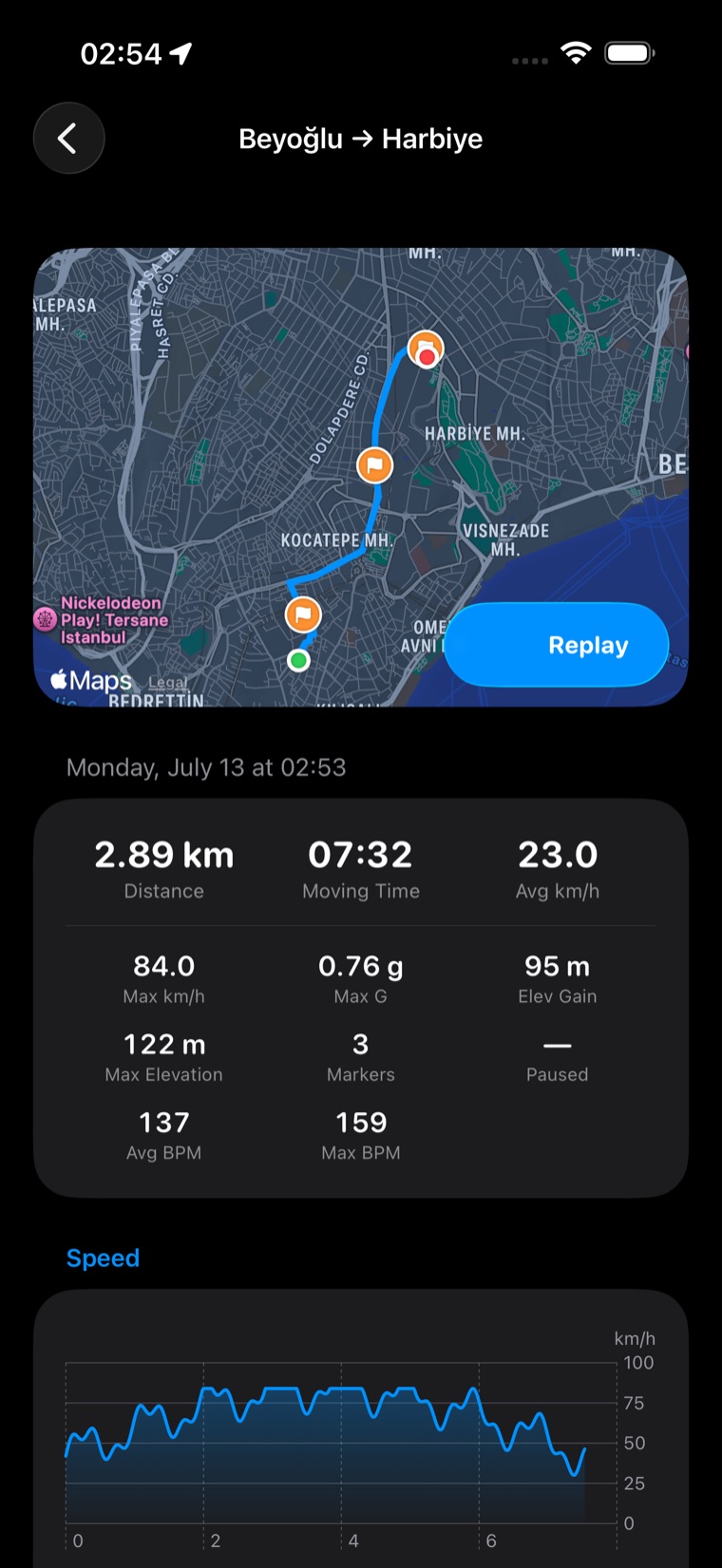
The live dashboard, replayed, with every value read from the ride.
Scrub or play. Values are interpolated between samples, so a 1 Hz ride plays back as motion.
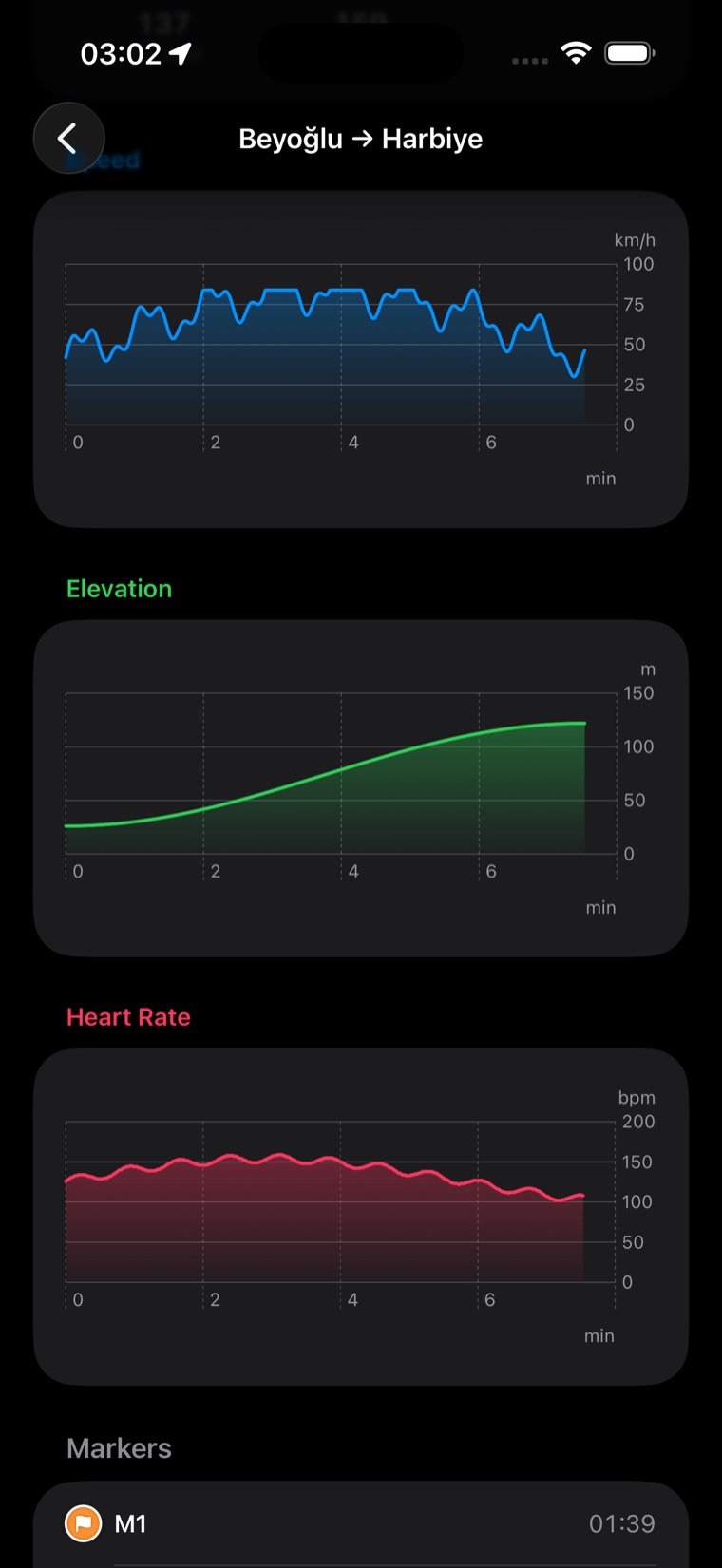
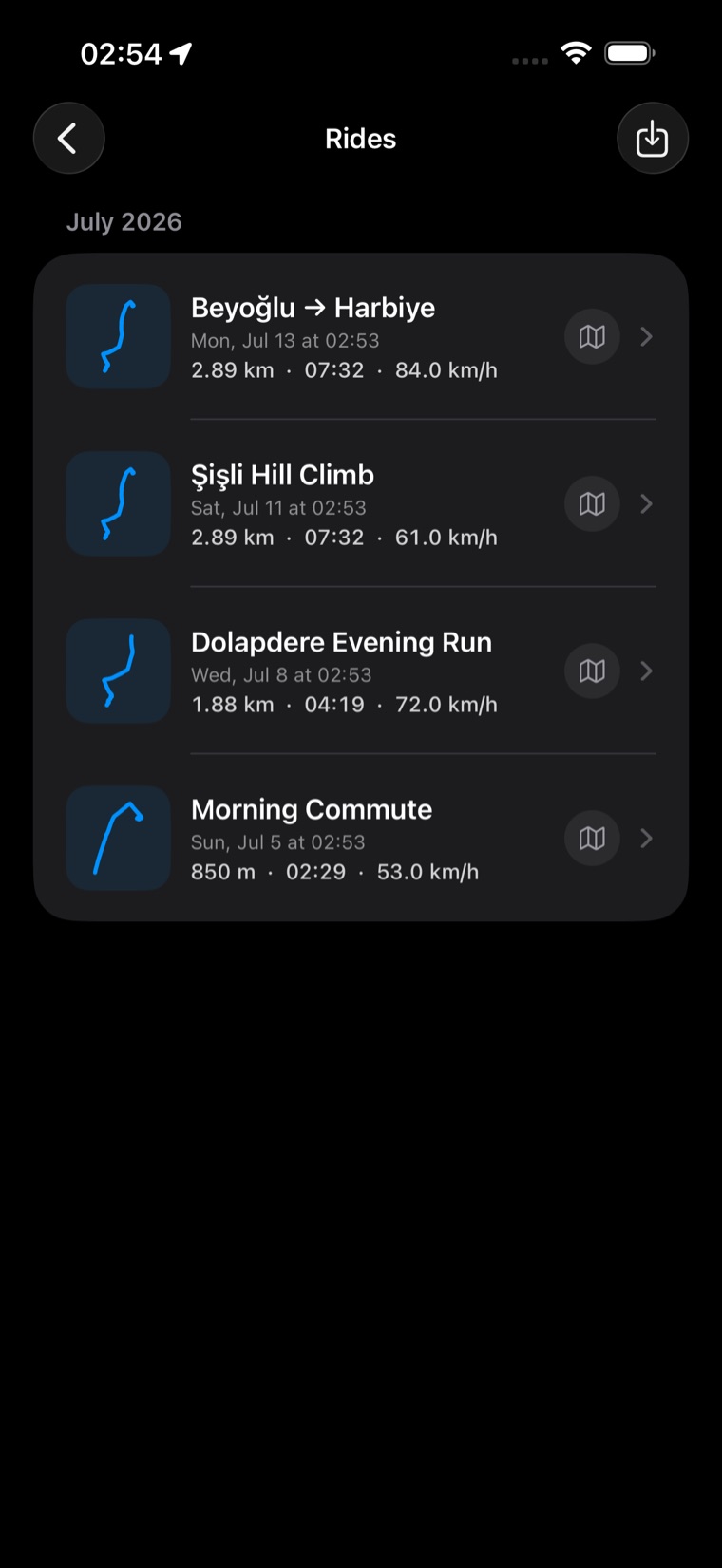
Speed, elevation and heart rate, with distance, moving time, average and top speed, elevation gain and peak g.
One row per sample, shaped for overlay tools like DashWare and Telemetry Overlay.
GPX with g-force, slope, grade and heart rate per point; .trip keeps everything losslessly.
Bring rides in from .trip, GPX, KML or CSV; speed, distance, heading and grade are derived for foreign tracks.
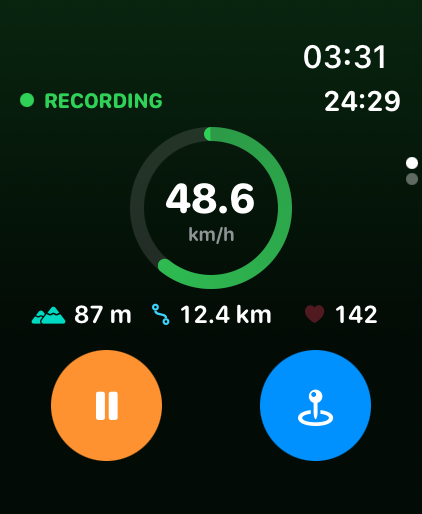
Speed ring, running clock, altitude, distance and live heart rate.
Starting a ride on the phone starts the watch — no need to open the app there.
The dashboard is on screen when you raise your wrist, and the ride credits your activity rings.
Mount your phone, tap Start, and every metre is yours. No account. No cloud.
Requires iOS 26 or later · Apple Watch requires watchOS 11 or later